PrimeSuite xxHFL4373D/10 Page 8
3. TV overview
This section gives you an overview of
commonly used TV controls and functions.
Please read section 3 to 6 to set the basic
consumer menu first, and then follow the
instructions in section 7 to set the Professional
mode menu.
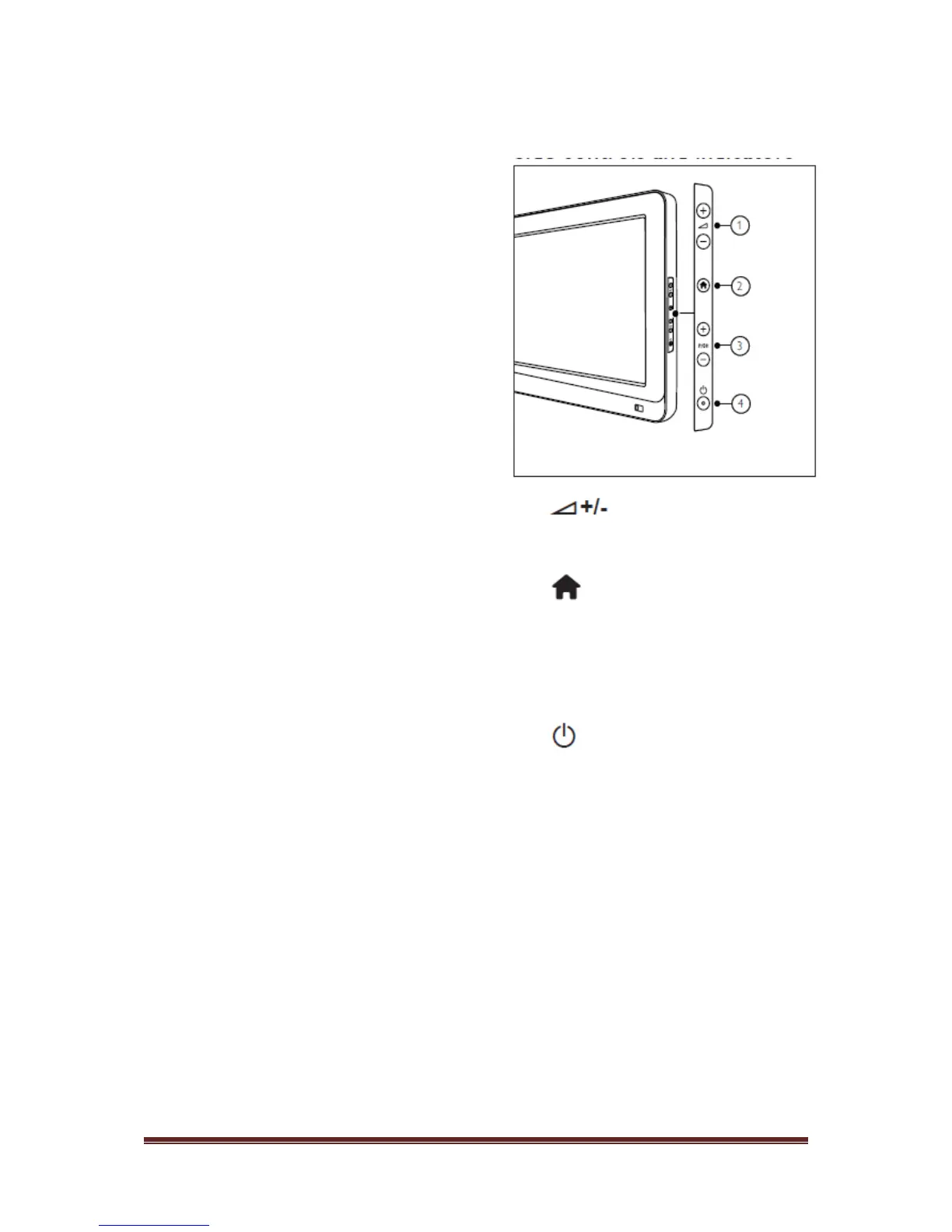
Side controls and indicators
: Increases or decreases
volume.In the home menu, press these
buttons to move horizontally.
Home : Accesses the home
menu.Press again to launch an activity in
the home menu.
P/CH +/- : Switches to the next or
previous channel. In the home menu,
press these buttons to move vertically.
Power : Switches the TV on or off
.












 To Next Page