English
10
Remotecontrolfunction
b
c
a
d
f
i
p
q
s
r
t
j
k
l
n
o
m
h
g
e
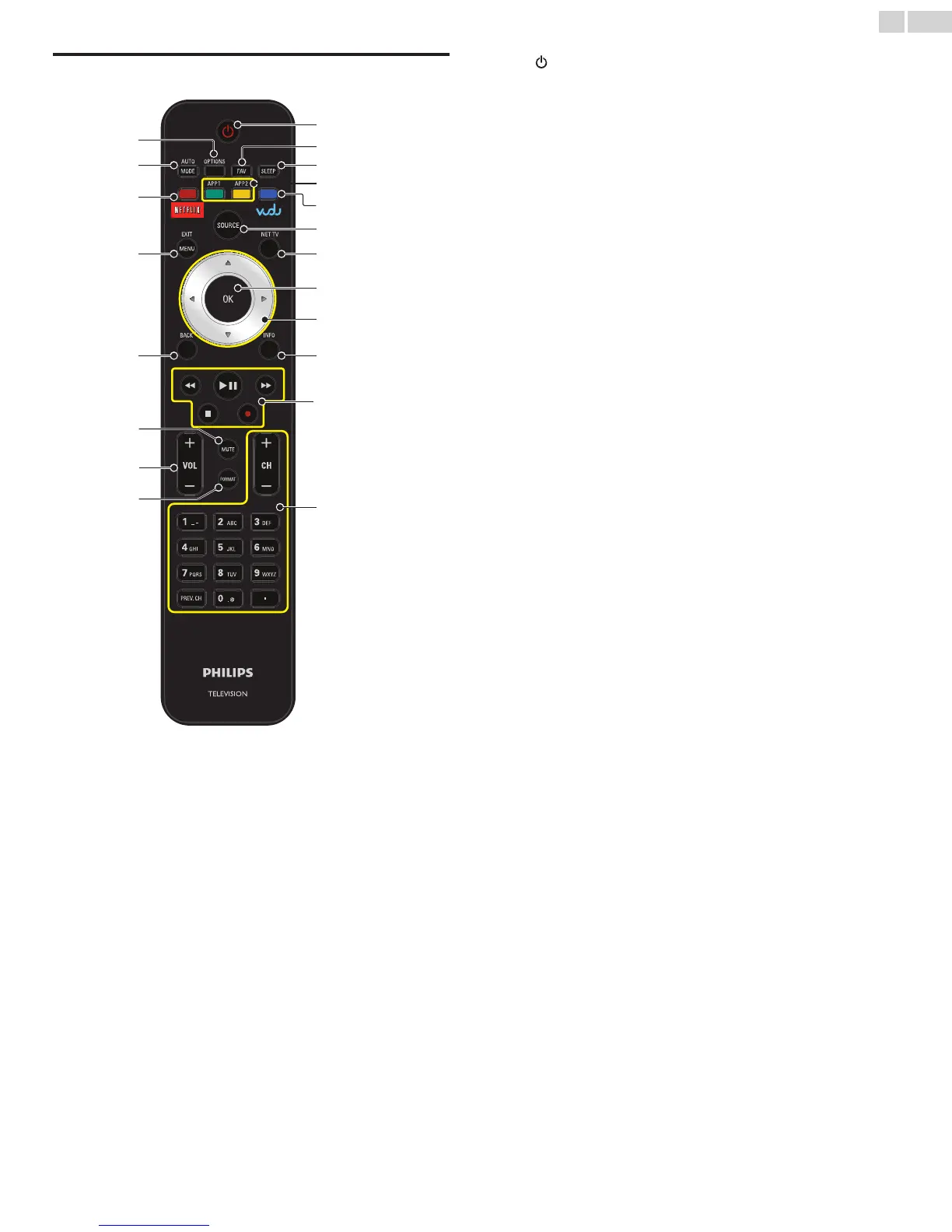
a (POWER-ON/STANDBY-ON)
Press to Turn the unit On and go into Standby mode.
To completely Turn Off the unit, you must unplug the AC power
cord.
b FAVFAV
Displays a list of all channels marked as favorite.
(Includes subchannels)
c SLEEP
Press to activate the sleep timer.
d COLORbuttons(green/yellow)
Functionally useful for Net service.
e VUDUandCOLORbutton(blue)
Starts up VUDU and functionally useful for Net service.
f SOURCE
Toggles to select connected devices.
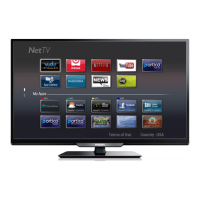
g NETTV
Displays the Net TV menu.
h OK
Press to decide the command of setting when the Home menu is
displayed.
i ▲▼◄►(NAVIGATIONbuttons)
Press to move left / right / up / down through the items.
j INFO
Displays information about the TV channel or accessory device.
k EasyLinkbuttons
Functionally useful for EasyLink, Net service and DLNA.
E/D
Press to search backward or forward through the disc.
Æ∆
Press to start, pause or resume playback.
C
Press to stop the disc playback.
I
Press to start or stop video recording.
l 0−9(NUMBERbuttons)
Press to select channels.
• (DOT) Press to shift the subchannel from the main
channel.
PREV.CH Press to return to the previously viewed channel.
CH+/− Press to select channels.
m FORMAT
Selects a picture format.
n VOL+/−
Press to adjust the volume.
o MUTE
Press to Turn the sound On and Off.
p BACK
Press to return to the previous menu operation.
q MENU/E�ITMENU/E�IT
Press to display the Home menu.
r NETFLI�andCOLORbutton(red)
Starts up NETFLIX and functionally useful for Net service.
s AUTOMODEAUTOMODE
Cycles through preset picture and sound settings.
t OPTIONSOPTIONS
Displays a list of menu items applicable to the highlighted object
or screen.







 To Next Page