8
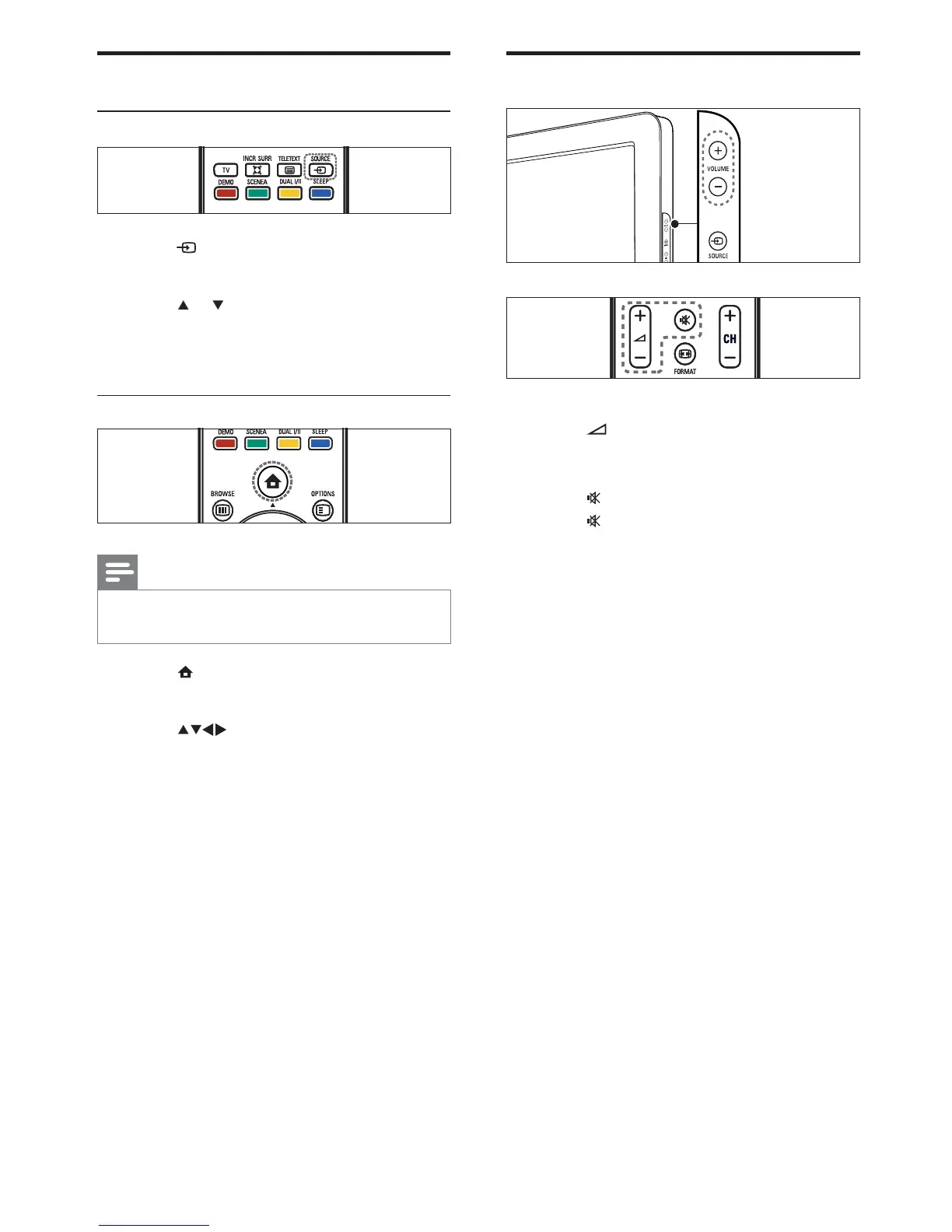
Adjust TV volume
To increase or decrease volume
Press
+/- .
Press VOLUME +/- on the side of the TV.
To mute or unmute sound
Press
to mute the sound.
Press
again to restore the sound.
•
•
•
•
Watch connected devices
Use the source button
1 Press SOURCE .
The source list appears.
2 Press or to select the connected
device.
3 Press OK to watch the connected device.
Use the home menu
Note
You can add new devices to the home menu
for easy access .
•
1 Press ( Home ).
The home menu appears.
2 Press to select the device.
3 Press OK to watch the connected device
on your TV.
»
»
EN









 To Next Page