12 EN
Cleaningschedule
Frequency Cleaningmethod
When necessary
Wipe the plastic part of the appliance with a soft, dry cloth
Clean the air outlet cover
displays on the screen
Clean the surface of the lter
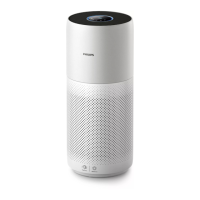
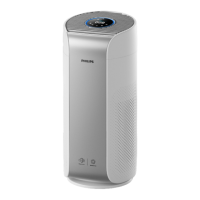
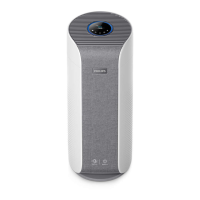
Cleaningthebodyoftheappliance
Regularly clean the inside and outside of the appliance to prevent dust from collecting.
1 Wipe the fabric surface gently with a damp cloth.
2 Use a soft, dry cloth to clean both the interior and exterior of the appliance and the air outlet.
Cleaningthewatertank
1 Clean the water tank every week to keep it hygienic.
2 Take out the humidication lter.
3 Fill the water tank with water.
4 Add some mild washing-up liquid mixed with water in the water tank.
5 Clean the inside of the water tank with a soft clean cloth.
6 Empty the water tank into a sink.
7 Put the humidication lter back into the water tank.
Cleaningthesurfaceofthelter
Filteralertlightstatus Action
The lter cleaning alert
displays on the screen.
Clean the surface of the lter with a
vacuum cleaner.
1 Switch o the appliance and unplug from the power socket.
2
5
63
4



 To Next Page
 Loading...