9
English
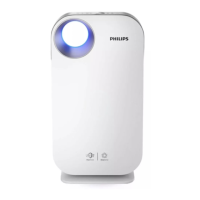
A Air outlet D Filter (FY4200)
B Particle sensor E Front cover
C Control panel F Adapter (ZD060A240250EU)
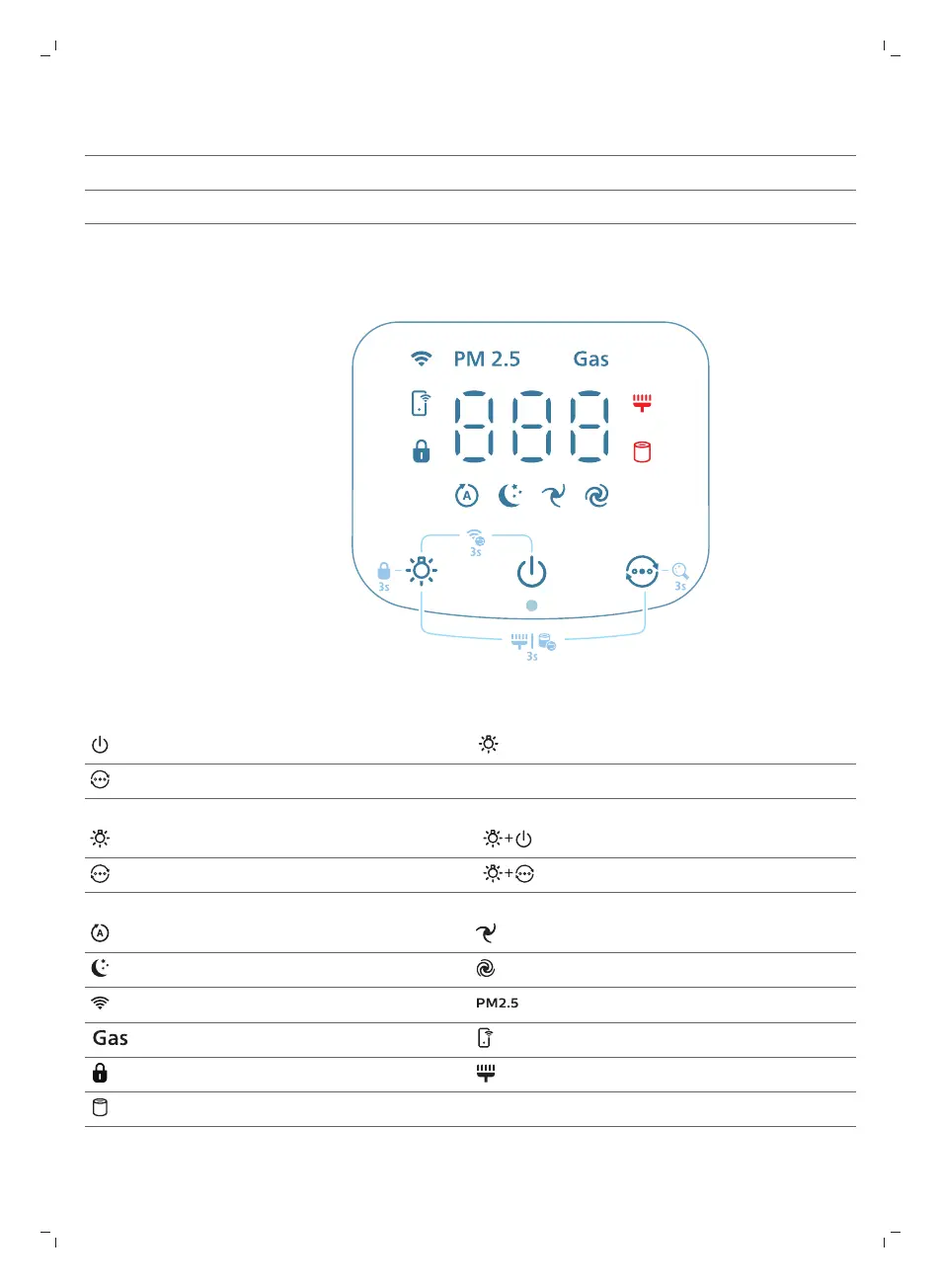
Controls overview
Control buttons:
Power on/off button Light function button
Mode switch
Long press the button(s) for 3 seconds:
Child lock Wi-Fi reset
Display switch Filter reset
Display panel:
Auto mode Medium mode
Sleep mode Turbo mode
WiFi indicator PM2.5 display
Gas display App-operated mode
Child lock indicator Filter cleaning alert
Filter replacement alert


 To Next Page