17
English
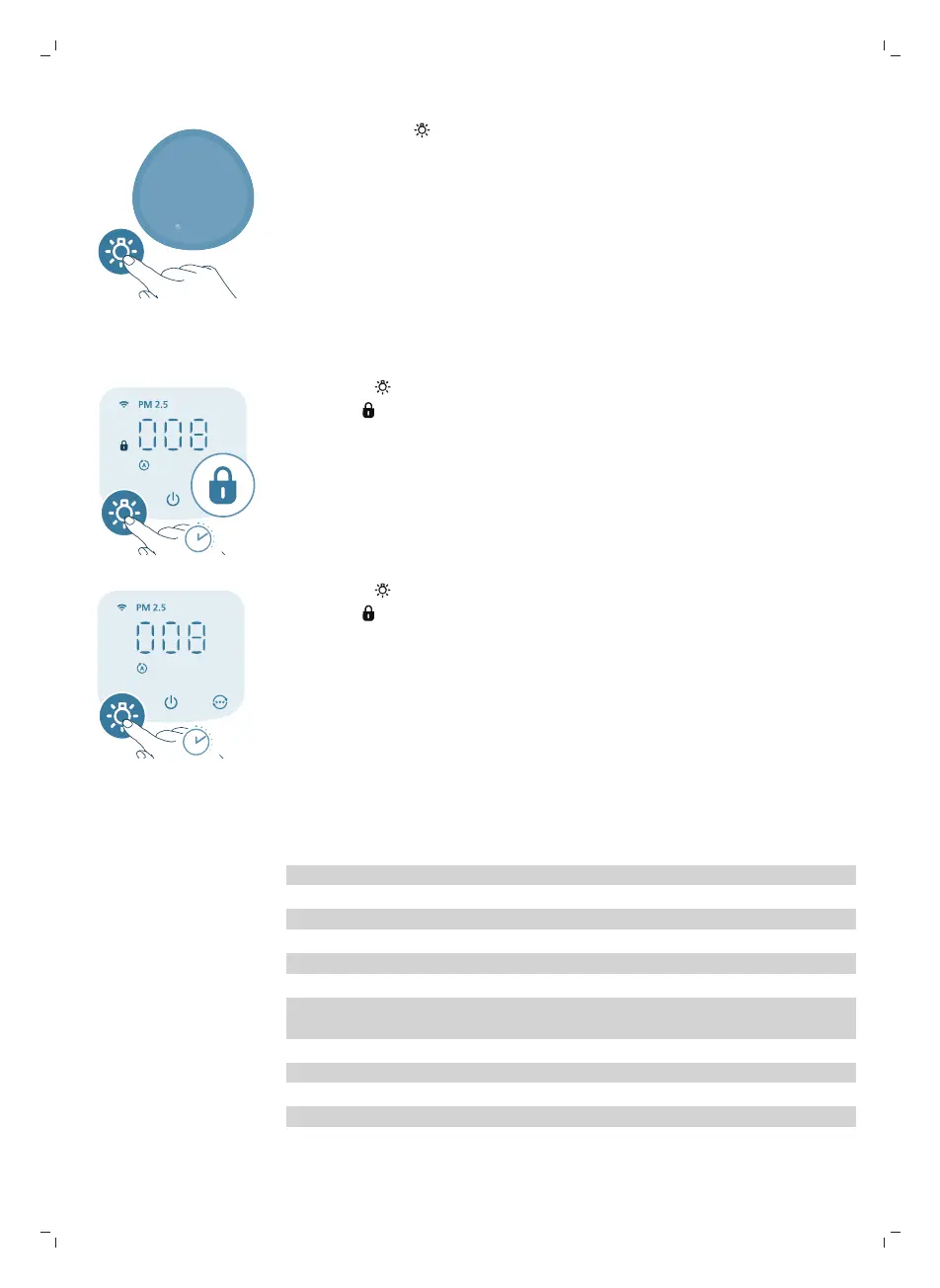
You can press the button to turn off all lights and the control panel. Press the
button again to wake up all lights.
Setting the child lock
1 Press the button for 3 seconds to activate the child lock.
-
The displays on the screen.
2 Press the button for 3 seconds again to deactivate the child lock.
-
The disappears from the screen.
Cleaning and maintenance
Note:
Always unplug the appliance before you clean it.
Never immerse the appliance in water or any other liquid.
Never use abrasive, aggressive, or flammable cleaning agents such as bleach or
alcohol to clean any part of the appliance.
Never use any liquids (including water) to clean the filter.
Do not attempt to clean the particle sensor with a vacuum cleaner.


 To Next Page