14
English
Gas refers to the level of potential harmful gases (incl. VOC, odors, etc.).
Gas level Air quality color Air quality level
L1 Blue Good
L2 Blue-purple Fair
L3 Purple-red Poor
L4 Red Very poor
Turning on and off
Note:
For optimum purification performance, close doors and windows.
Keep curtains away from the air inlet or air outlet.
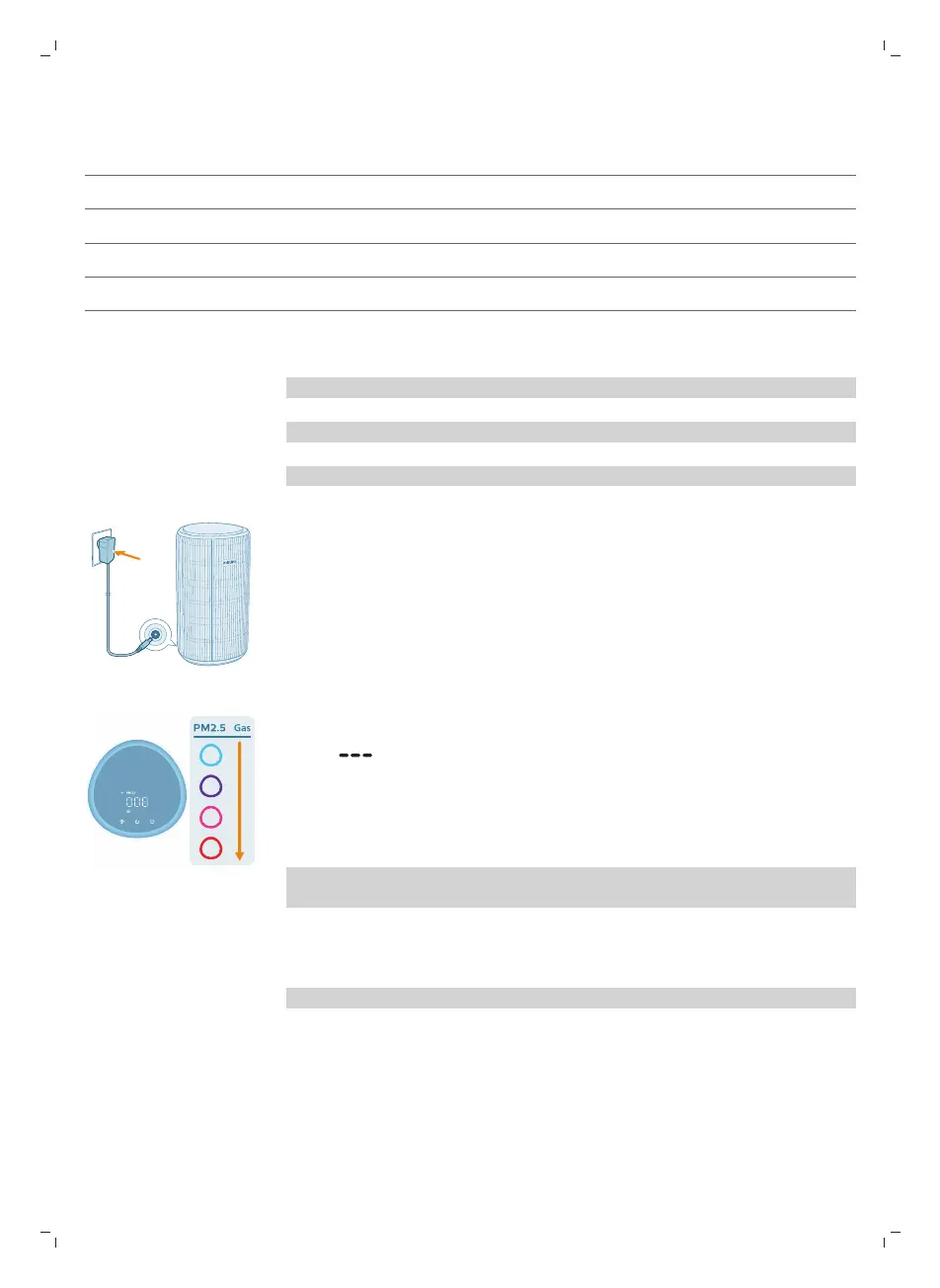
1 Put the plug of the air purifier in the power socket.
2 Press the power button to switch on the air purifier.
-
The air purifier beeps.
-
The displays on the screen during warming up. Then the air purifier
shows the PM2.5 level after measuring the air quality.
-
The air purifier operates in the Auto mode with PM2.5 displayed on the
screen.
3 Press the power button again to switch off the air purifier.
Note: If the air purifier stays connected to the electrical outlet after turning OFF,
the air purifier will operate under the previous settings when turned ON again.
Display switch
Note: The appliance displays PM2.5 level by default.


 To Next Page