15
English
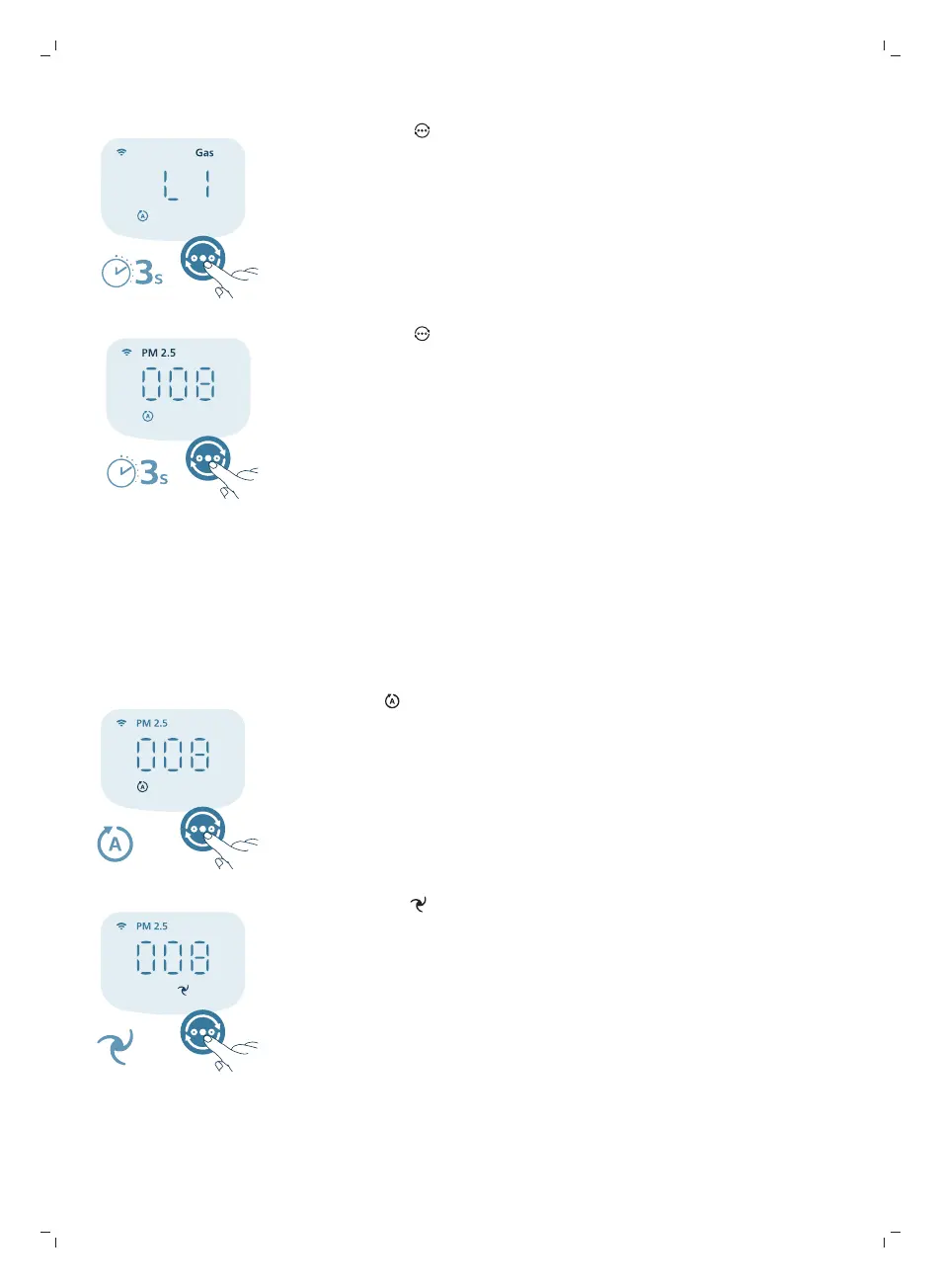
1 Press and hold button for 3 seconds to switch display indicator to Gas.
2 Press and hold button again to switch display indicator back to PM2.5.
Changing the mode setting
You can choose between the Auto mode, the Medium mode, the Turbo mode,
or the Sleep mode by pressing the mode switch button. Additional operating
modes can be selected in the Air+ app.
Auto mode ( ):The air purifier automatically adjusts the fan speed in
accordance with the ambient air quality.
Medium mode ( ): In the Medium mode, the air purifier operates on a
medium speed.


 To Next Page