- English 23 -
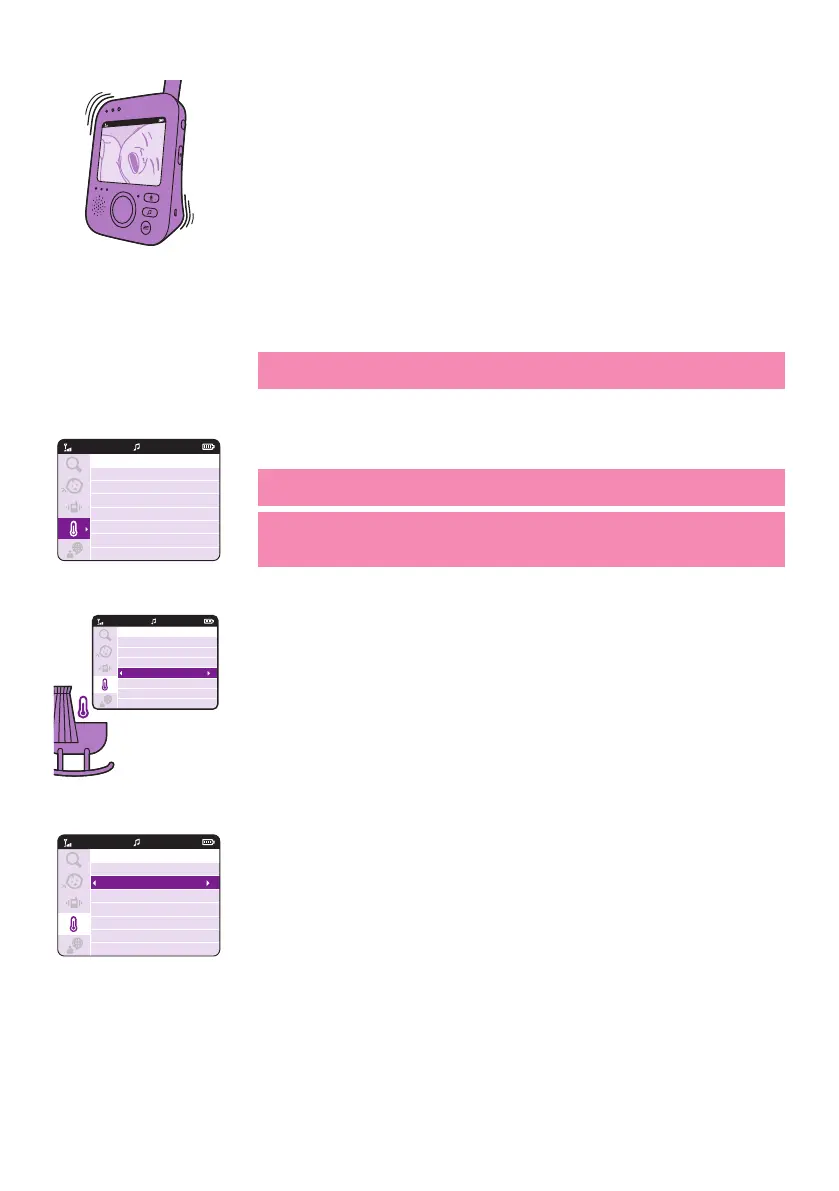
3 Press the left part of the control button to save the new setting and to
return to the main menu�
Temperature
The temperature sensor enables you to monitor the temperature in your
baby’s room�
Note: The current temperature in your baby‘s room is shown in the
status bar of the parent unit�
1 Press the right part of the control button to access the temperature
options�
Tip: You can change the temperature unit from C (Celsius) to F
(Fahrenheit) by selecting the unit option�
Tip: Please do ensure the temperature sensor is not placed too close to
2
3 You can select the alert option to turn on the alert� To change the
menu�
VIDEO
20°C
1
Temperature
Unit
Max
Min
Alert
VIDEO
20°C
1
Temperature
Unit
Max
Min
Alert
°C
27
15
On
VIDEO
20°C
1
Temperature
Unit
Max
Min
Alert
°C
27
15
Off
VIDEO








 To Next Page