EasyManua.ls Logo

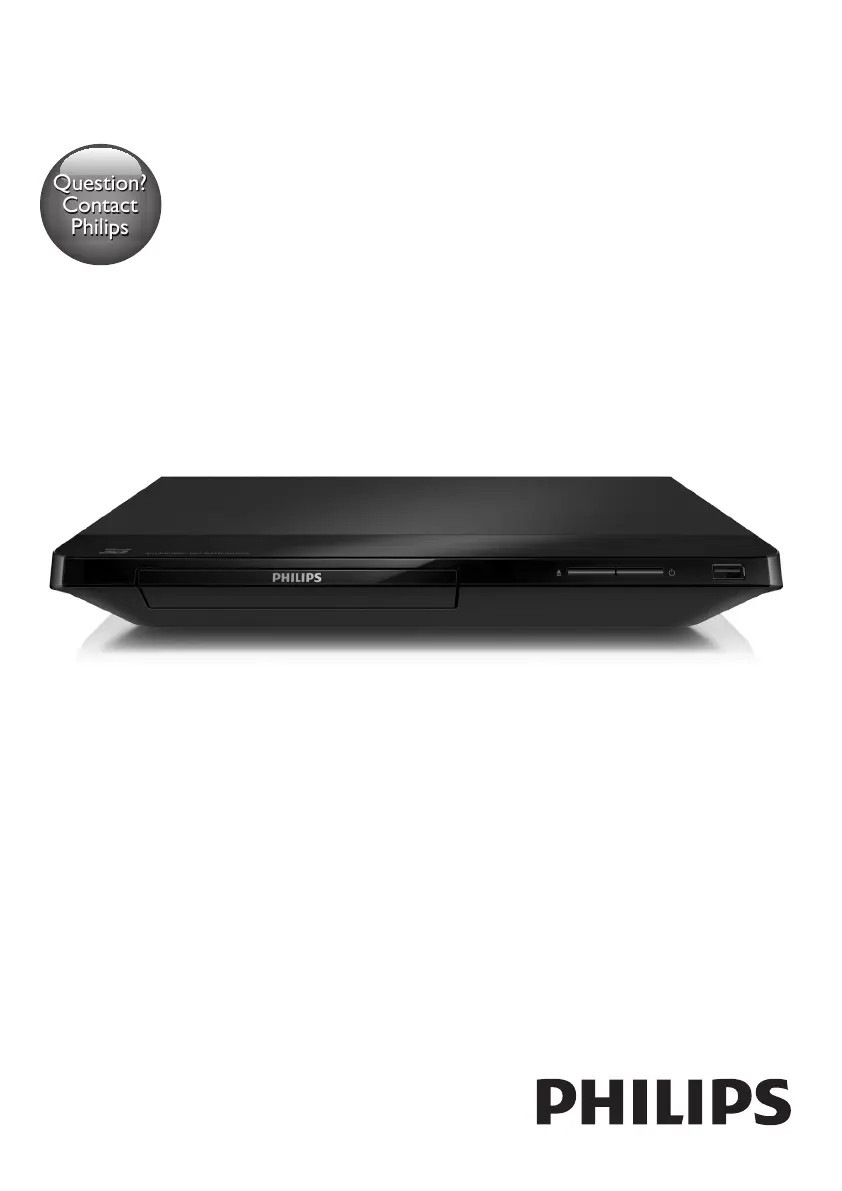
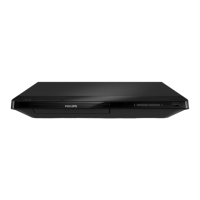
Philips BDP2285/12 - User Manual

Philips BDP2285/12
28 pages
Print Icon
To Next Page IconTo Next Page
Loading...
www.philips.com/support
User manual
Always there to help you
Register your product and get support at
BDP2285
Question?
Contact
Philips

Questions and Answers

  • J
    Jessica CarterSep 3, 2025
    How to fix no audio output from TV with Philips Blu-ray Player?
    • E
      elizabethcruzSep 3, 2025
      If there is no audio output from the TV when using your Philips Blu-ray Player, ensure that the audio cables are connected to the audio input of the TV. Also, make sure that the TV is switched to the correct source input for the player.
  • T
    Tina CabreraSep 1, 2025
    Why Philips Blu-ray Player wireless network is not found?
    • R
      Rachel Medina DDSSep 1, 2025
      If the wireless network is not found or is distorted on your Philips Blu-ray Player, first ensure that the network is correctly connected and that the network installation is complete. Also, make sure that the wireless network is not being disturbed by microwave ovens, DECT phones, or other neighboring Wi-Fi devices. If the wireless network still doesn't work properly, try a wired network installation.
  • R
    ronald22Aug 31, 2025
    What to do if internet services do not work on Philips Blu-ray Player?
    • W
      Walter LopezAug 31, 2025
      If internet services are not working on your Philips Blu-ray Player, ensure that the network is correctly connected and the network installation is completed. Check the router connection, referring to the user manual for the router for assistance.
  • M
    michael19Aug 29, 2025
    Why Philips BDP2285/12 Blu-ray Player cannot play a disc?
    • J
      jacobsonsandraAug 29, 2025
      If your Philips Blu-ray Player cannot play a disc, try the following: First, clean the disc. Then, make sure the disc is correctly loaded. Check the 'Specifications' section to confirm that the player supports the disc type. Also, verify that the player supports the region code of the DVD or BD. If you are using a DVD±RW or DVD±R, ensure that the disc is finalized.
  • S
    Sean WashingtonAug 28, 2025
    Why EasyLink feature does not work on Philips Blu-ray Player?
    • T
      Tammy CastilloAug 28, 2025
      If the EasyLink feature does not work on your Philips Blu-ray Player, ensure that the player is connected to a Philips brand EasyLink TV and that the EasyLink option is turned on.
  • D
    david59Aug 27, 2025
    Why no audio output from loudspeakers with Philips Blu-ray Player?
    • D
      David BryantAug 27, 2025
      If there is no audio output from the loudspeakers of the external audio device (home theater or amplifier) when using your Philips Blu-ray Player, ensure that the audio cables are connected to the audio input of the audio device. Also, switch the external audio device to the correct audio source input.
  • P
    Paul BrownAug 25, 2025
    How to fix Philips BDP2285/12 buttons that do not work?
    • J
      John AcostaAug 25, 2025
      If the buttons on your Philips Blu-ray Player do not work, disconnect the player from the power supply for a few minutes, and then reconnect it.
  • R
    renee23Aug 22, 2025
    Why is there no sound on HDMI connection with Philips Blu-ray Player?
    • M
      Molly GoodAug 23, 2025
      You may not hear any sound from the HDMI output on your Philips Blu-ray Player if the connected device is non-HDCP compliant or only DVI-compatible.

Philips BDP2285/12 Specifications

General IconGeneral
BrandPhilips
ModelBDP2285/12
CategoryBlu-ray Player
LanguageEnglish

Related product manuals