EasyManua.ls Logo

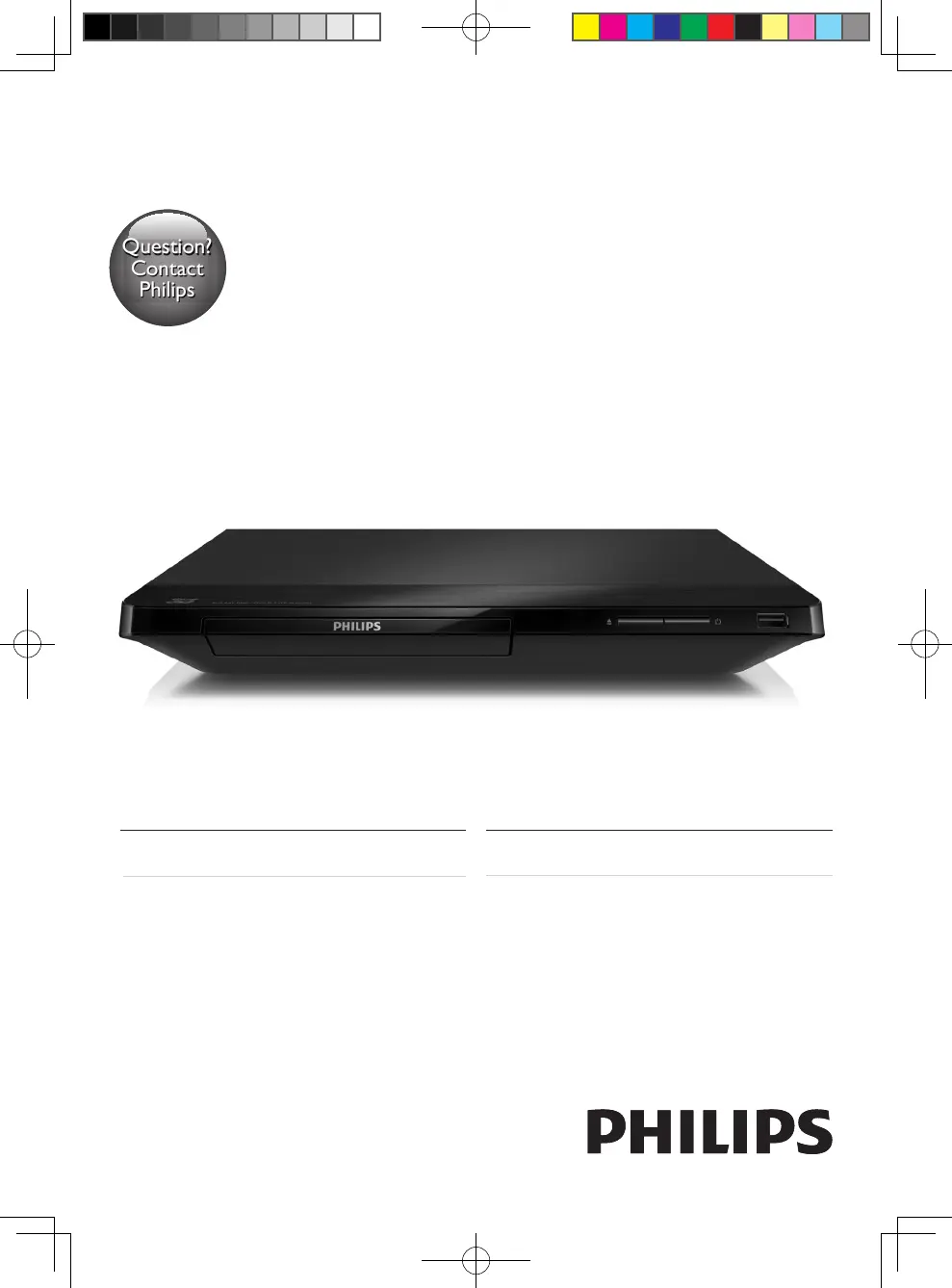
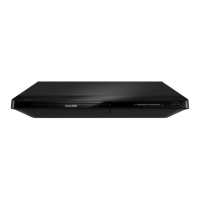
Philips BDP2285 - User Manual

Philips BDP2285
48 pages
Print Icon
To Next Page IconTo Next Page
Loading...
BDP2285
Register your product and get support at
www.philips.com/welcome
Always there to help you
Register your product and get support at
使用手冊User manual
Question?
Contact
Philips
Question?
Contact
Philips
BDP2285_96_UM_V1.0.indb 1 4/11/2014 2:03:07 PM

Other manuals for Philips BDP2285

Questions and Answers

  • D
    Daniel RussellSep 3, 2025
    How to fix no audio output from TV with Philips BDP2285 Blu-ray Player?
    • M
      Melanie GravesSep 3, 2025
      If there is no audio output from the TV when using your Philips Blu-ray Player, ensure that the audio cables are connected to the audio input of the TV. Also, make sure that the TV is switched to the correct source input for the player.
  • C
    Carlos WardSep 1, 2025
    Why Philips Blu-ray Player wireless network is not found?
    • C
      Claudia NobleSep 1, 2025
      If the wireless network is not found or is distorted on your Philips Blu-ray Player, first ensure that the network is correctly connected and that the network installation is complete. Also, make sure that the wireless network is not being disturbed by microwave ovens, DECT phones, or other neighboring Wi-Fi devices. If the wireless network still doesn't work properly, try a wired network installation.
  • C
    Christopher HuffmanAug 31, 2025
    What to do if internet services do not work on Philips BDP2285 Blu-ray Player?
    • J
      james39Aug 31, 2025
      If internet services are not working on your Philips Blu-ray Player, ensure that the network is correctly connected and the network installation is completed. Check the router connection, referring to the user manual for the router for assistance.
  • N
    Nicholas MarshallAug 29, 2025
    Why Philips Blu-ray Player cannot play a disc?
    • A
      Alexis SheltonAug 29, 2025
      If your Philips Blu-ray Player cannot play a disc, try the following: First, clean the disc. Then, make sure the disc is correctly loaded. Check the 'Specifications' section to confirm that the player supports the disc type. Also, verify that the player supports the region code of the DVD or BD. If you are using a DVD±RW or DVD±R, ensure that the disc is finalized.
  • J
    jmeyerAug 27, 2025
    Why EasyLink feature does not work on Philips Blu-ray Player?
    • S
      Stephanie VazquezAug 27, 2025
      If the EasyLink feature does not work on your Philips Blu-ray Player, ensure that the player is connected to a Philips brand EasyLink TV and that the EasyLink option is turned on.
  • C
    Charlene BryantAug 26, 2025
    Why no audio output from loudspeakers with Philips BDP2285?
    • S
      Stephanie WilsonAug 27, 2025
      If there is no audio output from the loudspeakers of the external audio device (home theater or amplifier) when using your Philips Blu-ray Player, ensure that the audio cables are connected to the audio input of the audio device. Also, switch the external audio device to the correct audio source input.
  • J
    Jennifer IrwinAug 25, 2025
    How to fix Philips BDP2285 buttons that do not work?
    • M
      Mark AbbottAug 25, 2025
      If the buttons on your Philips Blu-ray Player do not work, disconnect the player from the power supply for a few minutes, and then reconnect it.
  • J
    Joshua MayoAug 22, 2025
    Why is there no sound on HDMI connection with Philips BDP2285 Blu-ray Player?
    • T
      turnerfrancesAug 22, 2025
      You may not hear any sound from the HDMI output on your Philips Blu-ray Player if the connected device is non-HDCP compliant or only DVI-compatible.

Philips BDP2285 Specifications

General IconGeneral
BrandPhilips
ModelBDP2285
CategoryBlu-ray Player
LanguageEnglish

Related product manuals