Fourthly Step:
FLOW CHART NO.2
FLOW CHART NO.3
FLOW CHART NO.4
FLOW CHART NO.5
Pass in and out can not read dish sometime.
Can not read dish
Line out no sound
Can not pass in and out
Check dish if put on the right position or not.
Check pin connector location XP4 at decoder board is loose or not
Check flat flexible cable locatio XP6 is loose or not
Check optical ,coaxial if has output
Check dish if cleanlily or not.
Fifthly Step:
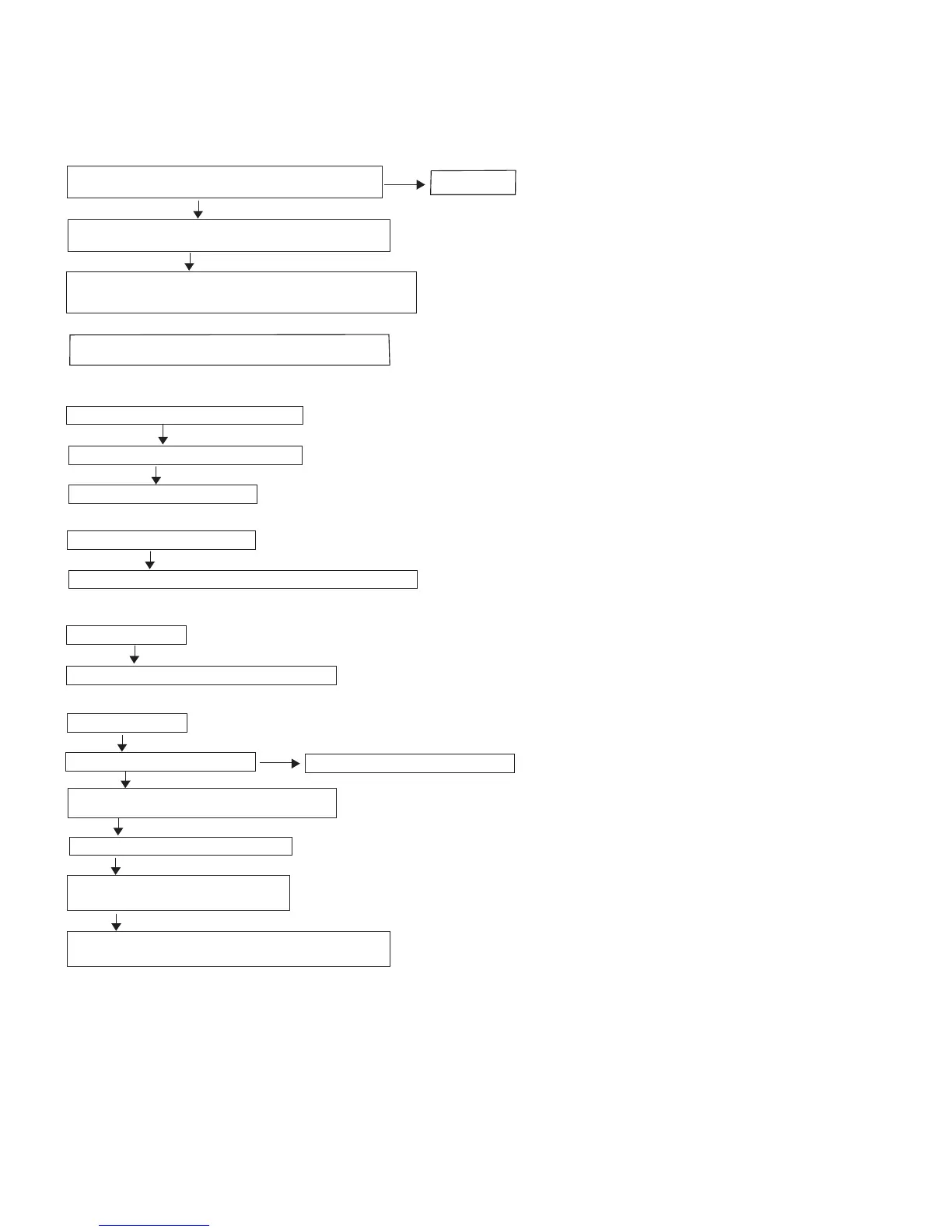
If power supply is normal,check IC G690L which location is
U5 voltage is 3.3V or not
If IC G690L which location is U5 potentiometer always is “0”,
check this circuit if short circuit or not.
Use Oscillograph check IC G690L whcih location is U5,
when turn on the power, its voltage value if change from “0”to 3.3V
at moment
Replace this IC.
If the power still can not be turn on base on above fouth step,
please upgrade the sofeware
Ye s
Ye s
Ye s
Ye s
Ye s
Ye s
No
No
Check signal wire is short circuit or not
Check audio board power is normal or not
Check IIS signal for location PCM1789 on
audio board is normal or not.
Ye s
Check reposition signal for location PCM1789 on audio board
is normal or not,the check pin is #4
Check connect wire between location J1 on audio
board and location xp8 on mpeg board is ok or not
Troubleshooting
10-2



 To Next Page