Troubleshooting
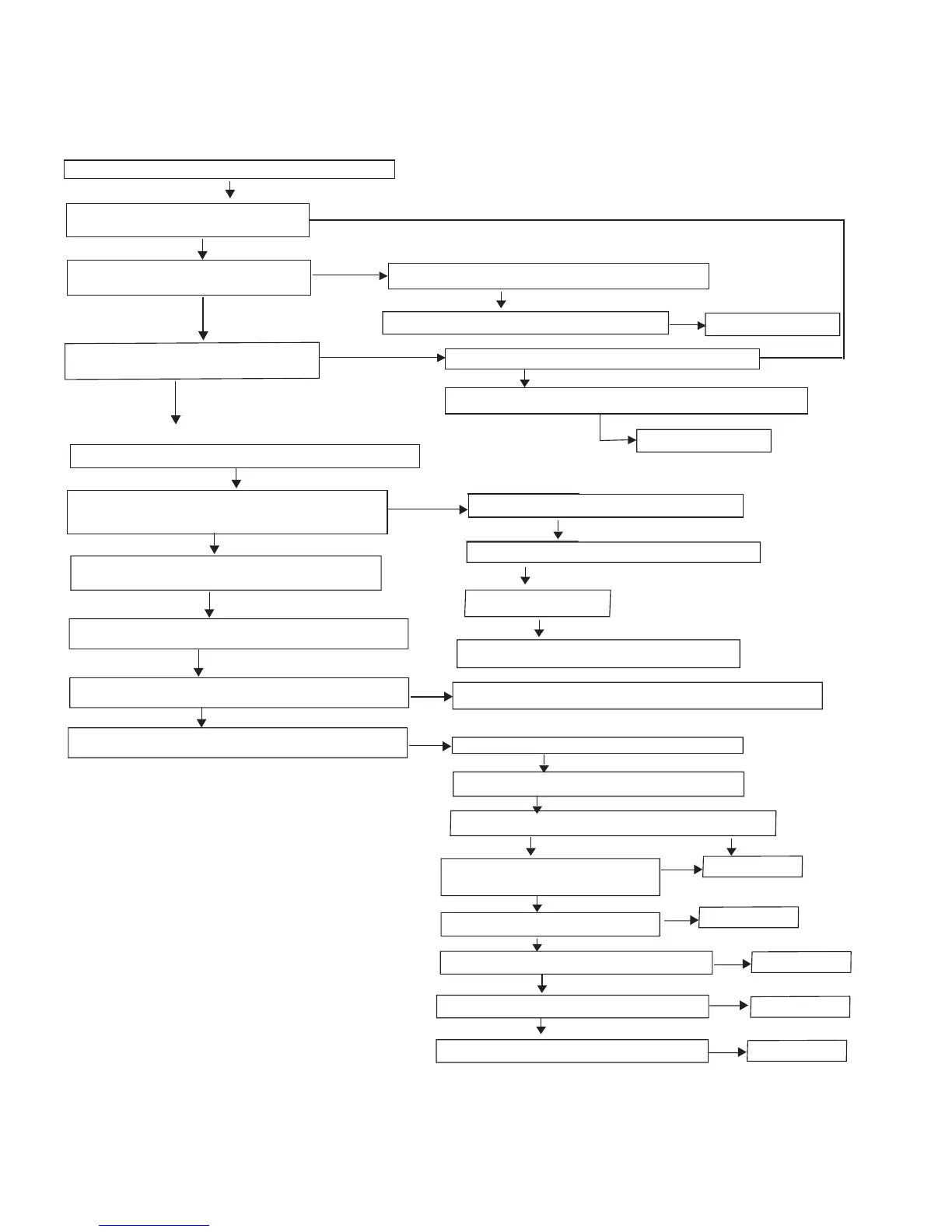
FLOW CHART NO.1
The power cannot be turned on.
Check the Power Cable connect is ok or not
Ye s
Ye s
No
No
No
No
No
No
No
Check the fuse which location are F1& F1A is normal or not.
Check CN1 connector Voltage is 5V or not
in PSU Power Board
Yes
NO
Check transformer secondary coil if has voltage output
Replace the power board
Press power switch, mianframe light is flash but VFD has no signal
Check location Q102 diode on MCU board is normal or not
Check location No CN4 in power board if has normal voltage
:12V,5V,A12V,A-12V,and check CN2 in power board if has
normal voltage:AC3.3V,AC3.3V,-30V.+5V
Ye s
Ye s
Ye s
Ye s
No
Check location CE101 on MCU board voltage
is 3.3V or not.
Check location L103 on MCU board voltage is 5V or not.
Yes
No
Check locatoin No U201 PT6312 in VFD board if has
normal voltage:#27 -30V,#14,38 5V
Check location No from PSU to PT6312 if voltage super track is
short circuit or cut circuit
Use Oscillograph to check VFD data cable if has normal nignal
or not, the check pin is #5,#6DATA,#8 CLK,#9 STB.
Check data cable which connect the port and VFD board is
cut circuit or not, if cut circuit, please repair it .
Check Decoder board power supply is correct or not.
Check pins connector which location is PWR1
voltage if is 12V,5V,A12V,A-12V.
Check AP1538 which location is U2 if has 1.1V output and
capacitor which location is CE3 is working normal or not
Check AP1538 which location is U4 if has 1.8V
output and capacitor which location is CE24 is
working normal or not,
Check the pin#1,#2,#3 of IC9435 which location
is U11 if has 5V output
Check IC1117 which location is U3 if has 3.3V output
and capacitor which location is C16 is working normal or not
Check IC1122 which location is U1 if has 1.2V output
and capacitor which location is CE2 is working normal or not
Check IC1084 which location is U8 if has 3.3V output
and capacitor which location is C18 is working normal or not
Replace this IC.
No
Replace this IC.
No
Replace this IC.
No
Replace this IC.
No
Replace this IC.
Check MOSI is bad or not
Check fuse which lacation is F1,F1A if is bad or not.
Yes or No,Pleae confirm it
Yes or No,Pleae confirm it
Yes
Yes
Yes
Yes
Yes
Yes
Check transformer which location is T3 is bad or not
Check pin #4,#5,#6 STB,CLK,DATA of port J2 in decoder board to
see the signal is normal or not.
Check lacation no is C5 wchich voltage is 250v or not
No
Replace the power board
10-1



 To Next Page