EasyManua.ls Logo

Philips BDP7502 - User Manual

Philips BDP7502
68 pages
Print Icon
To Next Page IconTo Next Page
Loading...
Register your product and get support at
www.philips.com/welcome
User Manual
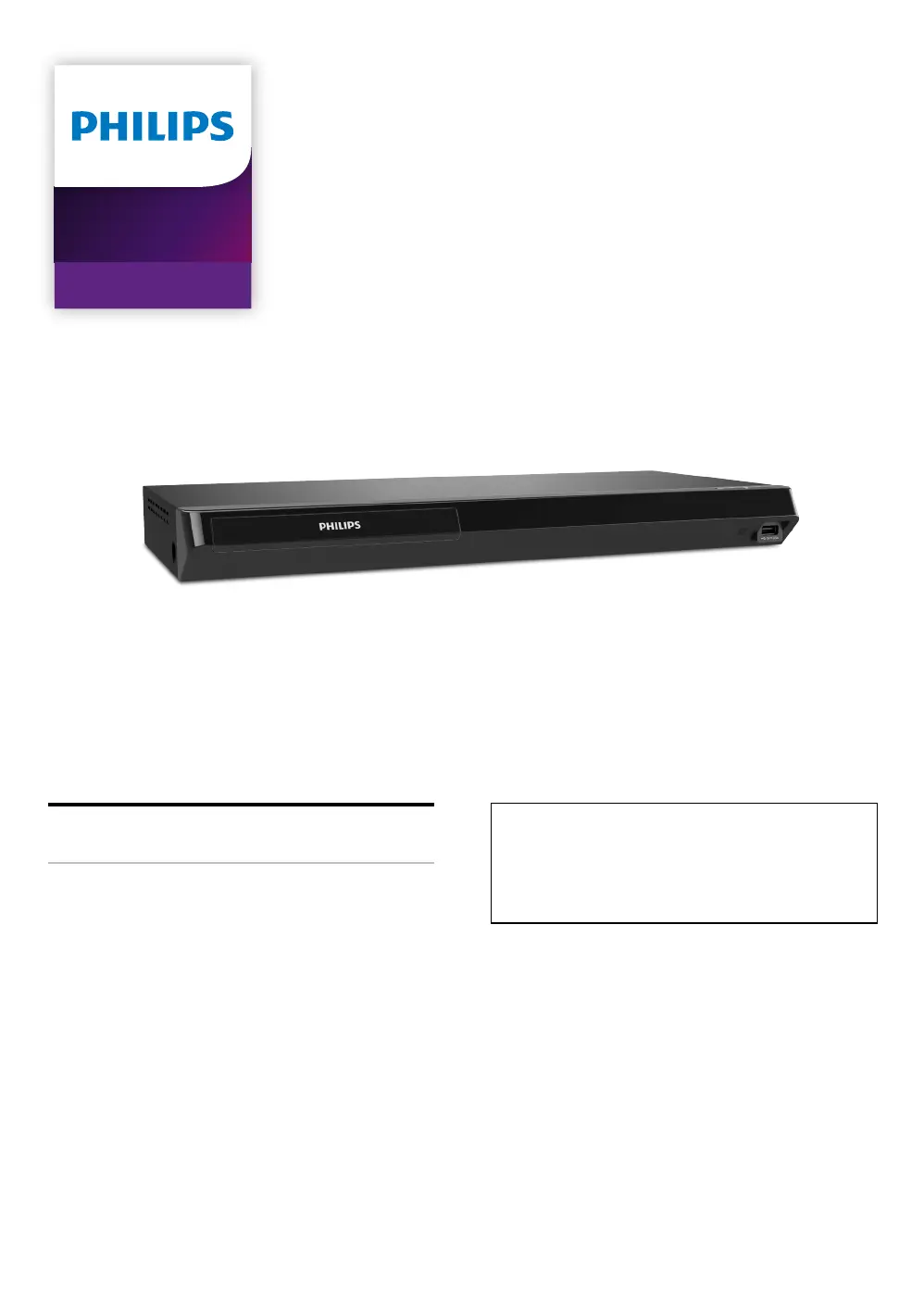
BDP7502
4K Ultra HD
Blu-ray Player
For further assistance, call the customer
support service in your country.
To obtain assistance, contact Philips Customer
Care Center;
In the U.S.A., Canada, Puerto Rico, or the U.S.
Virgin Islands; 1-866-202-5960

Other manuals for Philips BDP7502

Questions and Answers

Summary

Introduction and Safety Instructions

Important Safety Instructions

Product Safety and Operation Guidelines

Electrical Shock and Fire Prevention

Precautions regarding handling the power cord and unit to prevent hazards.

Product Support and Accessories

Product Features Overview

Unit Functional Overview

Top and Front Panel Controls

Identification of controls and inputs on the top and front of the unit.

Rear Panel Connections

Identification of ports and connections available on the rear of the unit.

Remote Control Operation

Detailed Button Functions

Explanation of the function of each button on the remote control.

Remote Control Usage and Maintenance

Battery Installation and Precautions

Step-by-step guide for inserting batteries and important safety precautions.

On-Screen Display Navigation

Home Menu Navigation

Overview and explanation of the main home menu interface.

External Device Connections

HDMI Video and Audio Setup

Instructions for connecting the unit to a TV or AV receiver via HDMI.

HDMI Connection Settings

HDMI Audio Output Configuration

Audio Format Support

Table detailing audio output options and supported formats via HDMI.

Network Connectivity

Wired Network Setup

Guide for setting up a wired Ethernet connection to the network.

Wireless Network Configuration

Wi-Fi Setup Guide

Guide for setting up a wireless Wi-Fi connection to the network.

Initial Setup Procedures

First-Time Setup Guide

Step-by-step instructions for the initial setup process of the player.

Media Playback Information

Playable Disc and File Formats

Lists playable discs and supported file formats for playback.

File List Navigation

Disc Insertion and File Listing

How to Insert a Disc

Step-by-step instructions for inserting a disc into the player.

Basic Media Playback

Playing Back Discs

General procedure for playing discs and selecting files for playback.

Playing Ultra HD Blu-ray Discs

Requirements for UHD Playback

Necessary equipment and settings for playing Ultra HD Blu-ray discs.

Playing Blu-ray 3 D Discs

Playing Content from USB Devices

USB Playback Procedure

How to play various file types from a USB memory stick.

USB Access Precautions

Precautions against disconnecting USB while accessing content to prevent data loss.

Advanced Playback Functions

Interactive and Picture-in-Picture Playback

Using Network Services

Network Service Prerequisites

Prerequisites and initial steps for using network services like Netflix and YouTube.

Customizing Unit Settings

Overview of Setup Options

Overview of all customizable settings available on the unit.

Detailed Setting Options

More Setting Options

Setup Procedures

Network Connection Setup

Guide for establishing a network connection, including connection test.

Wired Network Configuration

Auto Setup for Wired Connection

Steps for setting up a wired network connection using auto setup.

Manual Network Configuration

Manual Setup for Wired Connection

Steps for manually configuring network settings for a wired connection.

Wireless Network Setup

Easy Connect Wireless Setup

Steps for setting up a wireless network connection using Easy Connect.

Wireless Network Configuration Methods

Auto Scan Wireless Setup

Steps for automatically scanning and connecting to wireless networks.

Manual Entry Wireless Setup

Steps for manually entering network details for wireless connection.

HDMI Video Output Settings

Video Resolution Selection

How to set and select the video output resolution for HDMI.

Parental Control Management

Changing Passwords

Procedure to change or set the parental control password.

Setting Rating Levels

How to set the desired rating level for parental controls.

Software Updates

Updating via Disc or USB

Procedure for updating the unit's software using physical media.

Updating via Internet

Procedure for updating the unit's software via an Internet connection.

Resetting Player Settings

Troubleshooting Common Problems

Continued Troubleshooting

Network and Audio Troubleshooting

Network Service and Performance Issues

Product Specifications

Product Maintenance Guidelines

Health and Safety Guidelines for 3 D Viewing

Limited One-Year Warranty

Summary

Introduction and Safety Instructions

Important Safety Instructions

Product Safety and Operation Guidelines

Electrical Shock and Fire Prevention

Precautions regarding handling the power cord and unit to prevent hazards.

Product Support and Accessories

Product Features Overview

Unit Functional Overview

Top and Front Panel Controls

Identification of controls and inputs on the top and front of the unit.

Rear Panel Connections

Identification of ports and connections available on the rear of the unit.

Remote Control Operation

Detailed Button Functions

Explanation of the function of each button on the remote control.

Remote Control Usage and Maintenance

Battery Installation and Precautions

Step-by-step guide for inserting batteries and important safety precautions.

On-Screen Display Navigation

Home Menu Navigation

Overview and explanation of the main home menu interface.

External Device Connections

HDMI Video and Audio Setup

Instructions for connecting the unit to a TV or AV receiver via HDMI.

HDMI Connection Settings

HDMI Audio Output Configuration

Audio Format Support

Table detailing audio output options and supported formats via HDMI.

Network Connectivity

Wired Network Setup

Guide for setting up a wired Ethernet connection to the network.

Wireless Network Configuration

Wi-Fi Setup Guide

Guide for setting up a wireless Wi-Fi connection to the network.

Initial Setup Procedures

First-Time Setup Guide

Step-by-step instructions for the initial setup process of the player.

Media Playback Information

Playable Disc and File Formats

Lists playable discs and supported file formats for playback.

File List Navigation

Disc Insertion and File Listing

How to Insert a Disc

Step-by-step instructions for inserting a disc into the player.

Basic Media Playback

Playing Back Discs

General procedure for playing discs and selecting files for playback.

Playing Ultra HD Blu-ray Discs

Requirements for UHD Playback

Necessary equipment and settings for playing Ultra HD Blu-ray discs.

Playing Blu-ray 3 D Discs

Playing Content from USB Devices

USB Playback Procedure

How to play various file types from a USB memory stick.

USB Access Precautions

Precautions against disconnecting USB while accessing content to prevent data loss.

Advanced Playback Functions

Interactive and Picture-in-Picture Playback

Using Network Services

Network Service Prerequisites

Prerequisites and initial steps for using network services like Netflix and YouTube.

Customizing Unit Settings

Overview of Setup Options

Overview of all customizable settings available on the unit.

Detailed Setting Options

More Setting Options

Setup Procedures

Network Connection Setup

Guide for establishing a network connection, including connection test.

Wired Network Configuration

Auto Setup for Wired Connection

Steps for setting up a wired network connection using auto setup.

Manual Network Configuration

Manual Setup for Wired Connection

Steps for manually configuring network settings for a wired connection.

Wireless Network Setup

Easy Connect Wireless Setup

Steps for setting up a wireless network connection using Easy Connect.

Wireless Network Configuration Methods

Auto Scan Wireless Setup

Steps for automatically scanning and connecting to wireless networks.

Manual Entry Wireless Setup

Steps for manually entering network details for wireless connection.

HDMI Video Output Settings

Video Resolution Selection

How to set and select the video output resolution for HDMI.

Parental Control Management

Changing Passwords

Procedure to change or set the parental control password.

Setting Rating Levels

How to set the desired rating level for parental controls.

Software Updates

Updating via Disc or USB

Procedure for updating the unit's software using physical media.

Updating via Internet

Procedure for updating the unit's software via an Internet connection.

Resetting Player Settings

Troubleshooting Common Problems

Continued Troubleshooting

Network and Audio Troubleshooting

Network Service and Performance Issues

Product Specifications

Product Maintenance Guidelines

Health and Safety Guidelines for 3 D Viewing

Limited One-Year Warranty

Philips BDP7502 Specifications

General IconGeneral
BrandPhilips
ModelBDP7502
CategoryBlu-ray Player
LanguageEnglish

Related product manuals