8
EN
5 Play from
external devices
With this speaker, you can also listen
to an external audio device such as an
MP3 player.
Note
• Make sure that music playback through
Bluetooth is stopped.
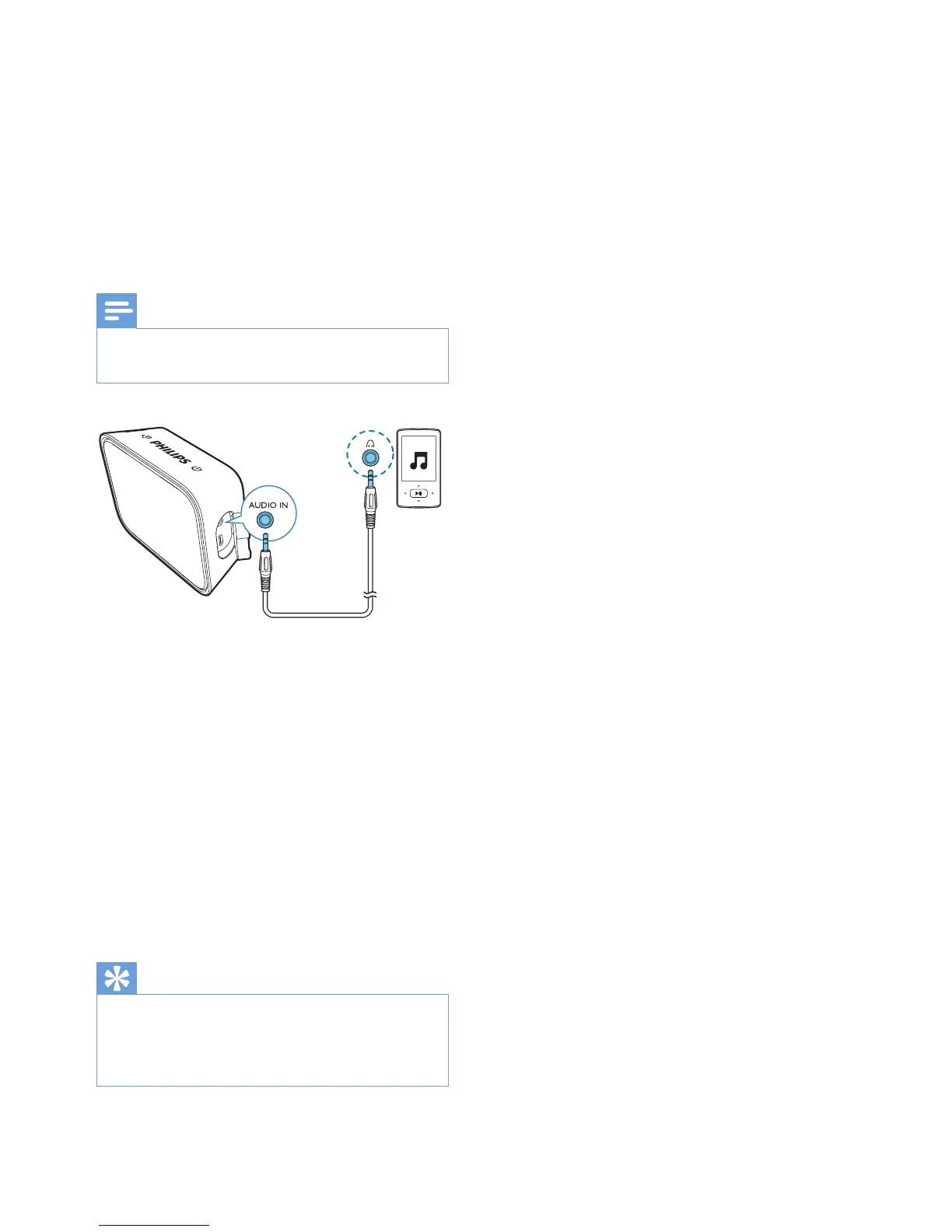
1 Connect an audio input cable (not
supplied) with a 3.5 mm connector
on both ends to
• the AUDIO IN socket on this
speaker, and
• the headphone socket on the
external device.
2 Play audio on the external device
(refer to its user manual).
» The speaker switches to the
AUDIO IN mode.
Tip
• When you start music streaming from
a connected Bluetooth device, the
speaker switches to the Bluetooth source
automatically.



 To Next Page