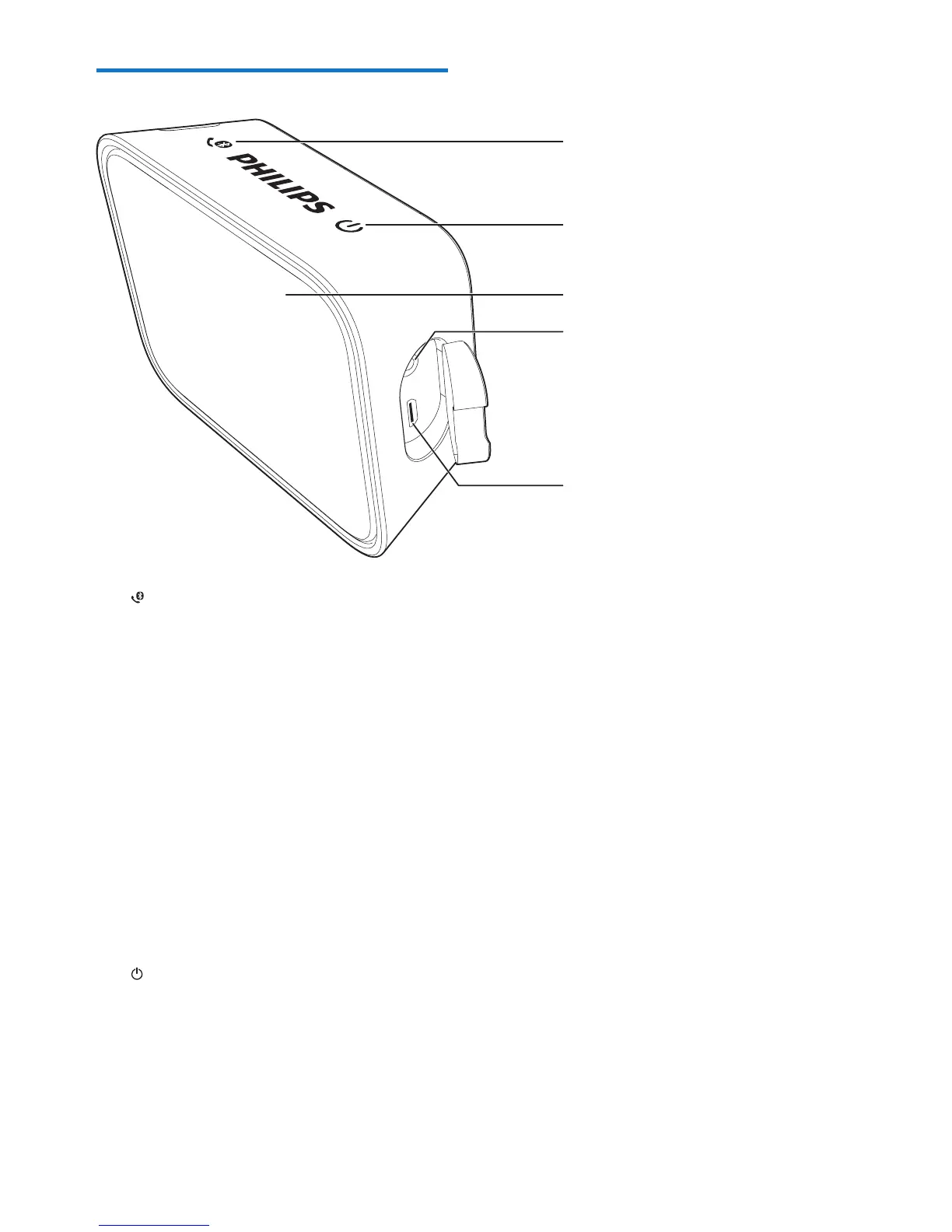
a
• Press and hold for two seconds
to enter Bluetooth pairing mode.
• Press and hold for two seconds
to disconnect Bluetooth
connection.
• Press to answer an incoming
call.
• Press and hold for two seconds
to reject an incoming call.
• During a call, press to end the
current call.
• During a call, press and hold for
two seconds to transfer the call
between your mobile device and
the speaker.
b
• Turn the speaker on or o.
c LED indicator
• Indicate battery or Bluetooth
connection status.



 To Next Page