Use more of your phone
19
ENGLISH
5.6.4 How to set the auto pick-up
This function allows you to answer a call
automatically by lifting the handset from the
base station.
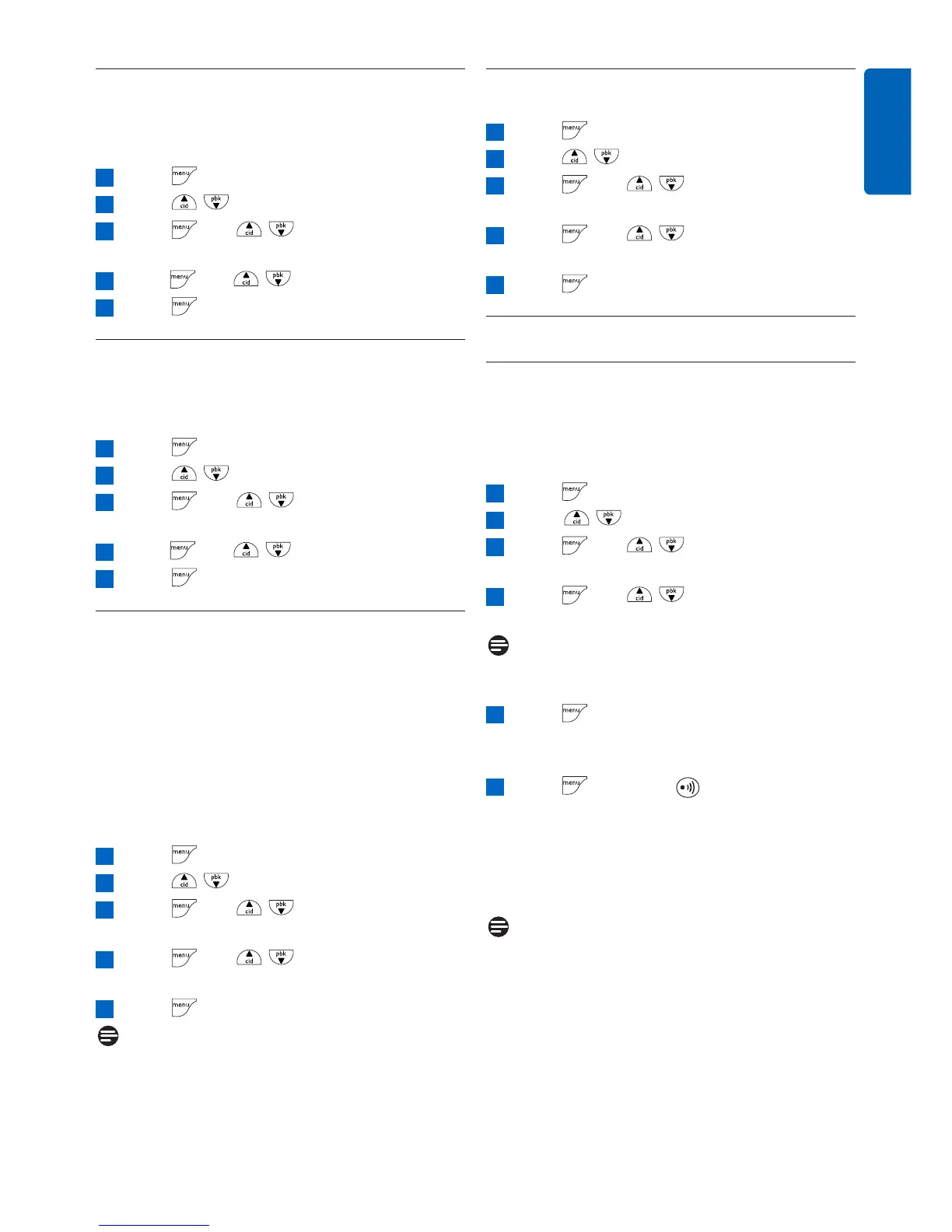
Press to access the main menu
Press / to select PERSONAL SET
Press and / to select AUTO
PICK-UP
Press and / to select ON or OFF
Press to save the settings
5.6.5 How to set the auto hang-up
This function allows you to end a call
automatically by placing the handset on the base
station.
Press to access the main menu
Press / to select PERSONAL SET
Press and / to select AUTO
HANG-UP
Press and / to select ON or OFF
Press to save the settings
5.6.6 How to set the menu language
Depending on your country, your handset
display can support different languages.After
changing the menu language, all the menus will
be displayed in the chosen language. For some
of the countries, your phone may not have this
menu language option if only one language is
available. This setting does not apply to the
language of outgoing message of the answering
machine.
Press to access the main menu
Press / to select PERSONAL SET
Press and / to select
LANGUAGE
Press and / to choose your
desired language
Press to save the settings
Note
Available languages for selection vary with
different countries
5
4
3
2
1
5
4
3
2
1
5
4
3
2
1
5.6.7 How to turn on/off the keypad and
LCD backlight
Press to access the main menu
Press / to select PERSONAL SET
Press and / to select
BACKLIGHT
Press and / to select ON or
OFF
Press to save the settings
5.7 Advanced settings
5.7.1 How to register an additional
handset
Additional handsets must be registered to the
base station before you can use them. Up to five
handsets can be registered to one base station.
Press to access the main menu
Scroll / to select ADVANCED SET
Press and / to select
REGISTRATION
Press and / to select your
desired base station
Note
The registered base station is marked with an
asterisk at the rightmost of the display.
Press and enter the 4-digit master PIN
when prompted (default master PIN is
0000)
Press and press on the base station
for more than three seconds at the same
time.
• A beep tone is emitted from the handset to
indicate successful registration and the screen
returns to idle mode.
Note
If the base is found and the PIN is correct, the
unused handset numbers will be assigned
automatically.
If the PIN is incorrect, WRONG PIN! will be
displayed with an error tone, and the handset
returns to idle mode.
If no base is found within a certain period, NO
BASE would be displayed with an error tone,
and the handset returns to idle mode.
6
5
4
3
2
1
5
4
3
2
1



 To Next Page