Use more of your phone
20
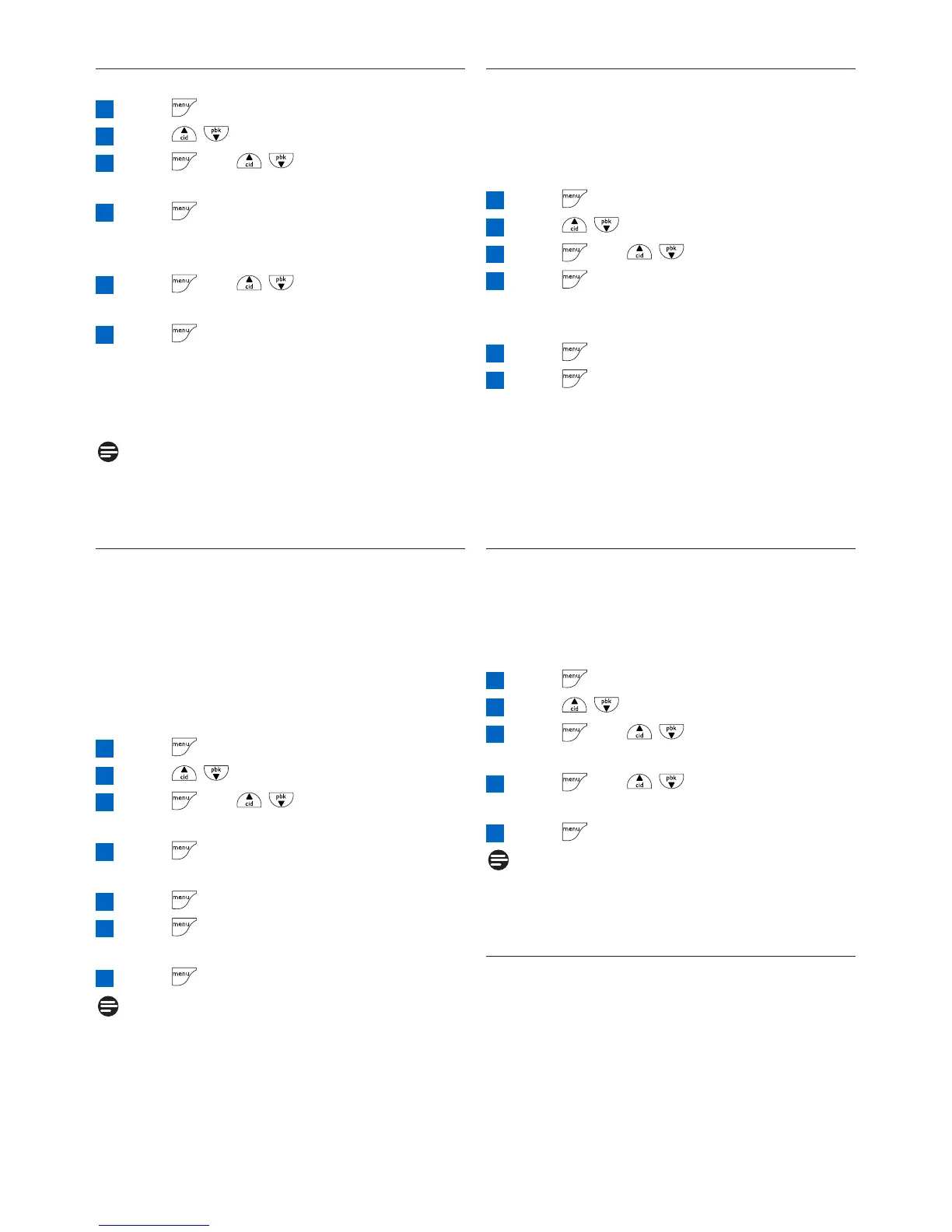
5.7.2 How to unregister a handset
Press to access the main menu
Press / to select ADVANCED SET
Press and / to select
UNREGISTER
Press to enter the 4-digit master PIN
when prompted (default master PIN is
0000)
Press and / to select your
desired handset
Press to confirm
• A beep tone is emitted from the handset to
indicate the handset unregistration is successful
and the screen shows UNREGISTERED and
back to idle screen.
Note
If there are no key presses within 15 seconds,
the unregistration procedure will be aborted
and the handset will return to idle mode.
5.7.3 How to change the master PIN
The Master PIN is used for setting call barring,
resetting your handset and for registration/
deregistration of handsets.The default PIN is
0000.The length of the PIN is four digits.This
PIN is also used to protect the settings of your
handset.Your handset will prompt you whenever
the PIN is required.
Press to access the main menu
Press / to select ADVANCED SET
Press and / to select CHANGE
PIN
Press to enter the 4-digit master PIN
when prompted
Press to enter the new 4-digit PIN
Press to enter the new 4-digit PIN again
for reconfirmation
Press to save the settings
Note
The default product PIN code is preset to 0000.
If you change this PIN code, keep the PIN
details in a safe place where you have easy
access to them. Do not lose the PIN code.
7
6
5
4
3
2
1
6
5
4
3
2
1
5.7.4 How to reset to default settings
You can reset your phone to the default
settings. After a reset, all your personal settings
and call log entries will be deleted, but your
phonebook remains unchanged.
Press to access the main menu
Press / to select ADVANCED SET
Press and / to select RESET
Press to enter the 4-digit master PIN
when prompted (default master PIN is
0000)
Press confirm
Press to reconfirm
• A beep tone is emitted and the screen returns
to welcome screen. Your phone is reset to its
default settings.
• Some of the countries may not have welcome
screen and your phone will return to idle screen
after reset.
5.7.5 Country setting
The availability of this menu is dependent on
your country.
You can select another country different from
the one chosen during welcome mode.
Press to access the main menu
Press / to select ADVANCED SET
Press and / to select
COUNTRY
Press and / to select your
country
Press to confirm your selection
Note
Once the country is selected, the default line
settings for the selected country will be applied
to your phone automatically.
5.7.6 How to set conference mode
on/off
When conference mode is activated, you can
initiate a three-party conference call with a
second handset registered to your base station
automatically if the second handset takes the
line when there is already an external call in
progress.
5
4
3
2
1
6
5
4
3
2
1



 To Next Page