7
English
EN
Note
When the parking brake of your vehicle is not engaged,
the video blocking system is activated. It blocks the
display of front video source only.
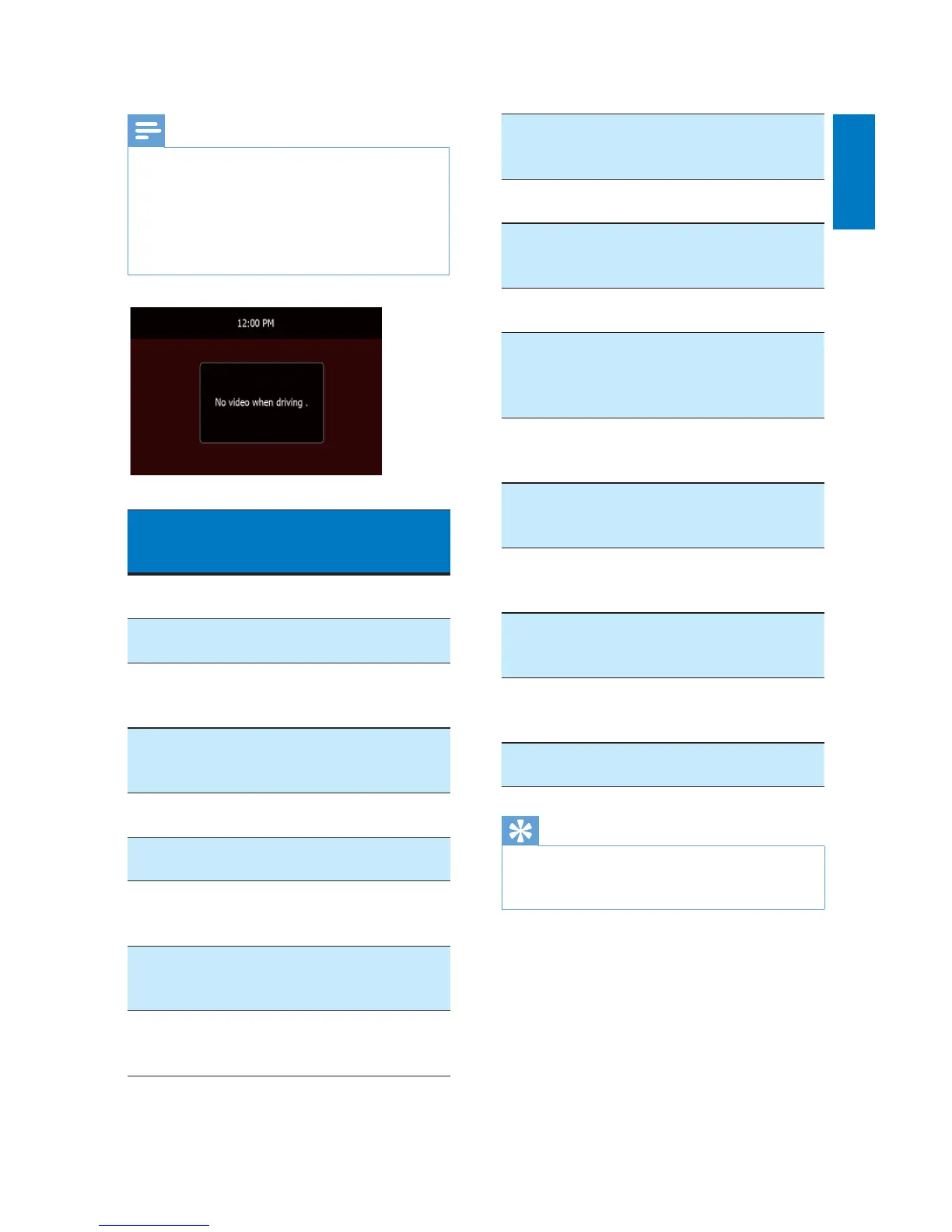
If the system is not properly connected with the
parking brake control module of your vehicle, video
signals will be blocked by the system, with the below
message displayed on the TFT.
Connectors and
sockets on rear
panel
External sockets or
connectors
1 For ISO male
connectors
As indicated above
2 REAR OUT R
(Red socket)
Rear right speaker
3 AV-IN R
(Red socket)
Right audio channel
output socket of an
external player
4 AV-IN L
(White socket)
Left audio channel
output socket of an
external player
5 REAR OUT L
(White socket)
Rear left speaker
6 VIDEO IN
(Yellow socket)
Video output socket
of an external player
7 VIDEO OUT 1
(Yellow socket)
Video input socket
of an external
display device
8 VIDEO OUT 2
(Yellow socket)
Video input socket
of an external
display device
9 RADIO
ANTENNA
(Black connector)
Radio antenna
10 CAMERA IN
(Purple socket)
Video output socket
of an external
camera
11 SUB-W OUT
(Blue socket)
Sub-woofer
12 REVERSE
CAMERA
(Purple wire)
Reverse camera
(B+)
13 PARKING BRAKE
(Pink wire)
Parking brake (-)
14 External Smart
Link Box (Black
connector)
An external device
compatible with the
application of Smart
Connect Link
15 OE SWC IR
REMOTE IN
(Brown wire)
OE SWC remote in
16 OE SWC IR
REMOTE IN
(Black wire)
Ground
17 OE SWC AD
LEARN
(White wire)
OE SWC AD Learn
line 1
18 OE SWC AD
LEARN
(White wire)
OE SWC AD Learn
line 2
19 OE SWC AD
LEARN
(Black wire)
Ground
20 External Mic
(Black connector)
External microphone
Tip
The pin arrangement for the ISO connectors depends
on the type of your vehicle. To avoid damage to the
system, connect properly.



 To Next Page