22 EN
11 Adjust settings
Access system setup menus
1 Tap .
2 Tap .
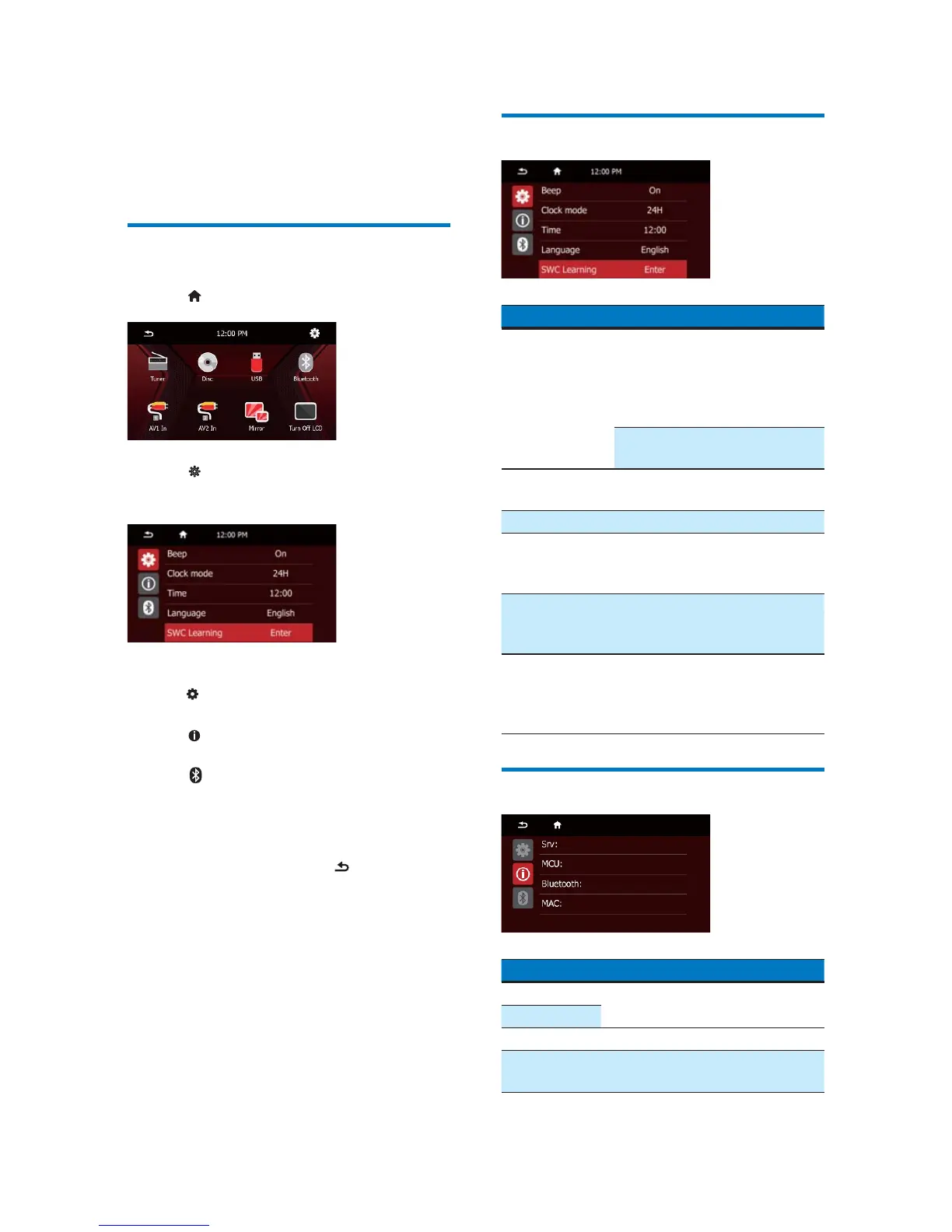
» The following menu is displayed.
3 Tap an icon on the left.
: Access the menu to adjust general
settings.
: Access the menu to view system
information.
: Access the menu to adjust
Bluetooth settings.
4 Tap an option to view details or change
the setting.
To exit the menu, tap
.
Adjust general settings
Settings Options Description
[Beep] [On] Turn the beep
sound on. Each
time you press a
button or tap an
icon, the unit beeps.
[Off] Turn off the beep
sound.
[Clock mode] [12 Hour]/
[24 Hour]
Select a time
format.
[Time] Set the time.
[Language] Select an OSD
(on-screen display)
language.
[SWC
Learning]
Access the
[Steering Remote
Learning] interface
[Calibration] Follow the on-
screen instructions
to calibrate the
touch screen.
View system information
Settings Options
[Srv] 9LHZWKHÀUPZDUHYHUVLRQ
[MCU]
[Bluetooth] View the version of Bluetooth.
[MAC] View the MAC address of the
product.



 To Next Page