11
English
EN
4 Get started
Caution
Risk of car accidents! Never watch video or operate
this system while driving.
Prepare the remote control
)RUWKHÀUVWWLPHXVH
Pull the protective sheet out.
» The remote control is ready for use.
Replace the battery
Caution
Risk of explosion! Keep batteries away from heat,
VXQVKLQHRUÀUH1HYHUGLVFDUGEDWWHULHVLQÀUH
Note
Remove the battery if it is exhausted or if the remote
control is not to be used for a long time.
Batteries contain chemical substances, they should be
disposed of properly.
Perchlorate Material - special handling may apply. See
www.dtsc.ca.gov/hazardouswaste/perchlorate.
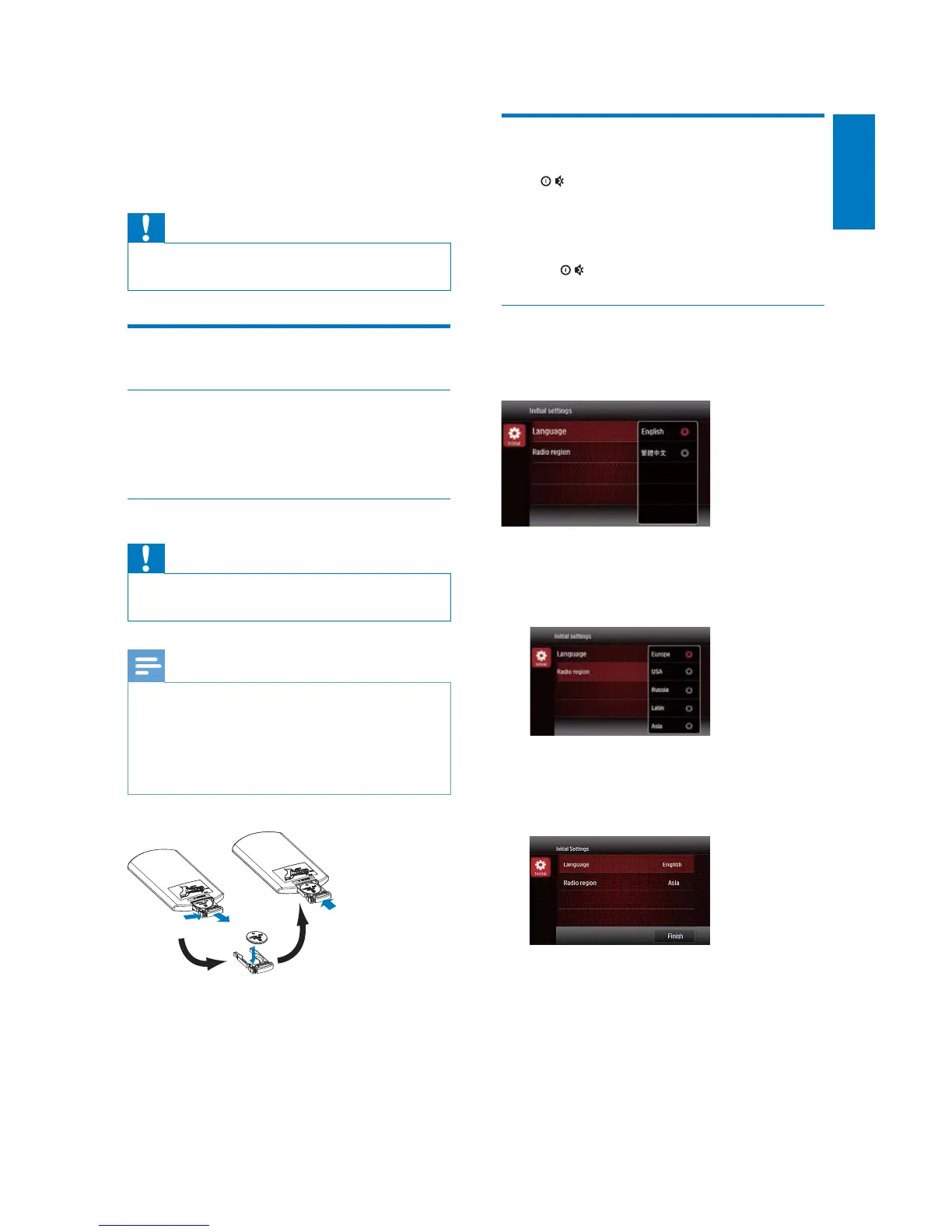
1 Pull out the battery tray.
2 Insert one CR2025 battery with correct
polarity (+/-) as indicated.
3 Insert the battery tray.
Turn on
Press .
» PHILIPS logo and a progress bar are
displayed while boot-up.
To turn off the system, press and hold
for 3 seconds.
)RUWKHÀVWWLPHXVH
After successful boot-up, the following interface
is displayed.
1 Tap to select a language for on-screen
display.
» The following interface is displayed.
2 Tap to select a radio region that matches
your location.
» The following interface is displayed.
3 Tap [Finish] to complete the initial setup.
» The device switches to radio mode
automatically.



 To Next Page