28 EN
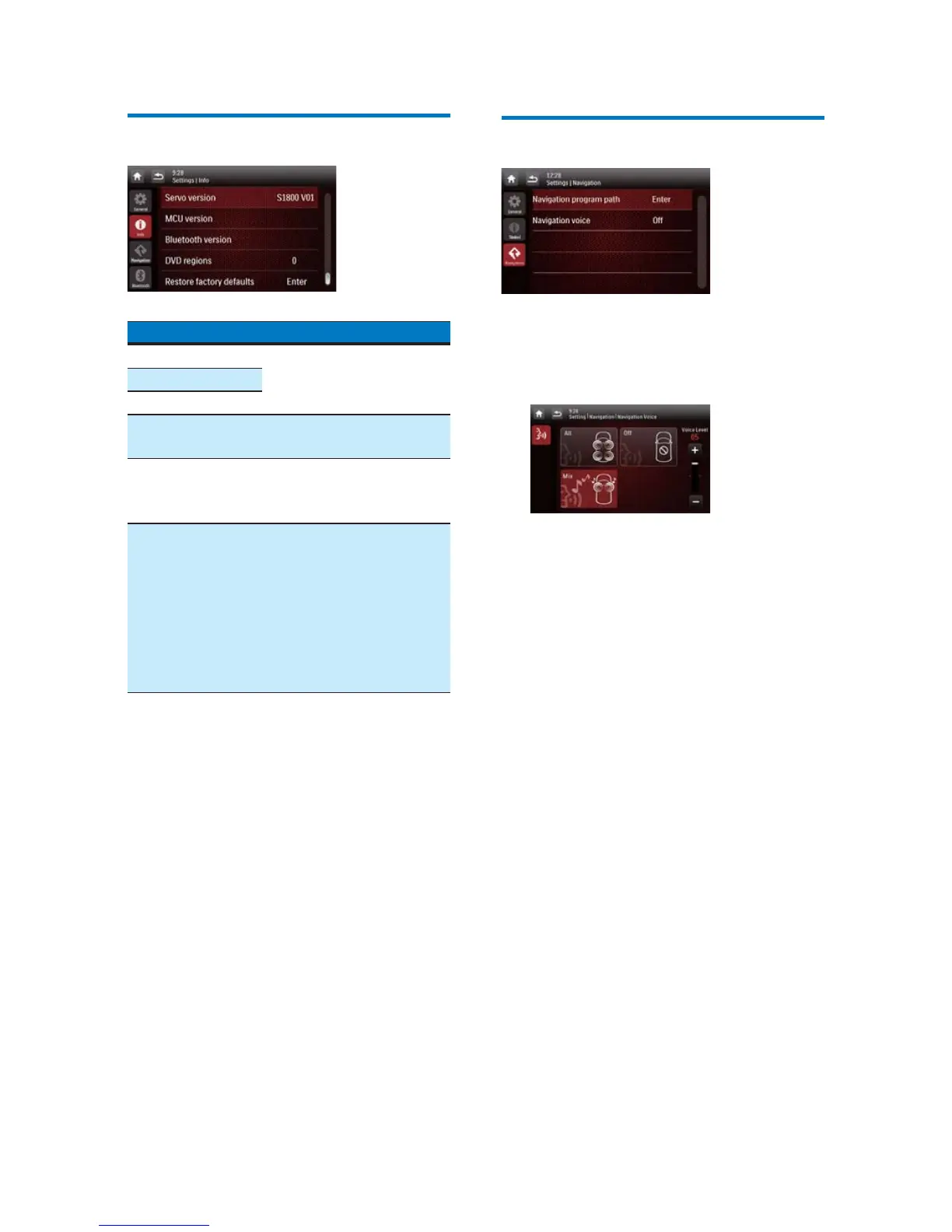
View system information
Settings Options
[ARM version]
9LHZÀUPZDUHYHUVLRQV
[Servo version]
[MCU version]
[Bluetooth
version]
View the version of
Bluetooth.
[DVD regions] View the DVD region
code that the system
supports.
[Restore factory
defaults]
Tap to display the dialog
box for restoring the
system.
Tap [Yes] to restore
the system to factory
default status.
Tap [No] to return to
the previous menu.
Adjust Navigation settings
[Navigation Program Path]
: Tap
[Enter]
to
access the Navigation Program Path mode.
[Navigation Voice]
: Tap
[Enter]
to display
the
[Navigation Voice]
interface.
[All]/[Front left]/[Front right]: Select a
zone for navigation voice.
[Off]: Mute the navigation voice.
[Voice Level]: Tap +/- to adjust the
volume of navigation voice.



 To Next Page