17
English
EN
6 Listen to radio
Switch to radio mode
$IWHUWKHERRWXSDWWKHÀUVWWLPHWKHV\VWHP
switches to radio mode automatically.
To switch the source back to radio afterwards,
tap
[Radio]
on the home menu.
» The interface for radio is displayed.
Set up
Before you search for radio stations, make prior
setup.
Tap
to display the setup menus.
Select a radio range
1 Tap [Radio Range].
2 Tap
[Distance]
or
[Local]
to select a tuner
sensitivity.
[Distance]
: Stations with strong and
weak signals can be tuned to.
[Local]
: Only stations with strong
signals can be tuned to.
Enable the RDS feature
Note
RDS feature is enabled by default.
Only after the RDS feature is enabled, the option of
[PTY list] is displayed.
Tap [RDS Off] to enable the RDS feature.
» The option of [PTY list] is displayed.
To disable the RDS feature, tap [RDS
On].
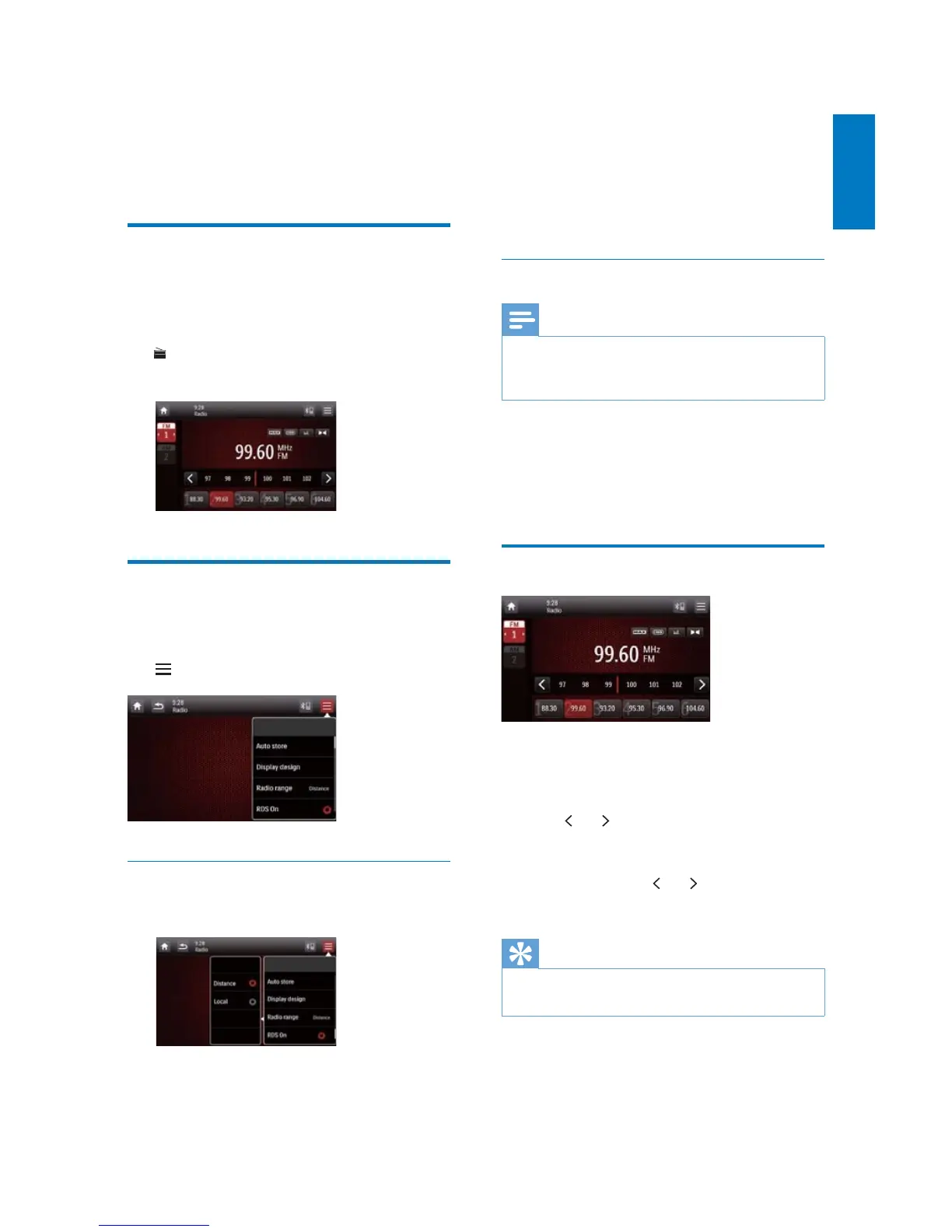
Tune to a radio station
1 Tap FM or AM to select a band.
FM bands: FM1, FM2, FM3
AM bands: AM1, AM2
2 Tap or repeatedly until the frequency
of target radio station is displayed.
To tune to a radio station automatically,
tap and hold
or until the
frequency digits start change.
Tip
You can also press BAND on the remote control
repeatedly to select a band.



 To Next Page