16 EN
)RUUHFRUGHGÀOHVUHSHDWDOOWUDFNV
in the current folder.
(highlighted): Repeat all tracks.
: Select random play ( highlighted)
or sequential play (
in gray).
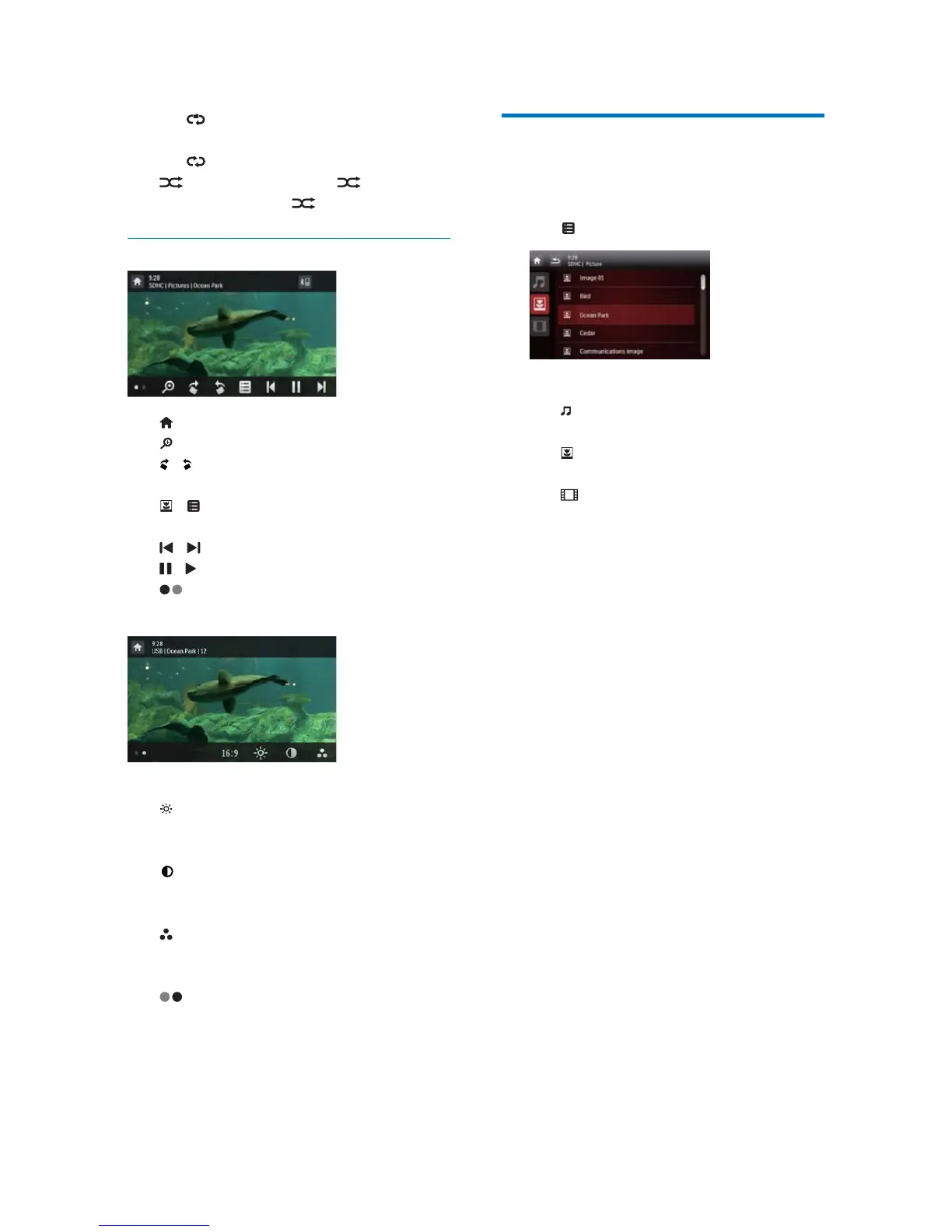
Pictures
: Return to the home menu.
: Zoom in or out of the picture.
/ : Rotate the picture clockwise or anti-
clockwise by 90 degrees.
/ 5HWXUQWRWKHOLVWRIÀOHVRUIROGHUV
VHH%URZVHUHFRUGHGÀOHVRQSDJH
/ : Select the previous or next picture.
/ : Pause or resume the slideshow.
: Display control icons on the second
page.
>@/>@: Select an aspect ratio.
: Tap to display the brightness bar, and
then tap on the bar to adjust the screen
brightness.
: Tap to display the contrast bar, and
then tap on the bar to adjust the image
contrast.
: Tap to display the saturation bar,
and tap on the bar to adjust the image
saturation.
'LVSOD\FRQWUROLFRQVRQWKHÀUVWSDJH
%URZVHUHFRUGHGÀOHV
'XULQJSOD\LQJUHFRUGHGÀOHV\RXFDQDFFHVV
WKHÀOHOLVWDQGVHOHFWÀOHVIURPWKHOLVW
1 Tap WRDFFHVVWKHOLVWRIÀOHVRUIROGHUV
2 7DSDQLFRQWRVHOHFWDÀOHFDWHJRU\
: Display the list of audio tracks or
folders.
'LVSOD\WKHOLVWRISLFWXUHÀOHVRU
folders.
'LVSOD\WKHOLVWRIYLGHRÀOHVRU
folders.
3 7DSWKHQDPHRIDÀOHWRVWDUWSOD\



 To Next Page