25
English
EN
9 Adjust sound
When you listen to radio, enjoy music, or watch
video, follow the instructions below to adjust
sound.
Adjust the volume level
Press
+/-
repeatedly on the front panel.
+
: Increase the volume level.
-: Decrease the volume level.
Mute sound
Press on the front panel.
To release the speakers from mute status,
press
again.
Enable the MAX Sound
feature
Tap on the playback interface.
(highlighted): The MAX Sound
feature is enabled.
(in gray): The MAX Sound feature is
disabled.
Enable the DBB sound effect
When DBB (Dynamic Bass Boost) is enabled,
low tones are enhanced electronically.
Tap
on the playback interface.
(highlighted): DBB sound effect is
enabled.
(in gray): DBB sound effect is disabled.
Enable the FullSound effect
Note
This feature is unavailable when you listen to radio.
Philips FullSound restores the audio details that
are lost due to compression. It enriches the
music signals so that what you hear is the full
sound with every nuance of emotion and every
detail of musical genius.
Philips FullSound can:
bring out CD sound quality from an MP3
track,
achieve richer bass with greater depth and
impact,
restore the sense of spaciousness that lacks
in a compressed audio, and
enhance sound precision and details.
Tap
on the playback interface.
(highlighted): The FullSound effect is
enabled.
(in gray): The FullSound effect is
disabled.
Select a preset sound
equalizer
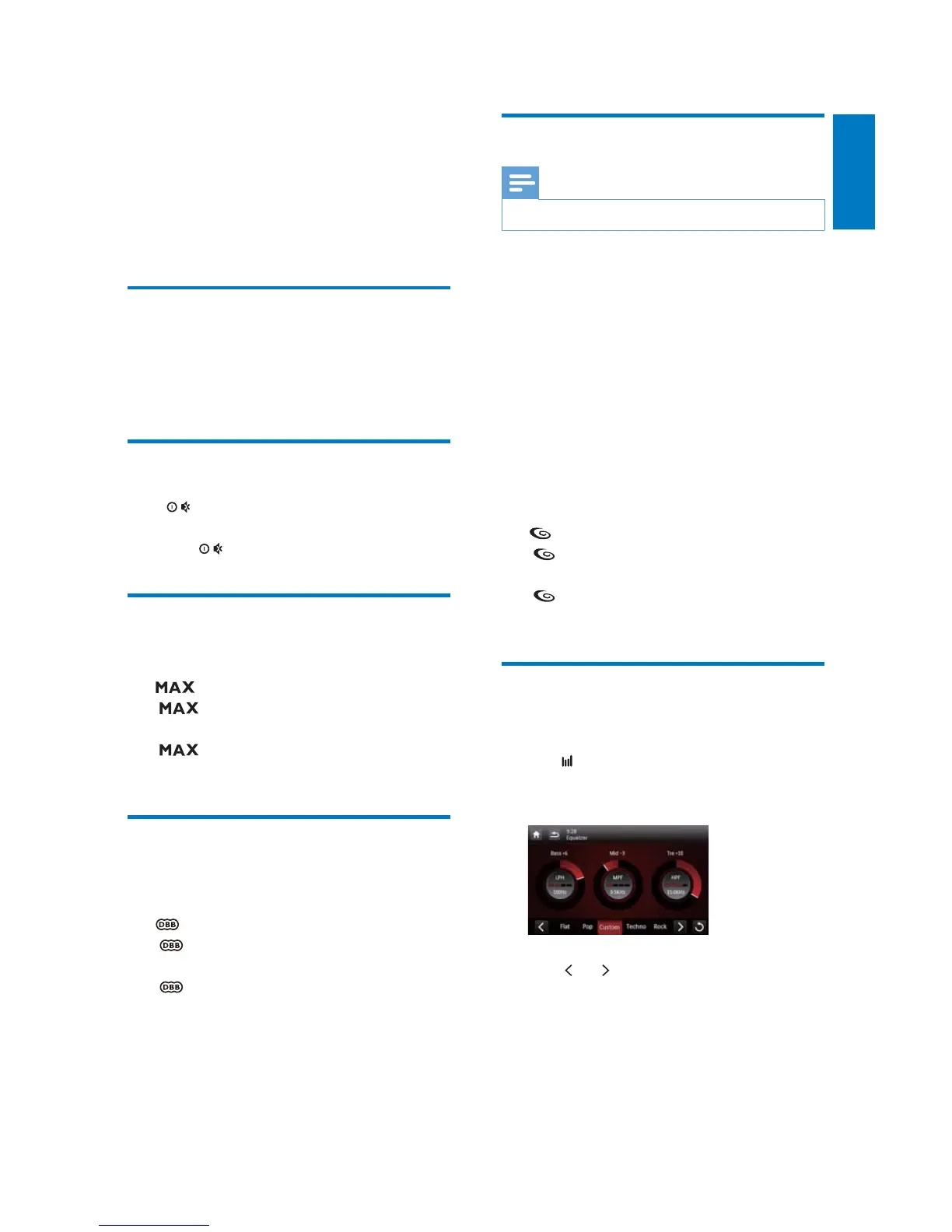
1 Tap on the playback interface.
» The current equalizer settings are
displayed.
2 Tap or to select a preset sound
equalizer.
[Custom], [Techno], [Rock], [Classic],
[Jazz], [Optimal], [Flat], or [Pop]
» The selected sound equalizer is
highlighted.



 To Next Page