21
English
EN
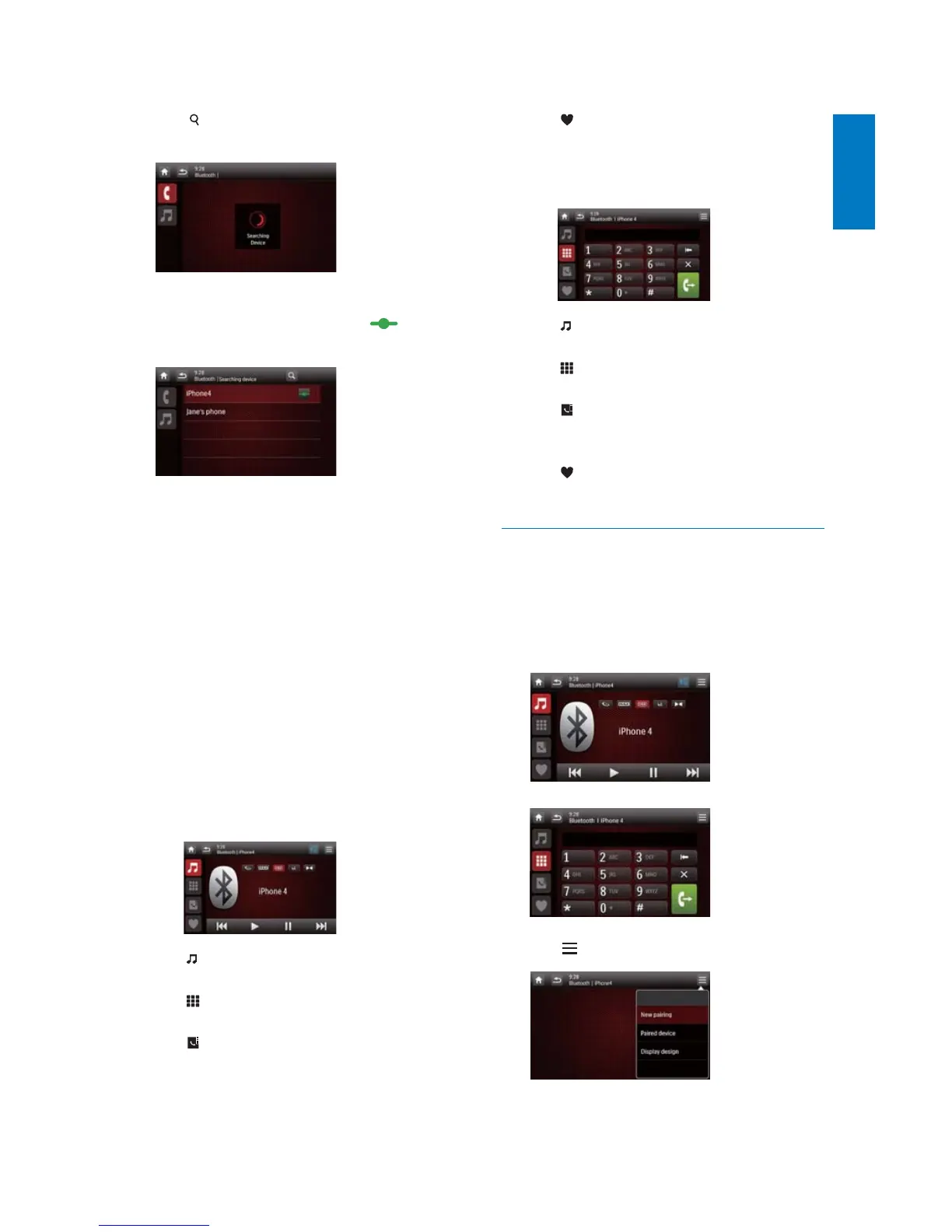
2 Tap on this system to search for other
Bluetooth devices.
3 In the device list, tap the name of your
Bluetooth device, and then tap
behind
the name.
» The paring starts, and then a pairing
request from CED1800 is displayed on
your device.
4 On your device, accept the pairing request
from CED1800, enter the default password
'0000DQGWKHQFRQÀUPWKHSDVVZRUG
entry.
» [Paired OK!]ÁDVKHVDQGWKHQ
[Connecting] is displayed on this
system.
5 On your device, enable or permit the
connection with CED1800.
If a player is connected, the music
playback interface is displayed on this
system.
: Tap it to return to the music
playback interface.
: Tap it to display the list of paired
mobile phones.
: Tap it to display the list of paired
mobile phones.
: Tap it to display the list of paired
mobile phones.
If a mobile phone is connected, the
keypad is displayed on this system.
: Tap it to display the list of paired
players.
: Tap it to display the on-screen
keypad for phone calls.
: Tap it to display the phone book
that is synchronized with your mobile
phone and keypad.
: Tap it to display the list of favorite
contacts.
Pair more devices
1 Activate the Bluetooth function on this
system.
» One of the following interfaces is
displayed.
2 Tap on the top right corner.



 To Next Page