EN 9
English
Turn on
Caution
Risk of road accidents! Never watch video or adjust •
settings while you drive.
1 Press and hold /MUTE/VOL to turn on
the unit.
The available OSD (On-Screen »
Display) languages are displayed.
2 Touch a language to select.
The OSD language is changed to the »
selected language immediately.
To turn off the unit, press and hold •
/
MUTE/VOL.
Adjust screen
To adjust screen brightness/contrast/color
1 Press DISP/ / to show the manual.
2 Press or to select an item.
3 Touch / to adjust the value.
4 Press DISP/ / to confi rm.
To turn on/off the screen, press and hold
DISP/
/ .
Set date and time
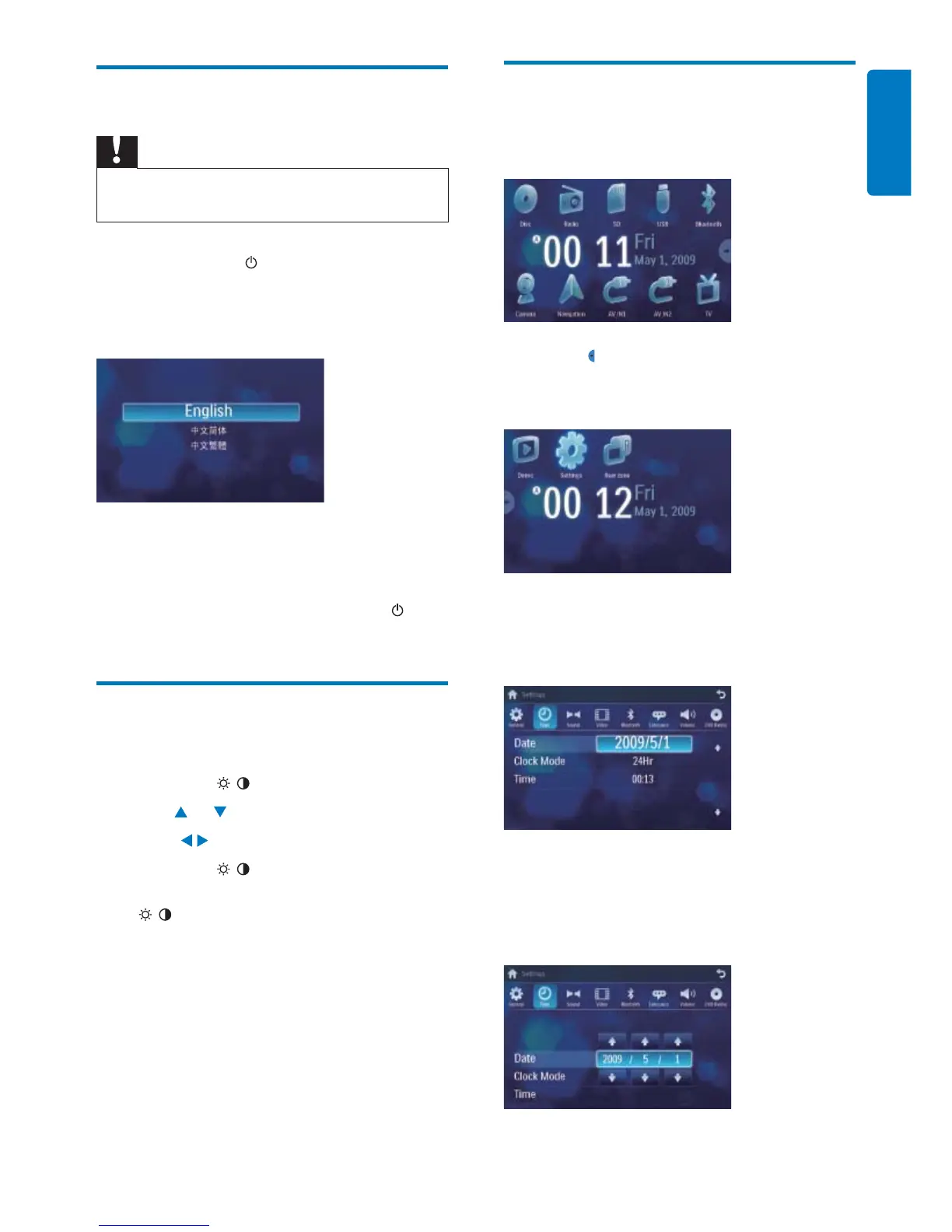
1 Touch the upper left corner to display
main menu.
2 Touch in the middle right side of the
screen.
The second main menu is displayed.»
3 Touch [Settings].
4 Touch [Time].
The date/time setup menu is displayed.»
Set date
1 Touch [Date].
2 Touch on the displayed date information.
A submenu is displayed.»



 To Next Page