28 EN
2 Touch an option repeatedly to select:
DVD rating Options Description
[Set
password]
Set password to
restrict the play of
discs. The default
password is 0000.
[Rating
level]
[Kid
safe]
Acceptable for
children.
[G] Acceptable for general
viewers.
[PG] Parental guidance
suggested.
[PG-13] Unsuitable for children
under age 13.
[PG-R] Recommend parents
to restrict children
under 17 to view.
[R] Restricted.
Recommend parent to
guide children under
17 to view.
[NC-17] Unsuitable for children
under age 17.
[Adult] Acceptable for adults
only.
[Load
factory]
Restore to default
settings.
3 Press to exit.
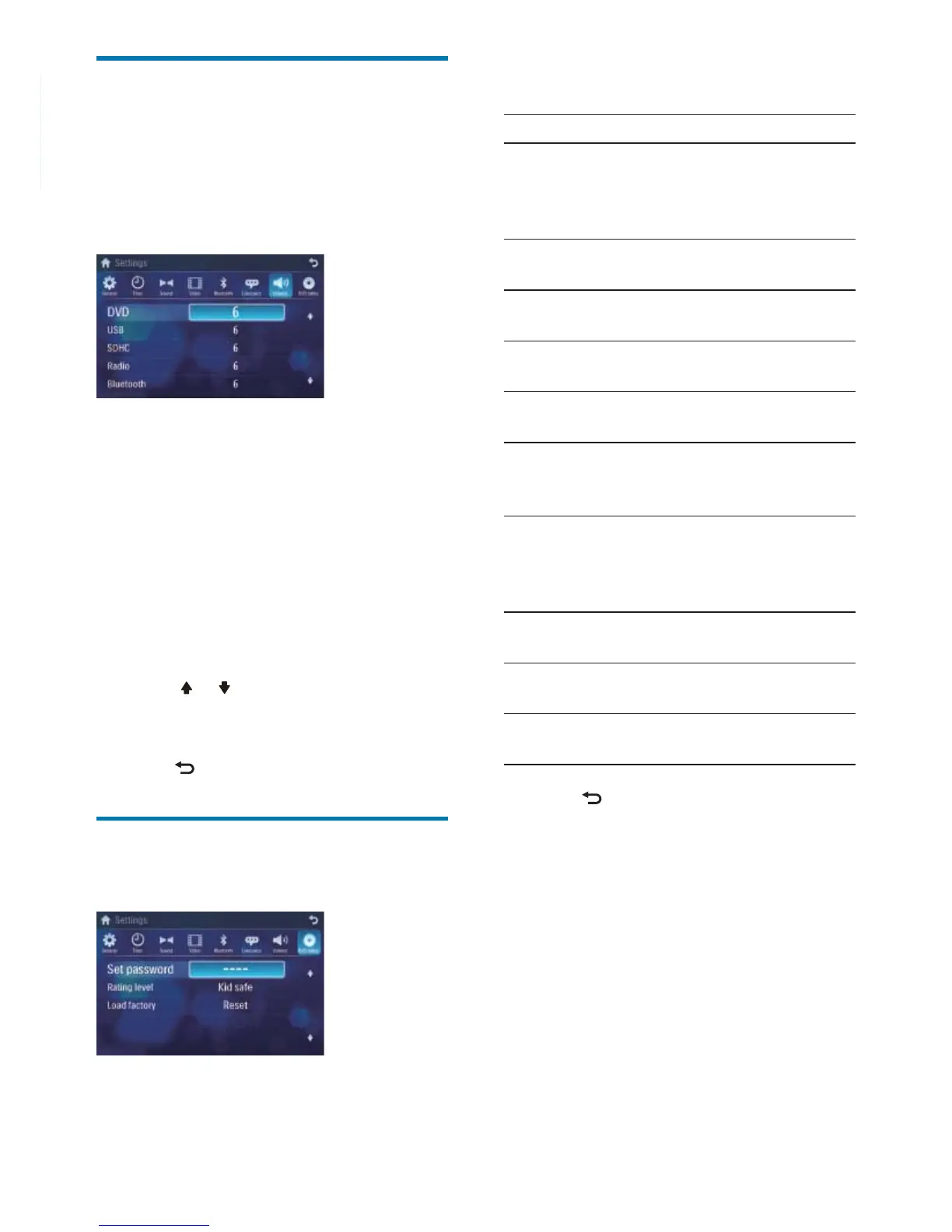
Adjust volume settings
You can set different volume for different
modes.
1 Touch [Volume].
The volume setting sub-menu is »
displayed.
2 Touch on a source.
• [DVD]
• [USB]
• [SDHC]
• [Radio]
• [Bluetooth]
• [AV-IN1]
• [AV-IN2]
• [CDC]
• [TV]
• [Navigation]
3 Touch or to assign value: 0 to 12.
When switches to the source, the »
volume increases automatically.
4 Press to exit.
Adjust DVD rating
1 Touch [DVD rating].



 To Next Page