EN 25
English
[Off] Turn off the beep
sound.
[Calibration] Calibrate the
touch screen.
4 Press to exit.
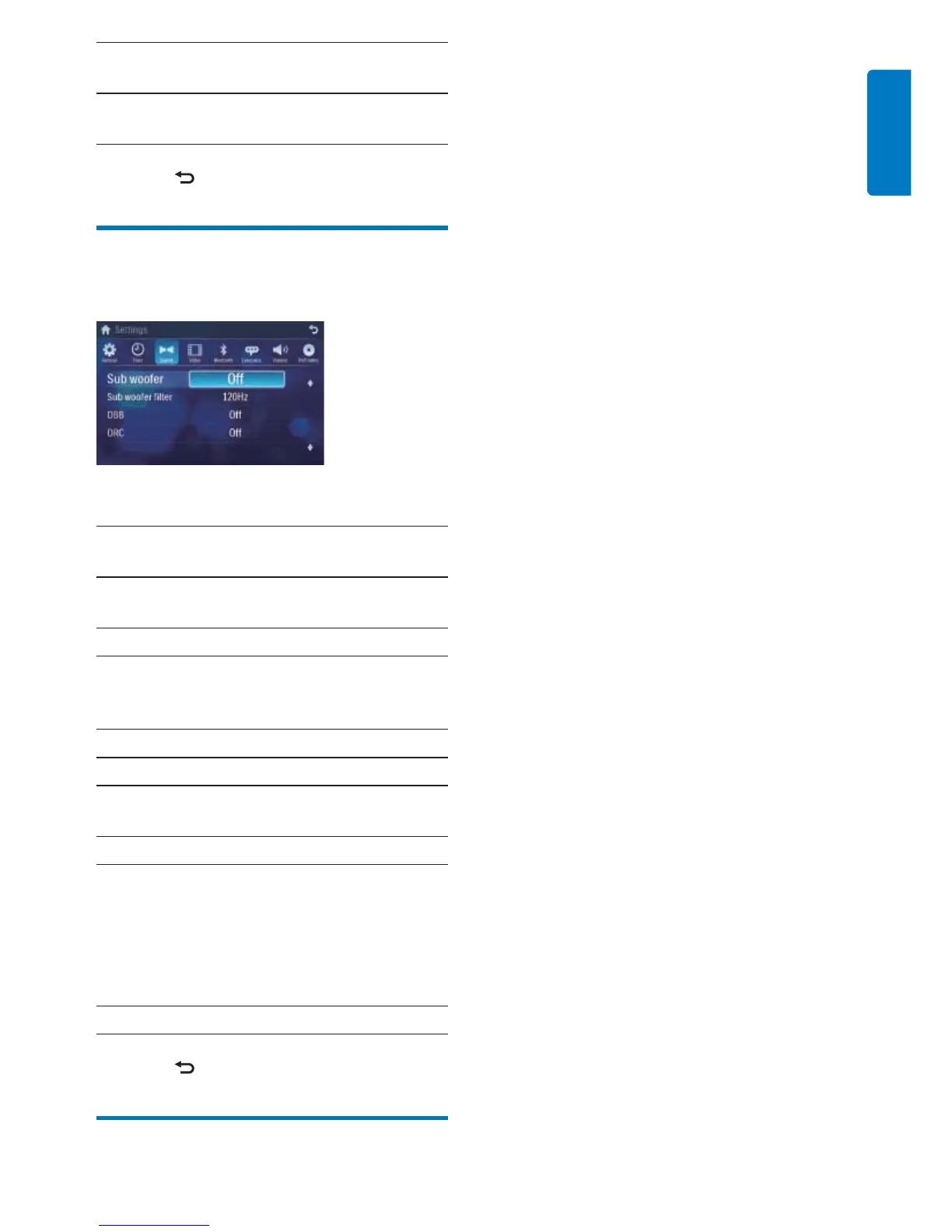
Adjust sound settings
1 Touch [Sound].
2 Touch an option repeatedly to select:
Sound
settings
Options Description
[Sub
woofer]
[On] Turn on the subwoofer.
[Off] Turn off the subwoofer.
[Sub
woofer
fi lter]
[80Hz] Select subwoofer fi lter
criteria.
[120Hz]
[160Hz]
[DBB] [On] The Dynamic Bass Boost
(DBB) function is on.
[Off] The DBB function is off.
[DRC] [On] Makes loud sound level
softer and soft sound level
louder so that you can
watch the DVD movies
at a low volume, without
disturbing others
[Off] The DRC function is off.
3 Press to exit.



 To Next Page