EN 11
English
3 Use map
Note
You may need to upgrade the map before using it (see •
“Upgrade the map” section)
1 Touch the upper left corner to display
home menu.
2 Touch [Navigation].
The navigation menu is displayed in a »
few seconds.
3 Refer to the map manual (in Chinese) to
operate the navigation tool.
Tip
You can press • NAVI to enter/exit the navigation system.
Upgrade the map
1 Turn off the car audio system.
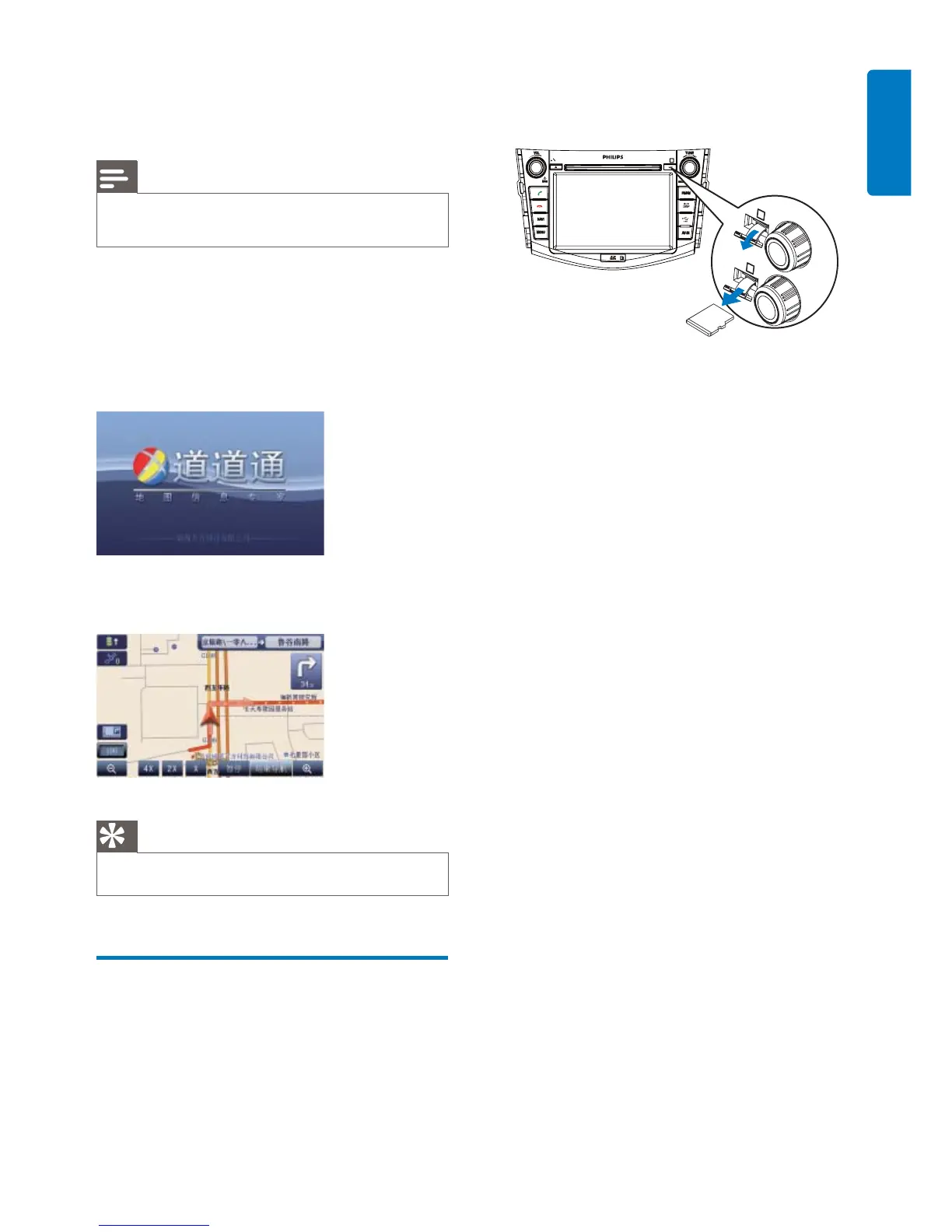
2 Press the map card until you hear a click
sound.
3 Take out the card and bring it to the
authorized service center for upgrade.
4 Insert the upgraded map card back into
the map card slot.
5 Turn on the car audio.
The map upgrades in a few minutes.»



 To Next Page