18 EN
Zoom
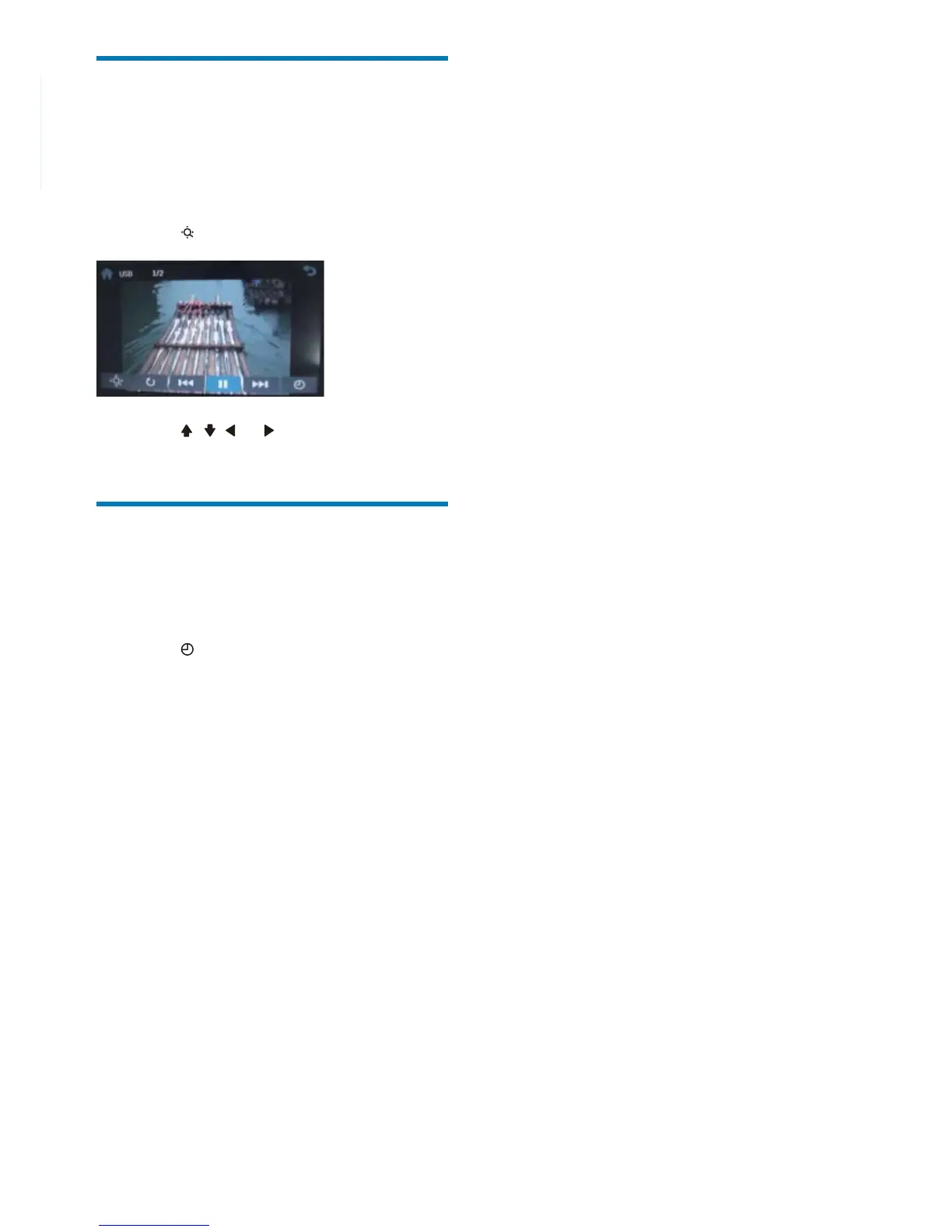
You can zoom in pictures for a close view.
1 During view pictures, touch anywhere
except for the upper left corner to display
menu on the screen, if necessary.
2 Touch repeatedly to zoom in the picture.
3 Touch , , or to pan through the
enlarged picture.
Select slide show duration
1 Touch anywhere except for the upper left
corner to display menu on the screen, if
necessary.
2 Touch repeatedly to select:
• Fast: 3 seconds
• Normal: 5 seconds
• Slow: 8 seconds



 To Next Page