EN 27
English
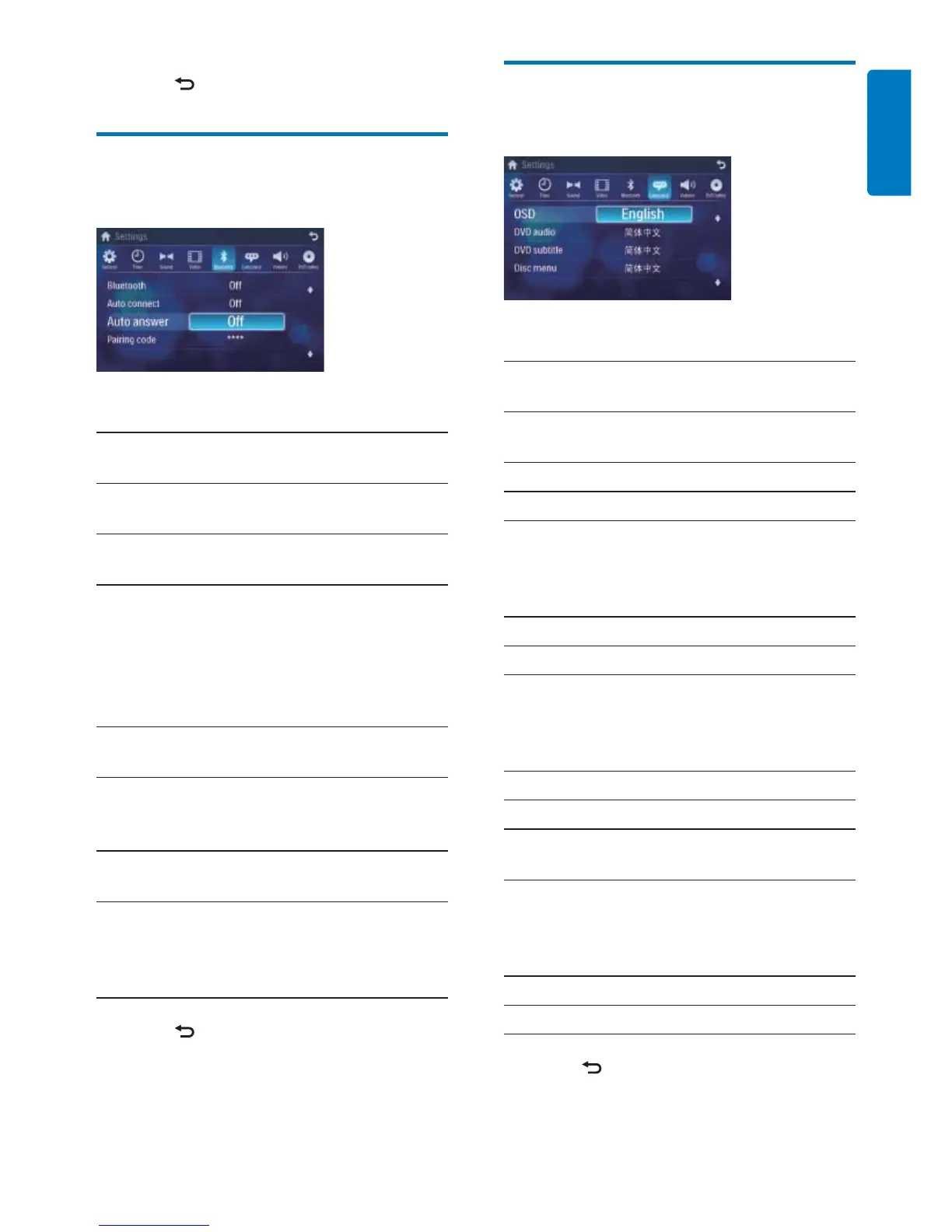
Adjust language settings
1 Touch [Language].
2 Touch an option repeatedly to select:
Language
settings
Options Description
[OSD] [English] Select on-screen-
display language.
>ࣇບሱ༵@
[ᐥᦥɻʼ]
[DVD
audio]
[English] Select DVD audio
language. Options
available are depends
on DVD disc.
>ࣇບሱ༵@
[ᐥᦥɻʼ]
[DVD
subtitle]
[English] Select DVD subtitle
language. Options
available are depends
on DVD disc.
>ࣇບሱ༵@
[ᐥᦥɻʼ]
[Off] Turn off subtitle
language display.
[Disc
menu]
[English] Select DVD menu
language. Options
available are depends
on DVD disc.
>ࣇບሱ༵@
[ᐥᦥɻʼ]
3 Press to exit.
3 Press to exit.
Adjust Bluetooth settings
1 Touch [Bluetooth].
2 Touch an option repeatedly to select:
Bluetooth
settings
Options Description
[Bluetooth] [On] Turn on the
Bluetooth function.
[Off] Turn off the
Bluetooth function.
[Auto
connect]
[On] If the pre-paired
device is within the
effective range, the
unit re-connects to
pre-paired device
automatically.
[Off] Need to re-connect
manually.
[Auto
answer]
[On] Answer paired
phone call
automatically.
[Off] Answer phone call
manually.
[Pairing
code]
View code for
pairing the unit with
other Bluetooth
devices.
3 Press to exit.



 To Next Page