EN 15
English
Insert SD/MMC card
Note
Ensure that the device contains playable content. •
The unit supports SDHC card. •
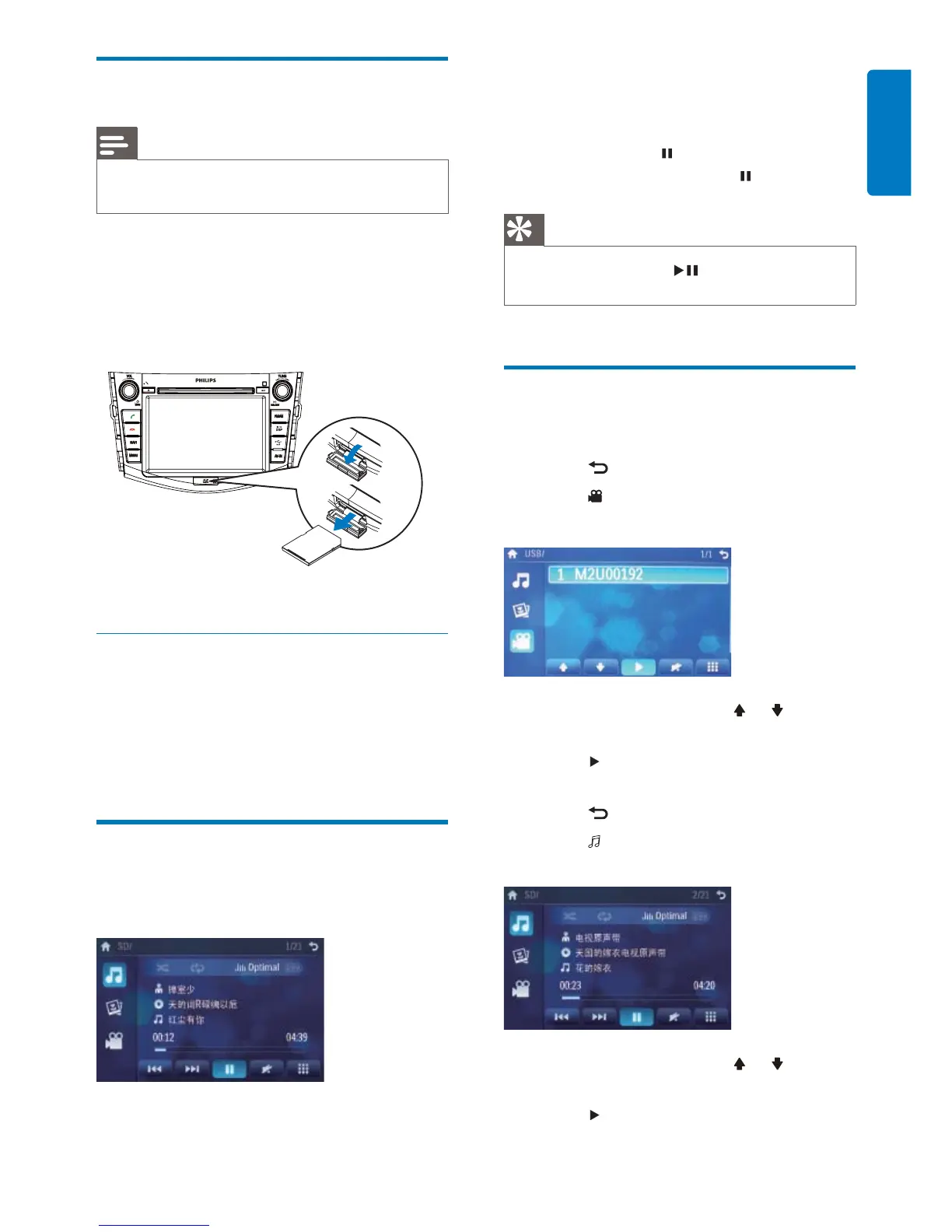
1 Open the SD/MMC card cover.
2 Insert the SD/MMC card into the SD/
MMC card slot.
Play starts automatically.»
Remove the SD/MMC card
1 Select another source.
2 Press the card until you hear a click sound.
The card is now disengaged.»
3 Remove the SD or MMC card.
Play/Pause
1 Once a disc, USB or SD/MMC card is
inserted, play starts automatically.
For DVD movie, if a menu appears, press
TUNE/ SELECT to start play.
2 To pause, touch .
To resume play, touch •
again.
Tip
You can also press • TUNE/ SELECT repeatedly to
pause/resume play.
Search for a folder
For video fi les
1 Touch to return to playlist menu.
2 Touch to display all available video fi le
folders.
3 Touch a folder, then touch or to select
a fi le.
4 Touch to start play.
For audio fi les
1 Touch to return to playlist menu.
2 Touch to display all available audio
folders.
3 Touch a folder, then touch or to select
a fi le.
4 Touch to start play.



 To Next Page