13
5 Listen to radio
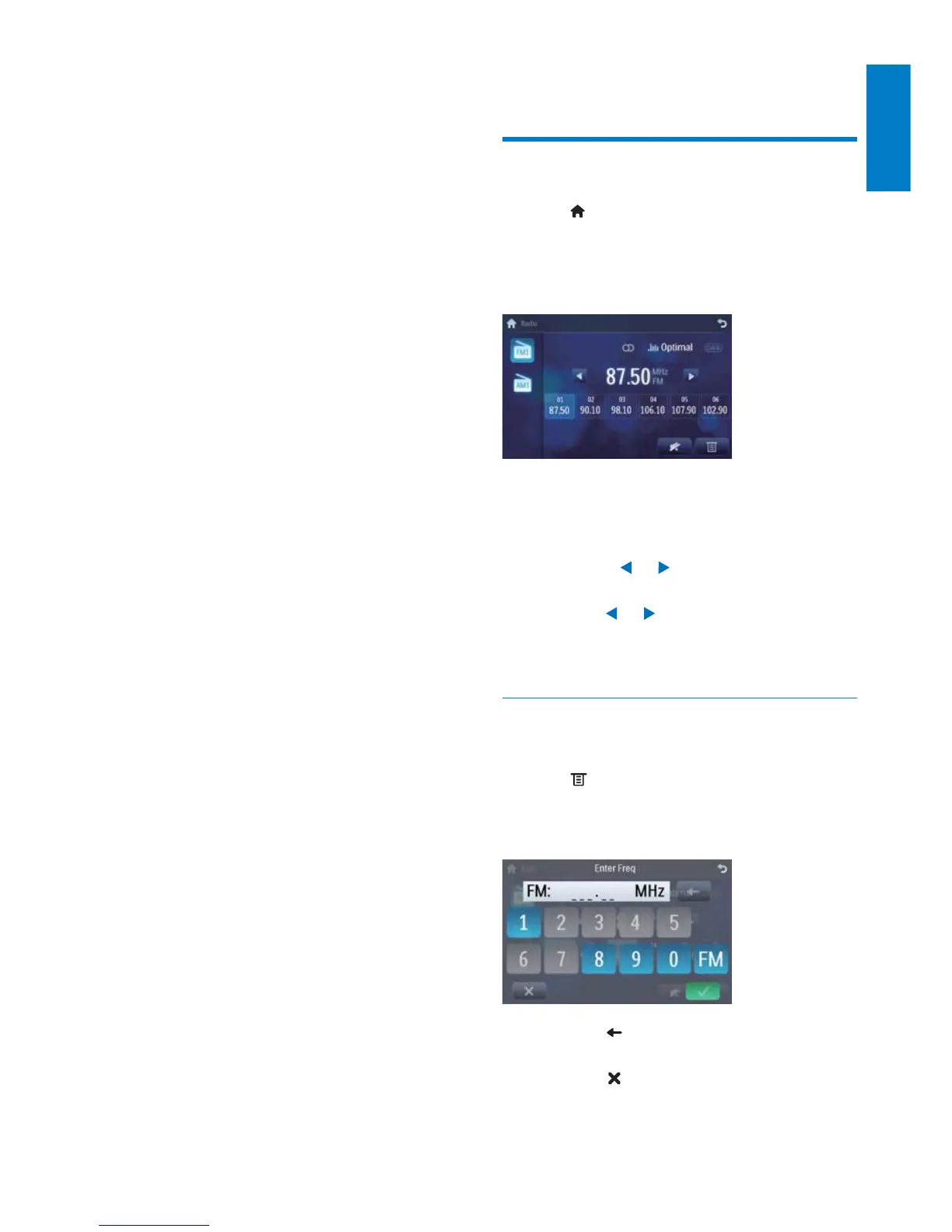
Tune to a radio station
1 Tap to display the home menu.
2 Tap [Radio].
Band and frequency information is »
displayed.
3 Tap on FM or AM to select band:
FM band options: • FM1, FM2, FM3
AM band options: • AM1, AM2
4 Briefly tap or to tune to a radio
station by step.
Tap •
or for more than 1
second to tune to a radio station
automatically.
Tune by frequency
1 Tap FM or AM to select band.
2 Tap .
3 Tap [Goto].
4 Tap the numbers to enter frequency.
Tap • to clear the last entered
number.
Tap •
to clear all the entered
numbers.
5 Insert the upgraded map card back into
the map card slot.
6 Turn on the car audio.
The map upgrades in a few minutes. »
English
EN



 To Next Page