14
Store stations automatically
You can search for a station with intro search,
which broadcasts a 10-second preview of each
detected radio station.
1 Select band.
2 Tap .
3 Tap [Search].
Auto search starts. The six strongest »
stations of the selected band are saved
in preset channels 1-6 automatically.
Tune to a preset station
1
Tap [Radio].
2 Select band.
3 Tap one of the preset channels (01 to 06)
to select a preset station.
5 Tap to confirm.
The radio station is broadcast. »
Select radio range
Before you start to search for radio stations,
you can select radio range.
1 Tap .
2 Tap [Radio range] to toggle tuner
sensitivity from normal to high sensitivity.
• [Distance]: Only stations with strong
signals can be broadcast.
• [Local]: Stations with strong and
weak signals can be broadcast.
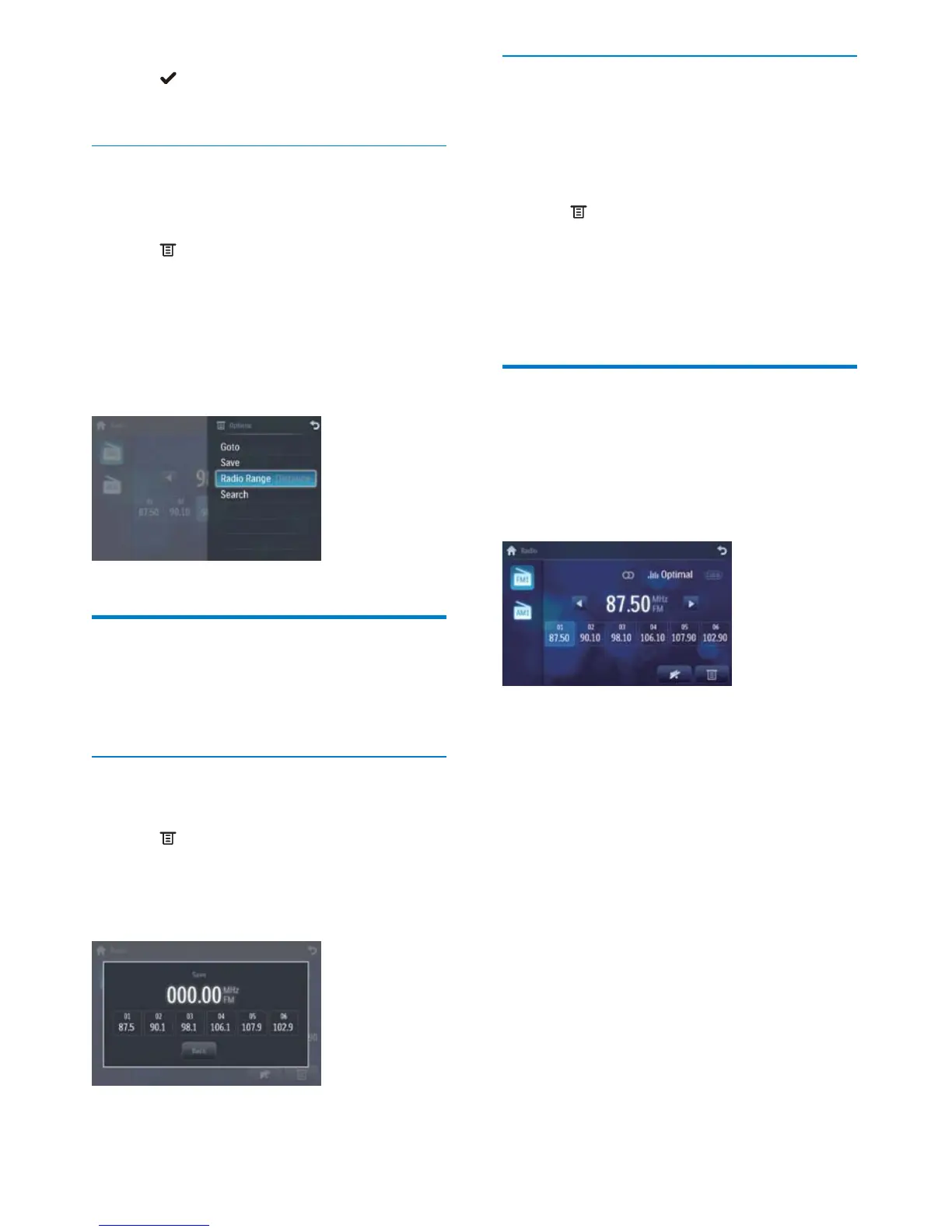
Store radio stations in
memory
You can store up to 6 stations in each band.
Store stations manually
1 Tune to the station.
2 Tap .
3 Tap [Save].
4 Tap one of the channels 01 to 06 to save
the select band.
EN



 To Next Page