21
8 Adjust sound
Adjust volume
1
Turn /MUTE/VOL button clockwise to
increase volume.
2 Turn /MUTE/VOL button anti-clockwise
to reduce volume.
Mute
1
During play, press /MUTE/VOL.
To restore the sound, press •
/
MUTE/VOL again.
Tip
You can also tap • on the screen to turn off
sound.
Select preset equalizer
You can select preset equalizer:
• [User]
• [Techno]
• [Rock]
• [Classic]
• [Jazz]
• [Optimal]
• [Flat]
• [Pop]
1 Tap anywhere except for the upper left
corner to display menu on the screen, if
necessary.
2 Tap .
The current Equalizer setting is »
displayed.
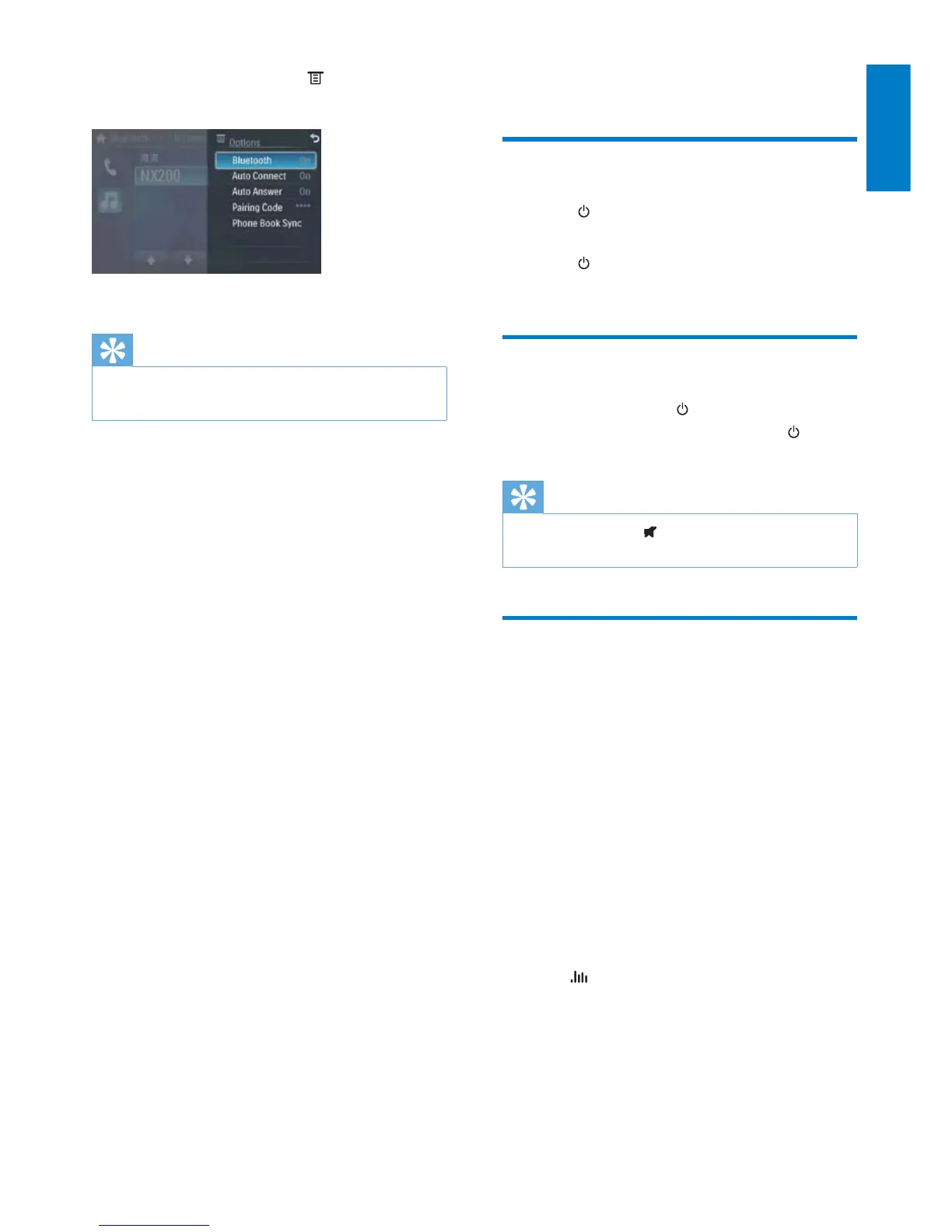
1 In Bluetooth menu, tap .
The option menu is displayed. »
2 Tap an option to change the setting.
Tip
You can also adjust Bluetooth settings in the •
“Settings” menu.
English
EN



 To Next Page