12
English
DAB Radio
RADIO RECEPTION
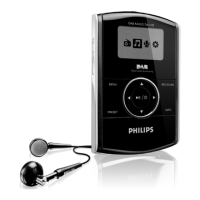
With this DAB pocket radio, you can tune to DAB radio sta-
tions.The headphone cable also serves as an aerial.
1
Connect the supplied headphones to the
p socket of the player.
2
Press and hold
2;
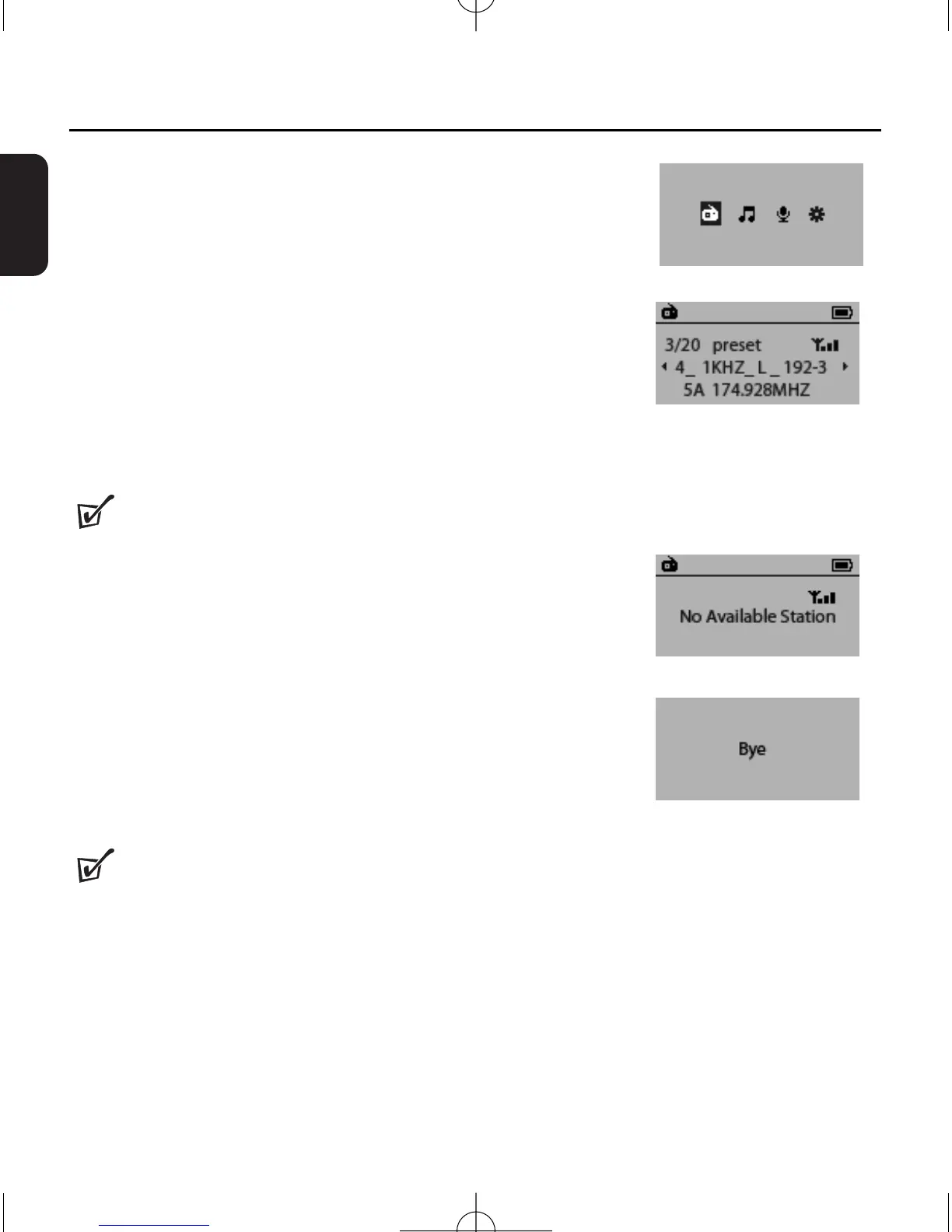
/B to switch on the set.
➜ Display shows the main menu.
3
Press
1/2
to select the DAB radio mode, and then press
2;
/B.
➜ The last detected station plays and the list of available sta-
tions is stored.
Helpful Hints :
– If the tuning fails, the display shows No Available
Station.You can press REC/SCAN to select Local
Scan, Full Scan or Manu Tune (see Tuning/retuning).
TO SWITCH OFF THE RADIO
•
Press MENU to select another mode.
• Press and hold
2;
/B for 3 seconds.
➜
Display shows Bye ....
➜
The display backlight goes out.
Helpful Hints :
–
Activate the HOLD function to save battery power and to prevent switching on the set
accidentally.


 To Next Page