18
English
Settings
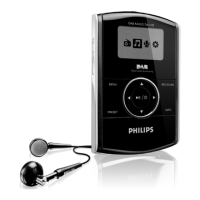
You can set your preferences in your player to suit your needs.
1 Press MENU
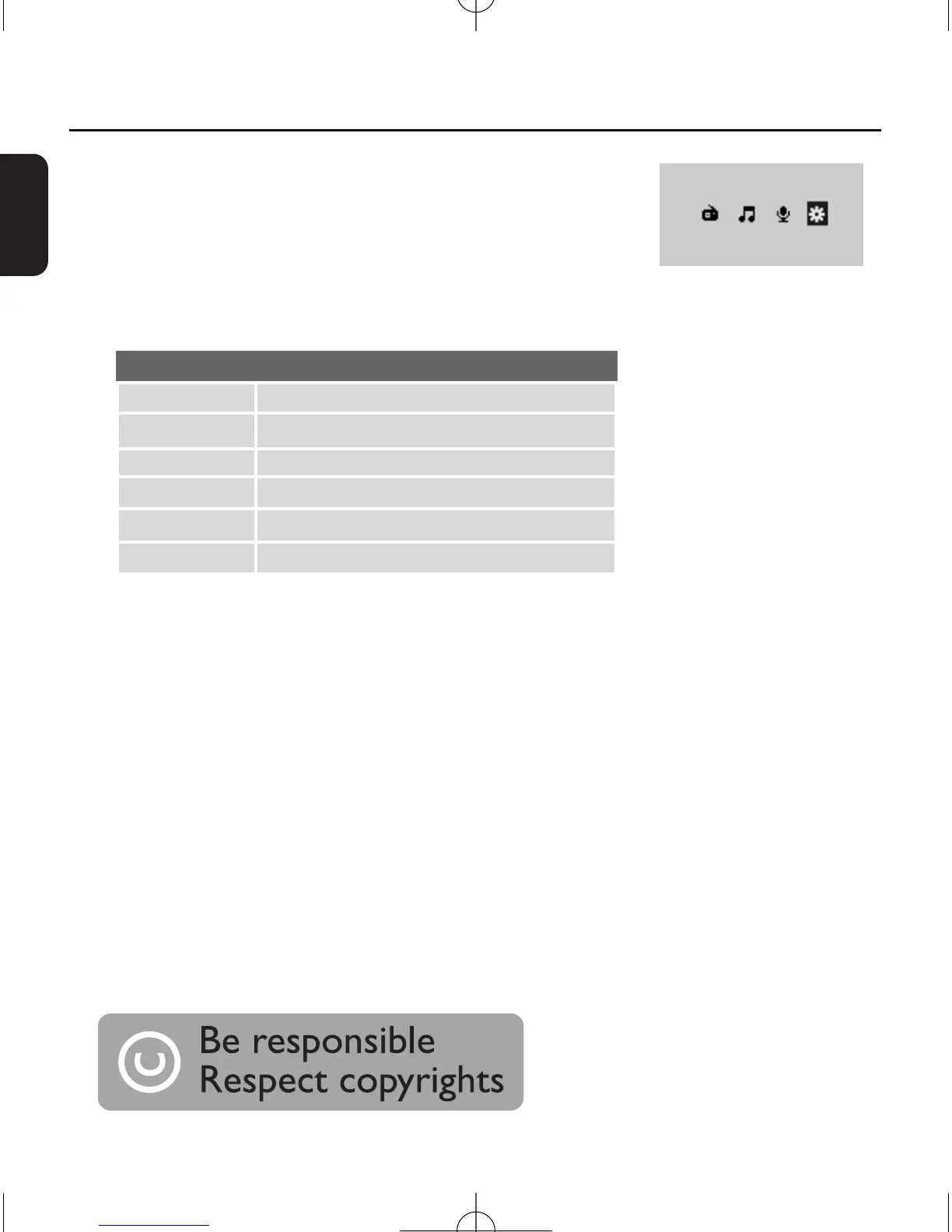
and select the settings icon.
2 Press
2;
/B to enter the settings menu.
3 Press
3/4 to select your desired option.
4 Press 1/ 2
to select your desired settings.
5 Press MENU to exit
.
Options
EQ
Play Mode
Contrast
Backlight
Free Cap
Version
Settings
ROCK/JAZZ/CLASSIC/POP/OFF
Shuffle/Repeat/Repeat All/OFF
00/10/20/30/40
ON/5s Off/10s Off/15s Off/20s Off
Free capacity of the memory
Version information
The making of unauthorized copies of copy-protected
material, including computer programmes, files, broad-
casts and sound recordings, may be an infringement of
copyrights and constitute a criminal offence.This equip-
ment should not be used for such purposes.
DA1102_05_Eng 2007.9.10 2:11 PM Page 18


 To Next Page