14
English
DAB Radio
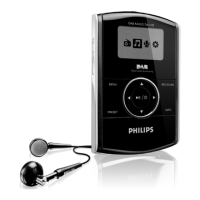
SELECTING A STATION
In DAB mode
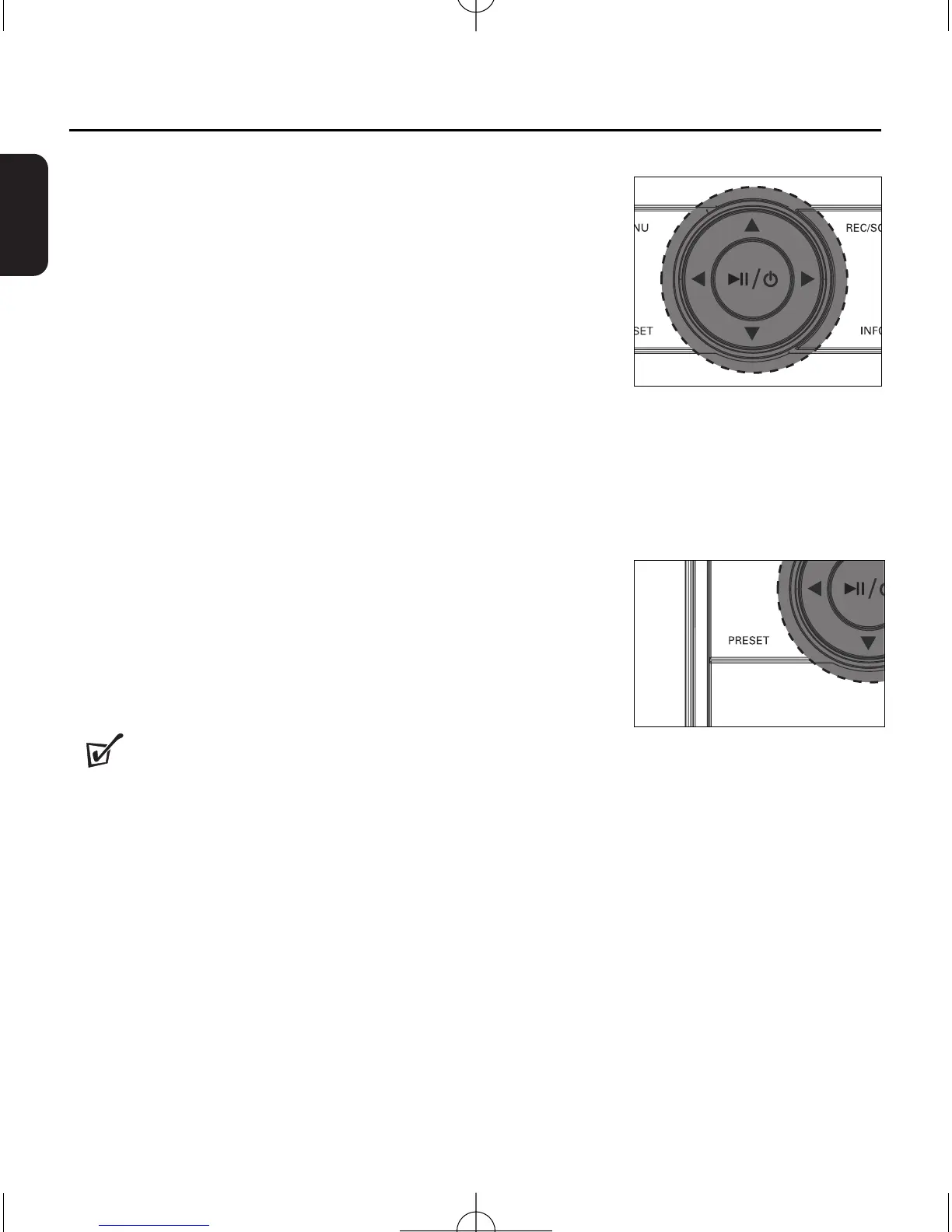
After your radio has been tuned, you can select a station
using the navigation control.
1
Press
1/2 repeatedly until your desired station name is
displayed.
➜ After successful tuning, the display shows the selected sta-
tion name, battery level, and signal reception strength.
SAVING & RECALLING PRESETS
With stations saved as presets, you can quickly access your
desired station after the radio is switched on.
Saving a preset
1
During playing a station,
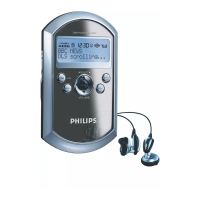
press and hold
PRESET.
➜ Display shows: Add preset < X > (X denotes a preset
station number).
2
Press
1/ 2
to select a desired preset number.
3 Press
2;
/B
to confirm.
➜ The station is successfully saved.
Helpful Hints :
–
You can save up to 20 preset radio stations.
RECALLING A PRESET
1 Press PRESET.
➜ Display shows: current preset number, current station name, battery level, signal
reception strength, and DAB service information.
2 Press 1/ 2 once or more to find your desired preset.
➜ Your desired preset radio station plays.


 To Next Page