English
10
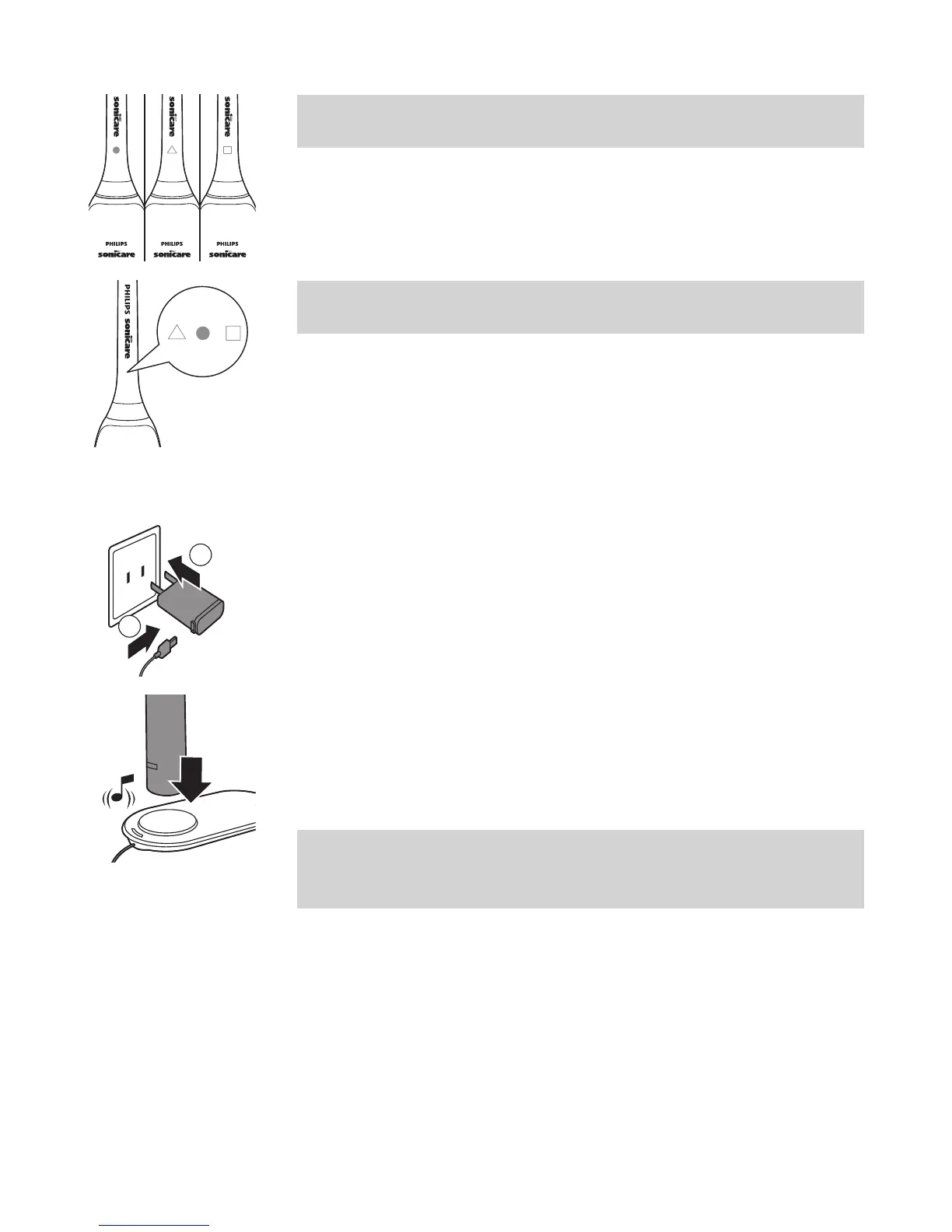
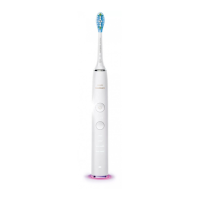
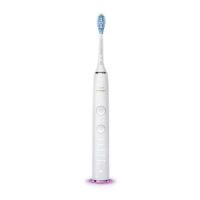
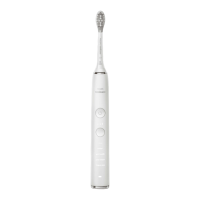
Note: Philips Sonicare brush heads are imprinted
with icons to easily identify your brush head.
Note: It is normal to see a slight gap between the
brush head and the handle.
Charging your Philips Sonicare
1 Plug the USB of the wireless charging pad into
the wall adapter and plug into the wall socket.
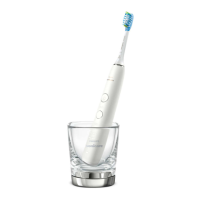
2 Place the handle vertically on the charging
platform (the raised surface of the charger).
- The charging pad beeps when the toothbrush is
correctly placed onto the charging platform.
Note: There may be a delay for the charging
pad to beep while the charging pad
synchronizes with the handle.
- While the toothbrush is charging, the charging
indicator ashes white on the charging pad.
1
2





 To Next Page