English
17
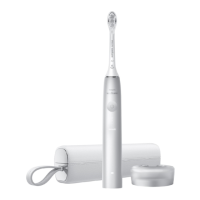
3 Insert the toothbrush handle underneath the
elastic band in the middle insert to ensure the
handle stays in place while traveling.
4
Place the middle insert back into the travel case
.
5 Brush heads can be stored in the netted pouch
of the travel case.
Cleaning
Note: Do not clean the brush head, handle,
charging pad or travel pouch in the dishwasher.
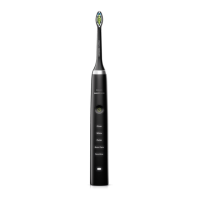
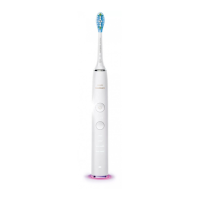
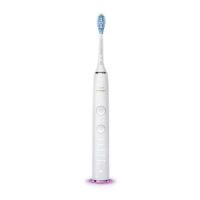
Toothbrush handle
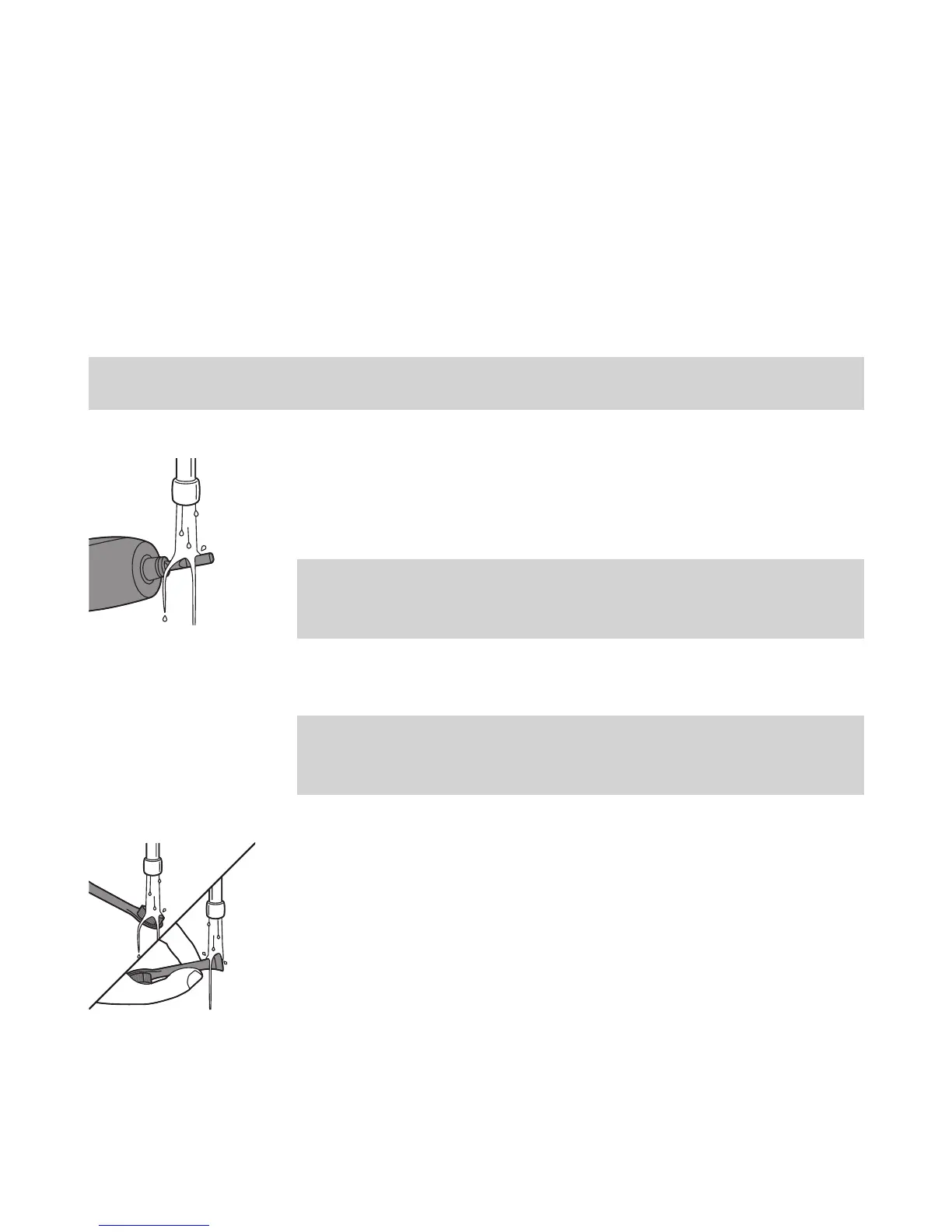
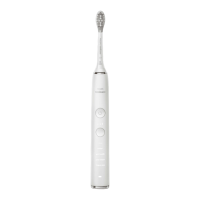
1 Remove the brush head and rinse the metal
shaft area with warm water. Make sure you
remove any residual toothpaste.
Note: Do not push on the rubber seal on the
metal shaft with sharp objects, as this may
cause damage.
2 Wipe the entire surface of the handle with a
damp cloth.
Note: Do not use isopropyl rubbing alcohol,
vinegar or bleach to clean handle as this may
cause discoloration.
Brush head
1
Rinse the brush head and bristles after each use.
2 Remove the brush head from the handle and
rinse the brush head connection with warm
water at least once a week.
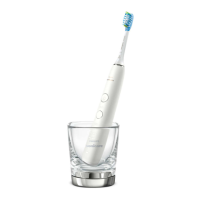
Charging Pad & Travel Pouch
1 Unplug the charger.
2 Use a damp cloth to wipe the surface of the
charging pad and travel pouch.





 To Next Page