English
12
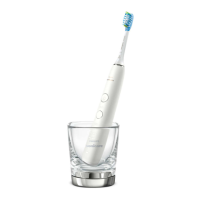
This charger is not compatible with other models
of Philips Sonicare.
Do not place metallic objects on the charging
pad as handle charging may be aected and may
cause the metallic object to overheat.
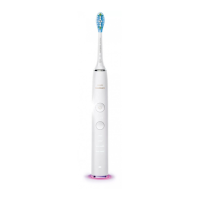
Battery status (when handle is not on charger)
When removing the Philips Sonicare from the
charging pad or after a brushing session, a battery
light at the bottom of the toothbrush will indicate
the status of the battery life.
- Solid green LED: Between 2-3 weeks of
brushing sessions left
- Flashing green LED: Approximately 1 week of
brushing sessions left
Only after a brushing is complete
- Flashing orange LED and three beeps: Only a
few brushing sessions left
- Flashing orange LED and two sets of ve beeps:
No brushing sessions left (charge toothbrush)
Note: These indications are based o of using
the device twice per day in Clean Mode.
Other modes or more frequent usage may
decrease the battery life.
Using your Philips Sonicare
Brushing instructions
1 Wet the bristles.





 To Next Page