EasyManua.ls Logo

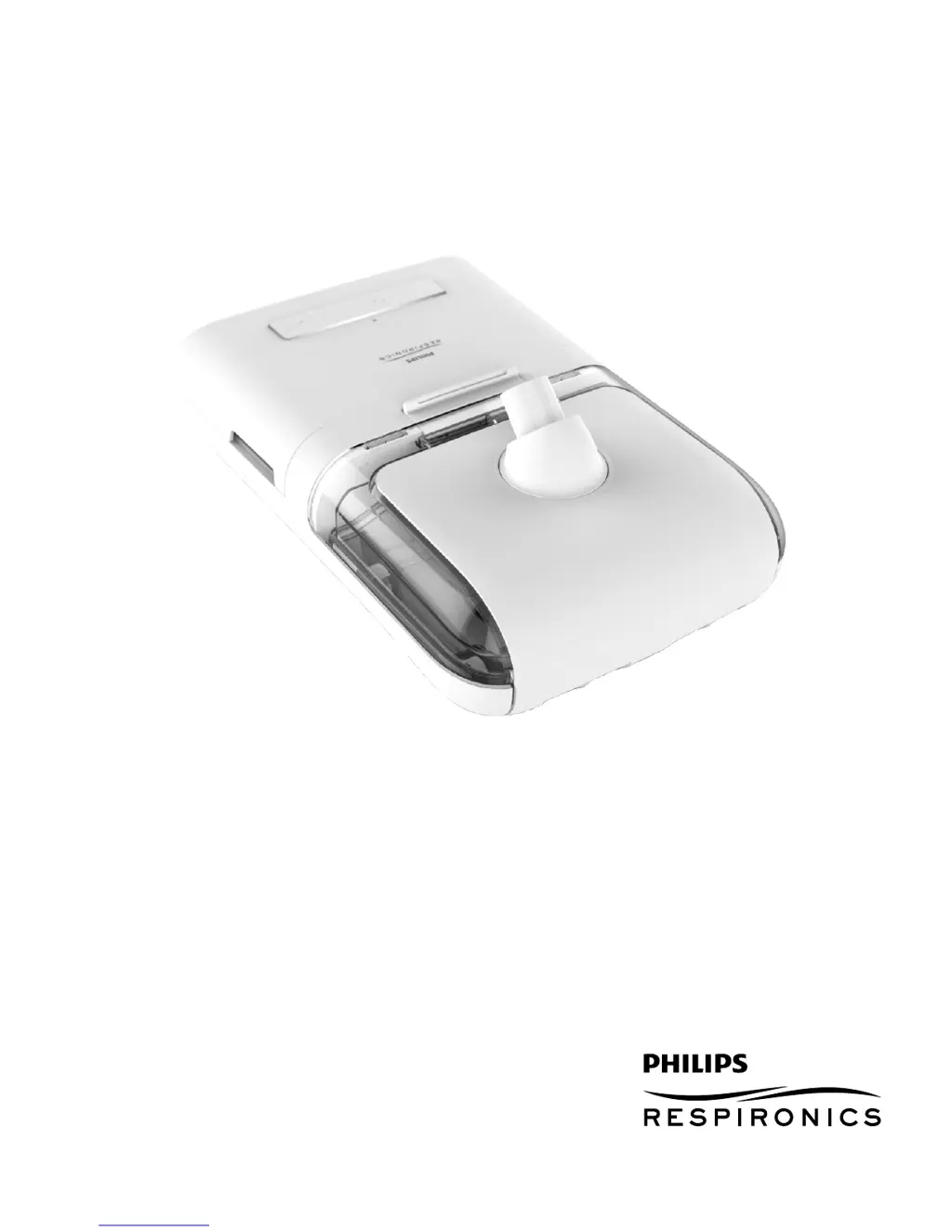
Philips DreamStation - User Manual

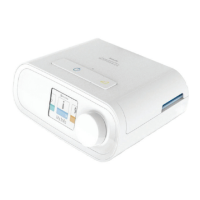
Philips DreamStation
16 pages
Print Icon
To Next Page IconTo Next Page
Loading...
User manual
DreamStation Heated Humidifier

Other manuals for Philips DreamStation

Questions and Answers

  • M
    Michael WestNov 22, 2025
    Why can't I adjust the settings on my Philips DreamStation Health Care Products heated humidifier?
    • J
      Jason KnoxNov 22, 2025
      If you're having difficulty adjusting the heated humidifier or heated tube temperature settings on your Philips Health Care Products, it could be because the blower is not turned on, or the humidifier or heated tube is not fully connected. The humidifier setting and tube temperature settings can only be adjusted from the Therapy ON display screen on the therapy device. Confirm that the blower is turned on, and that the settings are visible on the right side of the screen, then adjust to desired comfort. If the blower is on but the humidifier settings are not displayed on the Therapy ON screen, then unplug the device. Confirm that the humidifier and/or heated tube electrical contacts are not obstructed or damaged. Then reconnect the humidifier and/or heated tube, and reconnect the device’s ...
  • S
    stacie88Aug 25, 2025
    What to do if Philips DreamStation Health Care Products humidifier airflow is low?
    • A
      Ashley BuckleyAug 25, 2025
      If the therapy device is operating but the humidifier’s airflow is low or stopped on your Philips Health Care Products, it indicates that the humidifier has an airflow obstruction. Contact your home care provider and return the humidifier and power supply to your provider to determine the problem.
  • C
    Chelsea NealAug 27, 2025
    Why does my Philips Humidifier water chamber empty so quickly?
    • S
      Steven BirdAug 27, 2025
      Several factors can cause the Philips Humidifier water chamber to empty quickly. Ensure the chamber is filled to the maximum line before starting. A mask leak, dry or cool ambient conditions, and humidifier settings also play a role. Check your mask fit using the Check Mask Fit function and adjust to reduce leaks. Also, confirm that the device, humidifier, humidifier seals, and tube are connected properly and not leaking. Lowering humidifier or heated tube settings or switching to adaptive humidification mode may help.
  • S
    Sarah FernandezAug 27, 2025
    What to do if my Philips Humidifier has a high leak?
    • B
      baileymaureenAug 27, 2025
      If your Philips Humidifier indicates a high leak, start by checking the tubing for kinks or tears; replace if damaged. Ensure the therapy device is securely connected to the humidifier, aligning the air inlet and outlet ports. Also, make sure the humidifier tank is correctly seated in the base. Check that the dry box seal and humidifier lid seal are present, properly aligned, and fully seated; reseat them if loose.
  • E
    Ebony FrazierAug 29, 2025
    What to do if I hear a leak coming from Philips Humidifier?
    • M
      Melissa CarrAug 29, 2025
      If you hear a leak or whistling sound (not related to the mask) from your Philips Humidifier, first check that the therapy device air inlet isn't obstructed and the filters are clean and properly inserted. Then, make sure the device, humidifier, and tube are correctly connected and not leaking. Finally, check that the humidifier lid seal and dry box seal are present and properly seated; gently press around them to reseat if necessary.
  • A
    Andrea RollinsSep 23, 2025
    What happens if I spill water into my Philips DreamStation Health Care Products humidifier?
    • F
      farleychristineSep 23, 2025
      A small amount of water spilled in the basin of the humidifier will not harm your Philips Health Care Products device, it will evaporate under normal use. However, too much water in the humidifier basin could spill over the humidifier lid hinge and might damage your furniture. Disconnect power from the device. Remove the water chamber, pour out any excess water until the water level is at or below the maximum fill line and set the chamber aside. Separate the humidifier from the therapy device, and pour out the spilled water. Once the heater plate has cooled, wipe the inside of the humidifier with a paper towel or soft cloth. If needed, dry the underside of the humidifier and confirm that your table top is dry. Reconnect the humidifier and power supply, and reinstall the water chamber.
  • E
    Elizabeth SpencerSep 16, 2025
    Why is my Philips DreamStation heated tube not warming?
    • J
      John GregorySep 16, 2025
      If your Philips Health Care Products heated tube is not warming, ensure that the Heated Tubing setting is not set to zero. Refer to your therapy device’s user manual for instructions.
  • L
    Lori AndersonSep 18, 2025
    What to do if my Philips Health Care Products humidifier is damaged?
    • N
      nhermanSep 18, 2025
      If your Philips Health Care Products humidifier does not operate properly after being dropped or mishandled, contact your home care provider or Philips Respironics.
  • L
    Lisa GuzmanSep 8, 2025
    Why Philips Humidifier doesn't turn on?
    • A
      Ashley JonesSep 8, 2025
      If your Philips Humidifier doesn't turn on, verify that both the humidifier and therapy device are properly plugged in. Ensure the DC power cord is correctly connected to the power supply and the power supply cord is correctly plugged into the wall. If the issue persists, contact your home care provider and return the humidifier, therapy device, and power supply to determine the source of the problem.
  • C
    Carrie CoxSep 5, 2025
    What to do if my Philips Humidifier airflow is low?
    • M
      Melissa RothSep 5, 2025
      If the Philips Humidifier's airflow is low or stopped while the therapy device is operating, contact your home care provider. Return the humidifier and power supply to your provider to determine the problem.

Summary

Intended Use

Warnings

Cautions

Contraindications

System Overview

System Features and Contents

Connecting to the Therapy Device

Connecting the Tubing

Daily Use

Disconnecting the Tubing

Instructions for safely detaching the heated or standard tubing from the humidifier.

Disconnecting the Therapy Device

Steps to safely separate the humidifier from the therapy device.

Checking the Humidifier Lid Seal

Home Cleaning Instructions

Water Tank

Procedures for cleaning the water tank, including hand washing and dishwashing.

Humidifier Base

Steps for cleaning the humidifier base and outlet port.

Heated Tubing

Instructions for cleaning the heated tubing before first use and weekly.

Service

Traveling with the System

Packing the System

Guidance on how to pack the humidifier for travel.

Disposal

Troubleshooting

Specifications

Heated Tubing Specifications

Technical details and operating parameters for the heated tubing accessory.

Limited Warranty

Philips DreamStation Specifications

General IconGeneral
Device TypeCPAP Machine
ModelDreamStation
Pressure Range4-20 cm H2O
Heated TubingOptional
Compliance DataYes
Ramp Time0-45 minutes
Power SupplyAC
Therapy ModesCPAP, Auto
Altitude CompensationYes
Data StorageSD Card
AC Voltage100 - 240 VAC, 50/60 Hz
DC Voltage12 VDC
HumidificationIntegrated Heated Humidifier
Power SourceAC
ConnectivityBluetooth
BrandPhilips
HumidifierOptional, integrated

Related product manuals