4
ConnectingtotheTherapyDevice
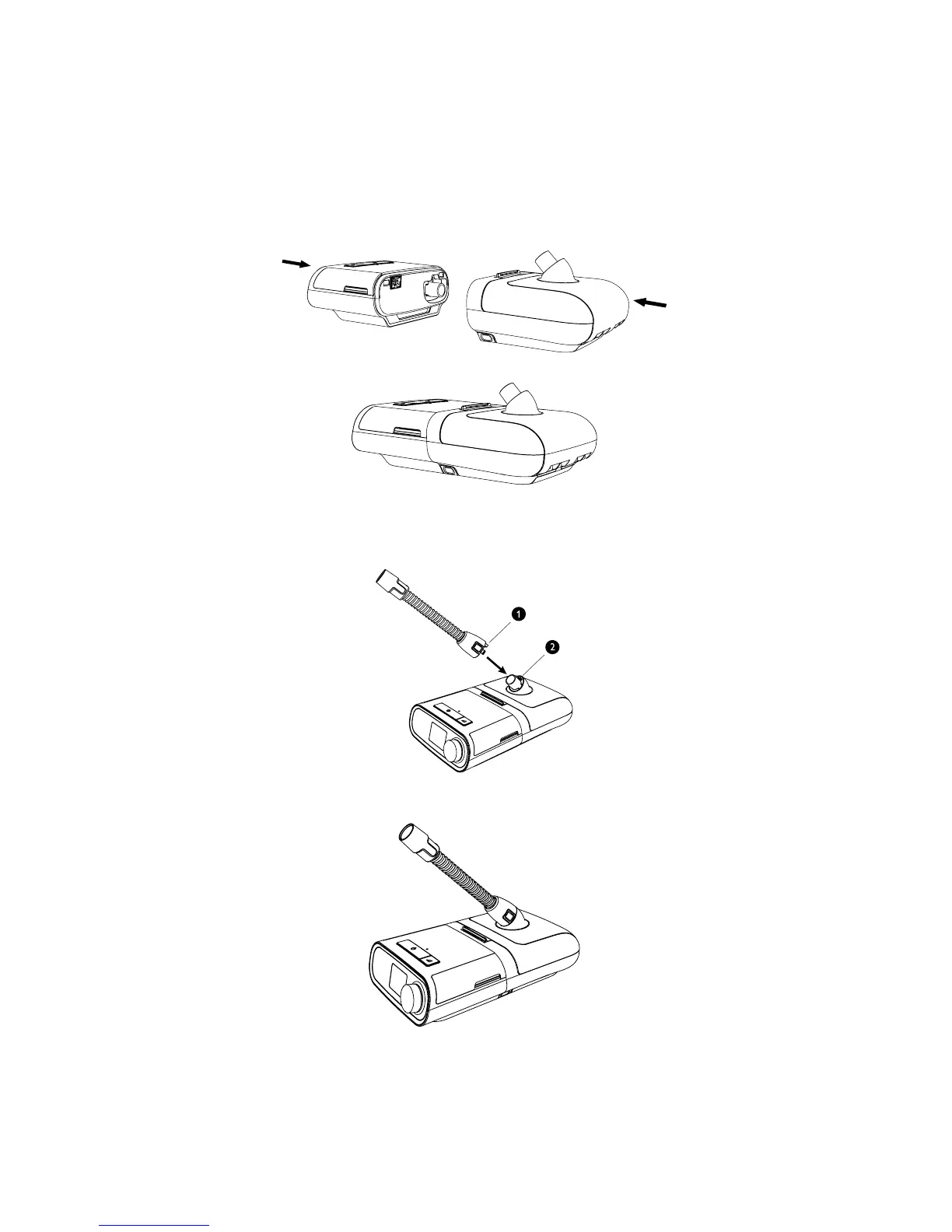
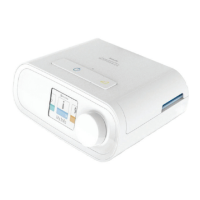
1. Place the therapy device and heated humidier (with an empty water tank) on a rm, at surface.
Caution: Do not move the humidier while the water tank has water in it.
2. Line up the back of the therapy device to the front (top lid release latch side) of the heated humidier.
3. Make sure the air outlet port on the therapy device lines up with the air inlet port on the humidier (not shown).
4. Slide the two units together until they snap into place.
5. Make sure that the therapy device and the humidier are completely seated against each other.
ConnectingtheTubing
1. To attach the heated tube to the heated humidier, line up the connector (1) at the top of the heated tube to the
top of the air outlet port (2) on the humidier.
2. Press the tubing into place over the air outlet port until the tabs on the side of the tube click into place in the slots
on the sides of the outlet port.
3. If you are using a standard tube (not shown) instead of a heated tube, simply slide the tubing over the air outlet
port on the heated humidier.
Important: Before each use, examine the tubing for any kinks, damage, or debris. If necessary, clean the tubing to
remove the debris. Replace any damaged tubing.







 To Next Page