Setup Menu 12
Cancel all tracks
1 Press 1 234 keys to move the cursor to the
CLEAR button.
2 Press OK to erase all tracks.
3 Now you can input your favourite tracks again.
Playback tracks
When programming is completed,
1 Press 1 234 keys to move the cursor to the
PROG button.
2 Press OK.
➜ Playback starts with the selected
programmed sequence.
Stop the program playback
At the program page,
1 Press 1 234 keys to move the cursor to the
QUIT button.
2 Press OK to exit this menu or press STOP key
twice.
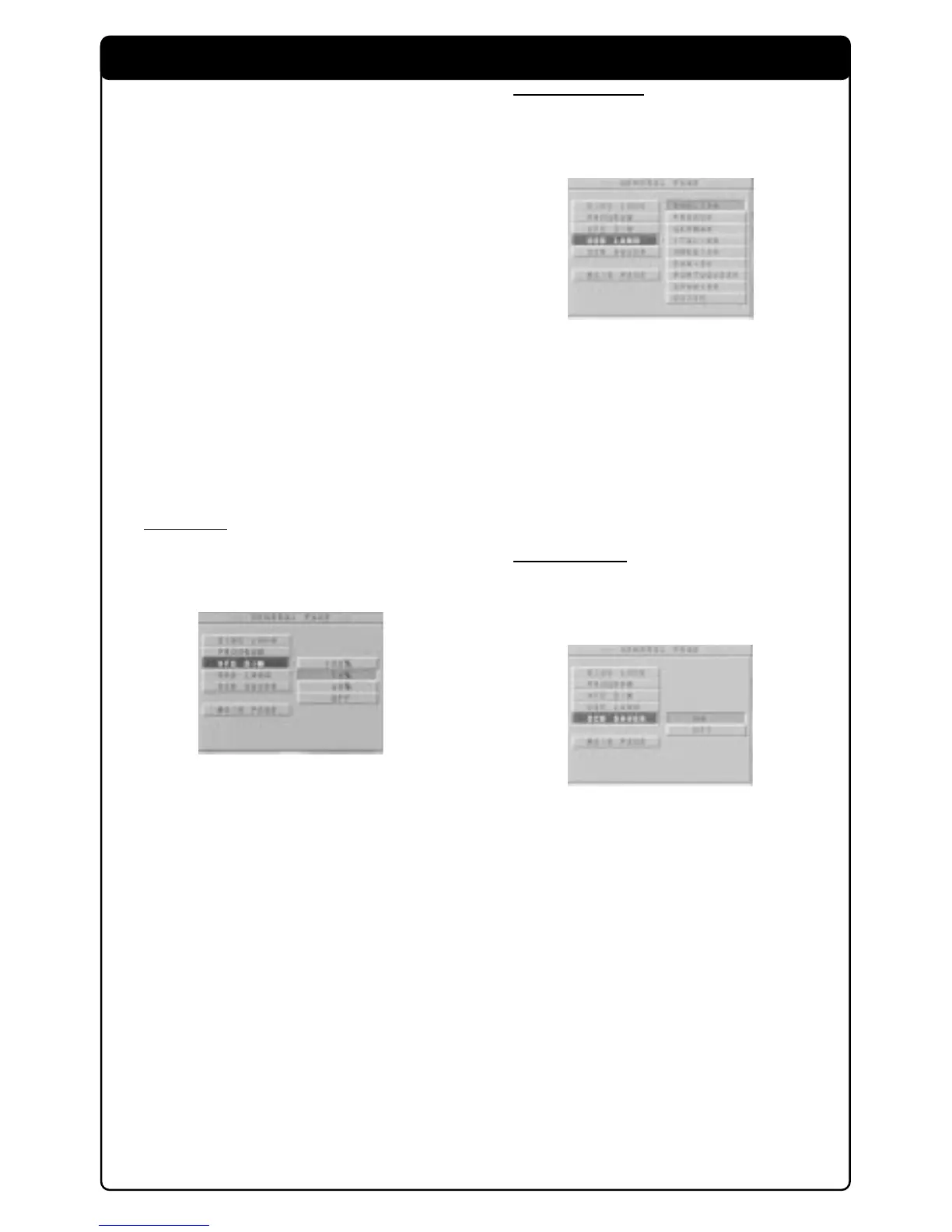
VFD Dim
This function is used to adjust the brightness of
the display on the front panel.
1 Press 34 keys to select the VFD DIM in the
General Setup menu and press OK to confirm.
2 Enter the submenu by pressing the 2 key.
3 Use the 34 keys to highlight an option.
➜ 100%: VFD brighter than normal.
➜ 70%: standard brightness
➜ 40%: VFD to dim mode
➜ OFF: switch off front panel display
4 Press OK and press 1 key to return to General
Setup menu.
OSD Language
There are 14 languages available for information
display on the TV screen.
1 Press 34 keys to select the OSD LANG in the
General Setup menu and press OK to confirm.
2 Enter the submenu by pressing the 2 key.
3 Use the 34 keys to highlight an option.
➜ ENGLISH: OSD information will be displayed
in English.
➜ FRENCH: OSD information will be displayed
in Français and etc.
4 Press OK and press 1 key to return to General
Setup menu.
Screen Saver
This function is used to turn on or off the screen
saver.
1 Press 34 keys to select the SCR SAVER in the
General Setup menu and press OK to confirm.
2 Enter the submenu by pressing the 2 key.
3 Use the 34 keys to highlight an option.
➜ ON: At stop mode, screen saver will turn on
within 5-6 minutes.
➜ OFF: Screen is disable.
4 Press OK and press 1 key to return to General
Setup menu.



 To Next Page