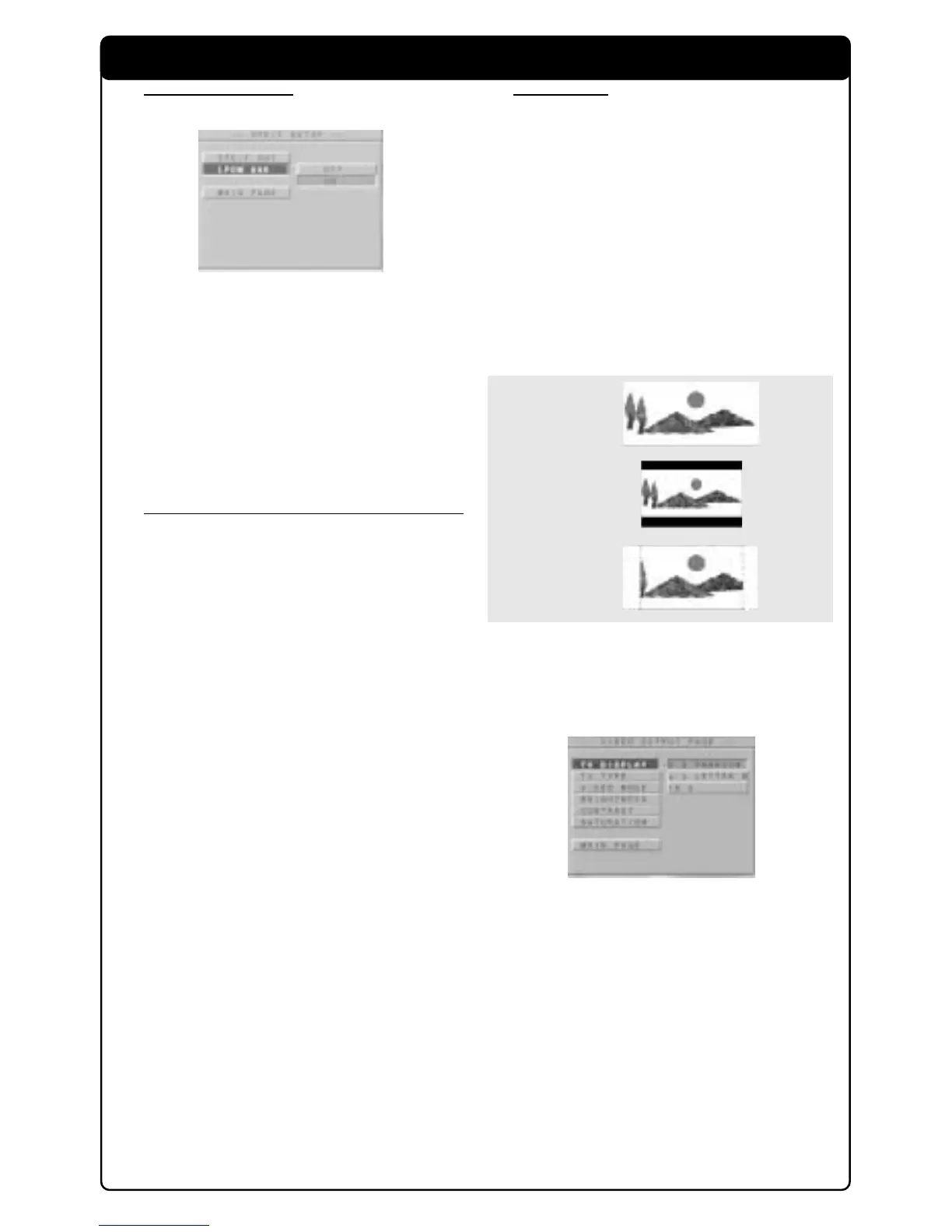
16:9
4:3
Letter Box
4:3
Pan Scan
Setup Menu 14
LPCM 96K mode
1 Press 34 keys to select the LPCM 96K in the
SPDIF Setup menu and press OK to confirm.
2 Enter the submenu by pressing the 2 key.
3 Use the 34 keys to highlight an option.
➜ ON: Detect the loading disc for appropriate
sampling rate.
➜ OFF: The decoding process is under the
sampling rate of 48KHz.
4 Press OK and press 1 key to return to SPDIF
Setup menu.
Video Out Setup
Some settings that are included in VIDEO OUT
PAGE menu are: TV DISPLAY, VIDEO OUTPUT,
TV TYPE, BLACK LEVEL, VIDEO MODE,
BRIGHTNESS, CONTRAST and SATURATION.
1 Press STOP twice.
2 Press SYSTEM MENU to enter its menu.
3 Select the VIDEO OUTPUT SETUP by pressing
34 key and OK the confirm selection.
TV Display
Select the aspect ratio of the TV to be
connected.
16:9 ➜ when you connect a wide-screen TV to
the DVD player.
4:3 LETTER BOX ➜ when you connect a
normal TV to the DVD player. Displays a wide
picture with bands displayed on the upper and
lower portions of the TV screen.
4:3 PAN SCAN ➜ when you connect a
normal TV to the DVD player. Displays the wide
picture on the whole TV screen with a portion
automatically cut off.
1 Press 34 keys to select the TV DISPLAY in the
General Setup menu and press OK to confirm.
2 Enter the submenu by pressing the 2 key.
3 Use the 34 keys to highlight an option.
4 Press OK and press 1 key to return to VIDEO
OUTPUT Setup menu.



 To Next Page