Setup Menu 13
Speaker setup
This menu contains setup options of your
speaker system, such as DOWNMIX and D.R.C
(Dynamic Range Compression).
1 Press SYSTEM MENU to enter the Setup menu.
2 Press 34 keys to choose SPEAKER SETUP
menu.
3 Press OK to confirm selection.
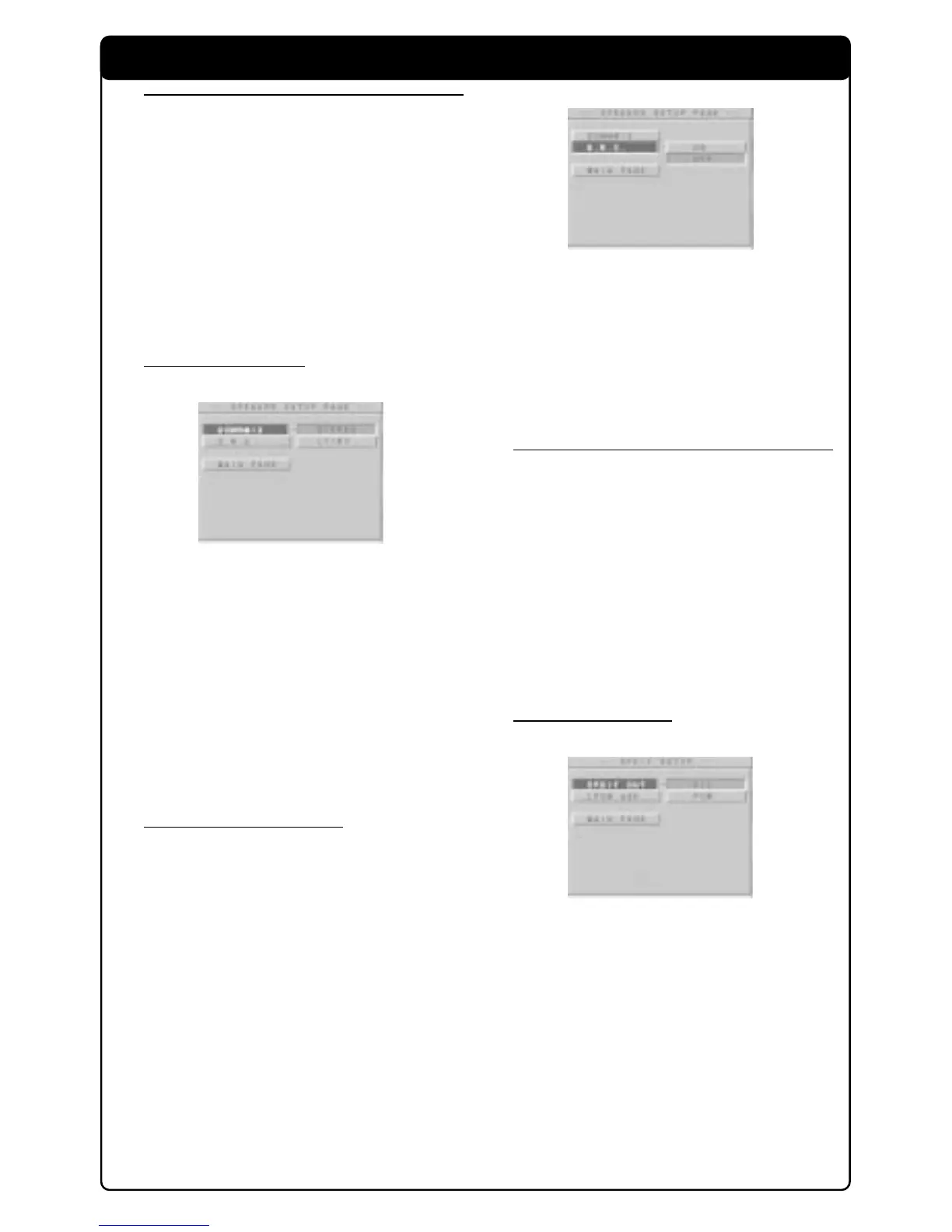
➜ Setting for SPEAKER SETUP menu appears
on the TV screen.
4 To exit to default screen, select MAIN PAGE.
DOWNMIX mode
1 Press 34 keys to select the DOWNMIX in the
Speaker Setup menu and press OK to confirm.
2 Enter the submenu by pressing the 2 key.
3 Use the 34 keys to highlight an option.
➜ STEREO: This setting will downmix the signal
of Dolby Digital and DTS into stereo signals
directly output from L/R connector.
➜ LT/RT: Select this setting when the DVD
player is connected to a Dolby Pro Logic
decoder.
4 Press OK and press 1 key to return to Speaker
Setup menu.
D.R.C (Dynamic Range
Compression)
To optimised the dynamic sound output. High
volume outputs are softened, enabling you to
watch your favourite action movie without
disturbing others.
1 Press 34 keys to select the D.R.C. in the
Speaker Setup menu and press OK to confirm.
2 Enter the submenu by pressing the 2 key.
3 Use the 34 keys to highlight an option.
➜ ON: Enable D.R.C.
➜ OFF: Disable D.R.C.
4 Press OK and press 1 key to return to Speaker
Setup menu.
SPDIF setup
1 Press SYSTEM MENU to enter the Setup menu.
2 Press 34 keys to choose SPDIF SETUP menu.
3 Press OK to confirm selection.
➜ Setting for SPDIF setup menu appears on the
TV screen.
4 To exit to default screen, select MAIN PAGE.
Note:
– SPDIF is the abbreviation of Sony Philips
Digital Interface which is a protocol of digital data
transfering.
SPDIF OUT setup
1 Press 34 keys to select the SPDIF OUT in the
SPDIF Setup menu and press OK to confirm.
2 Enter the submenu by pressing the 2 key.
3 Use the 34 keys to highlight an option.
➜ ALL: Original digital signals output
➜ PCM: Convert to PCM signals to digital
output.
4 Press OK and press 1 key to return to SPDIF
Setup menu.



 To Next Page