English
66
About video editing
After a recording has been made, this
recorder allows you to edit the video
content. You can add/delete chapter
marker, hide unwanted scenes, change
the picture in the index picture screen
and split a title (recording) into two.
When you playback a recording in video
edit mode, the entire recording will be
played back including hidden scenes.
The edit functions available in the disc
editing menu are:
{ Title }
– Select a speci c title (recording) to play.
{ Chapter }
– Select a chapter within the selected title.
{ Chapter Marker }
– Insert a chapter marker in the recording or
erase a chapter marker to combine two
chapters.
{ Hide Chapter }
– Hide the unwanted scene in the recording.
{ Index Picture }
– Select a scene in the recording as the index
picture screen.
{ Split Title }
– Divide the recording into two under
separate titles.
Edit Recordings - Recordable DVD (continued)
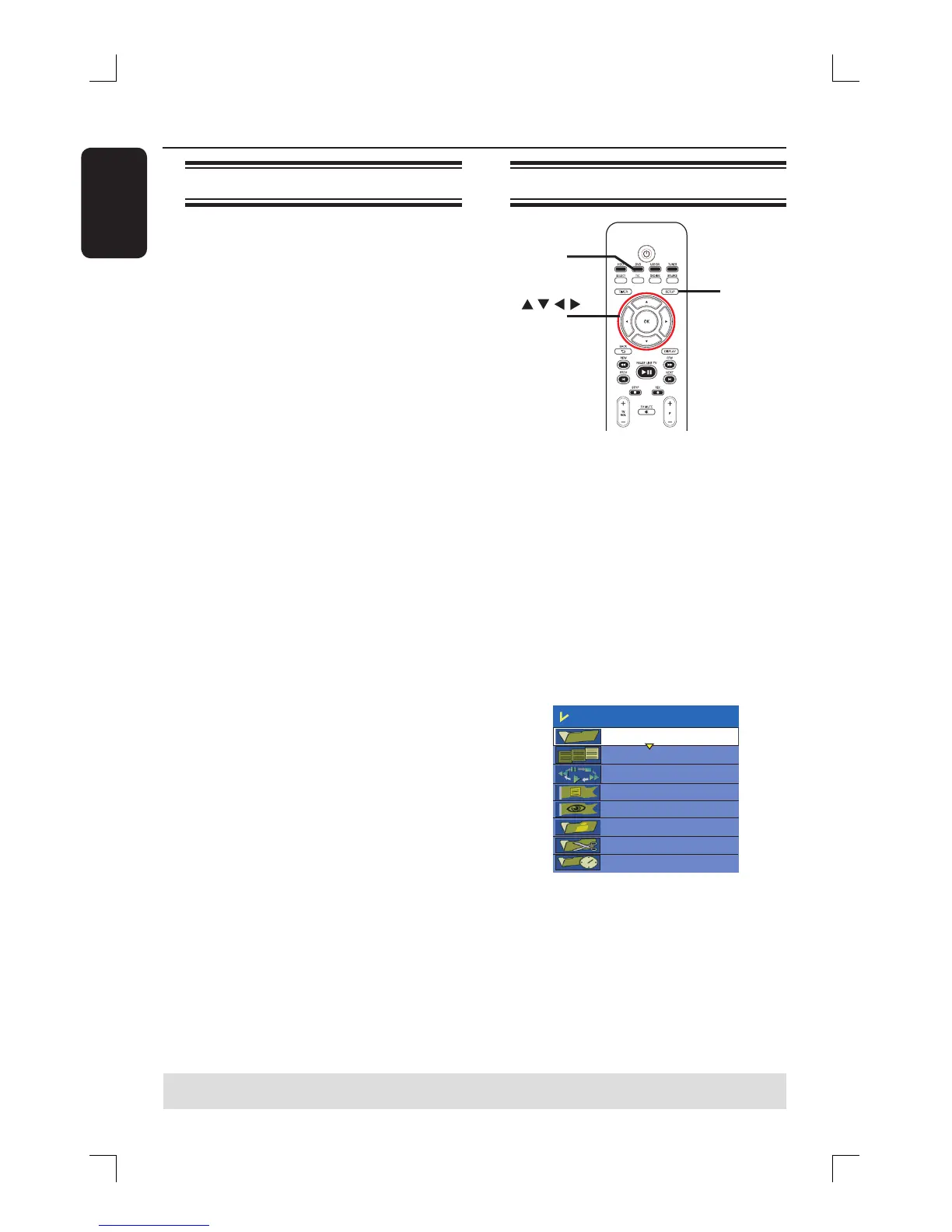
Accessing video editing menu
SETUP
DVD
OK
A
Insert a recorded DVD±R/±RW disc into
the recorder. Press DVD on the remote
control.
The Index Picture screen appears on
the TV.
B
Use ST keys to highlight a title
(recording), and press X to access the
menu.
The title editing menu appears.
C
Use ST keys to select { Edit Title }
and press OK.
The edit mode menu appears.
Edit Mode
Title 02/06
Chapter 01/10
Play
Chapter Marker
Hide Chapter
Index Picture
Split Title
Title Elapsed 0:20:45
D
Use ST keys to access different options
and press OK to select.
Instructions and explanation of the
options are provided in the following
pages.
E
To exit, press DVD.
TIPS: No further recording and editing can be carried out on a nalized DVD±R.
Press W to go back to the previous menu.















 To Next Page