1
2
3
4
5
6
7
8
0
9
I
I
MONITOR
TV / DVD
T / C PLAY MODE
REC. MODE
SELECT
OK
DISC
SYSTEM
MENU
CH
CH
TIMER
FSS
RETURN
CLEAR
TV VOLUME
PLAY
STOP
AUDIO
PAUSE
REC/OTR
STANDBY
34 Title/Disc Menus, Chapter/Track Selection
Title/Disc menus
1
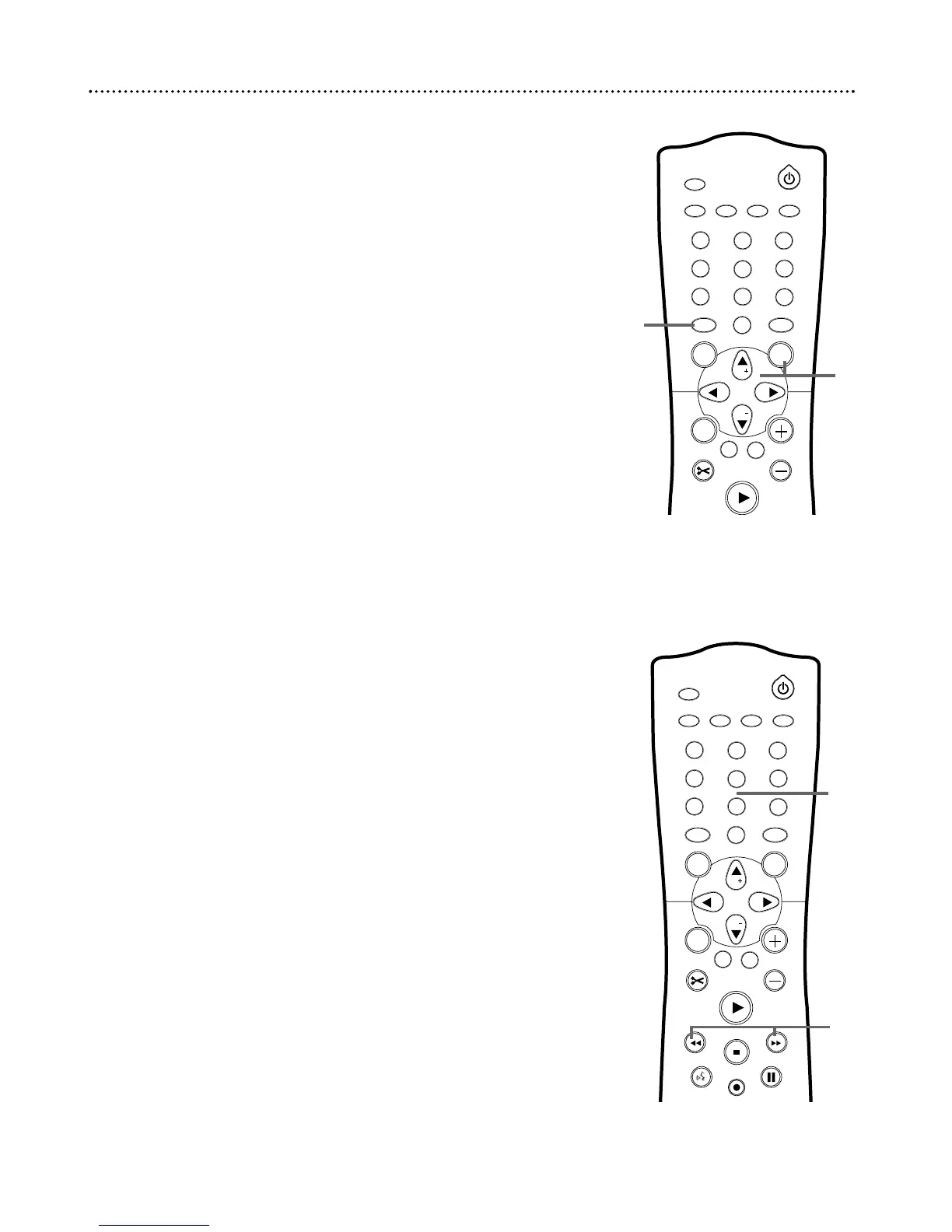
Press DISC MENU during Disc play.
For a DVD, if the current Title has a menu, the Title menu will
appear on the screen. Otherwise, the Disc menu will appear.The
menu will list features available on the current DVD and will vary for
every DVD.
For a DVD+RW or DVD+R, the Index Picture Screen will appear.
See page 32.
2
Press CH+8, CH-9, ;, and : to select items in the menu
or Index Picture Screen, then press OK. Repeat this process
until you set up all the features you want or until play begins.
1
2
3
4
5
6
7
8
0
9
MONITOR
TV / DVD
T / C PLAY MODE REC. MODE
SELECT
OK
DISC
SYSTEM
MENU
CH
CH
TIMER
FSS
RETURN
CLEAR
TV VOLUME
PLAY
STANDBY
Chapter/Track Selection
1
Press Next G during play to go to the next Track/Chapter.
Press Previous j once to return to the beginning of the
current Track/Chapter. Press Previous j repeatedly to step
back to previous Tracks/Chapters.
2
Or, to go directly to any Track/Chapter during play, press
the Number buttons to enter the Track/Chapter number.
If you enter an invalid number, the current Track/Chapter may con-
tinue to play. Or, an incorrect Track/Chapter may begin to play. Make
sure the Track/Chapter number you enter is available on the Disc.
Make sure the Chapter is available within the current Title.The
Menu Bar will disappear automatically in a few seconds.
1
2
1
2















 To Next Page