You can record and finalize DVD+Rs one time. After you fill a DVD+R or
complete all the recordings you want on a single DVD+R, finalize it.
Otherwise, the DVD+R will play only on this Recorder.To play the Disc on
other DVD Players, you must finalize it first.
Once you finalize a DVD+R, you cannot record on it anymore or make
editing changes.Therefore, make sure the Disc is as you want it before you
finalize it.
1
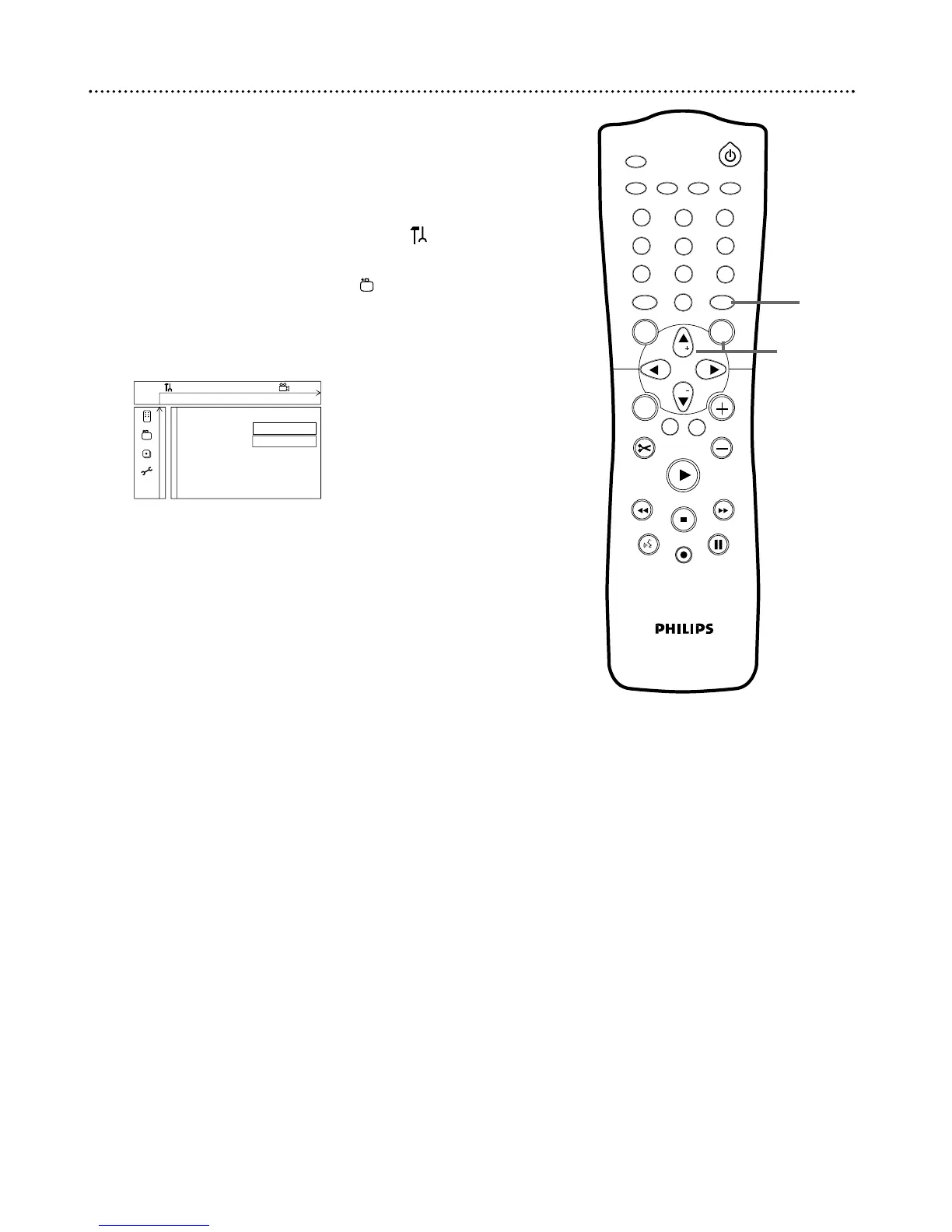
Press SYSTEM MENU. Press ; to select in the top left
corner of the menu bar at the top of the TV screen.
2
Press CH-9 repeatedly to select in the second screen,
then press :.
3
Press CH-9 repeatedly to select Finalize disc. Finalize disc
appears in the menu only when an unfinalized DVD+R is in the
Recorder.
4
Press OK. “Finalizing” will appear in the menu.The process may
take a few minutes. When finalization is complete, the Index
picture screen will reappear.
You cannot unfinalize a DVD+R, and you cannot record or
edit the DVD+R after you finalize it.
A DVD+R will play on other DVD Players only after the
Disc is finalized.
1
2-4















 To Next Page